テキストから画像 · 画像編集
Grok Imagine Image 2.0
テキストから作成、または最大5枚の参考画像で編集。正方形・横長・縦長の5比率に対応し、1枚4クレジットです。
- 画像サイズ
- 1:1 · 2:3 · 3:2 · 16:9 · 9:16
- 参考画像
- ≤ 5
- クレジット料金
- Grok Imagine Image 2.0: 4 クレジット / 枚
制作イメージ
構図と用途のアイデア
Grok Imagine Image 2.0 · 機能と使い方
画面を描写して比率を選ぶ
被写体、構図、光、正確な文字を分けて指定。用途に合う画面比率を先に選びます。
参考画像に役割を与える
被写体、背景、色をどの画像から使うか、残す要素は何かを明記します。
使い方
制作意図を説明
被写体、構図、光、正確な文字を指定してください。
参考素材を準備
最大5枚です。被写体、背景、配色などの役割を決め、同じ対象の参考は統一します。
出力設定を選択
画像サイズ: 1:1 · 2:3 · 3:2 · 16:9 · 9:16 · 参考画像: ≤ 5 · クレジット料金: Grok Imagine Image 2.0: 4 クレジット / 枚
プレビューを確認
ダウンロード前に被写体、文字、輪郭、トリミングを確認してください。
Grok Imagine Image 2.0 · プロンプト例
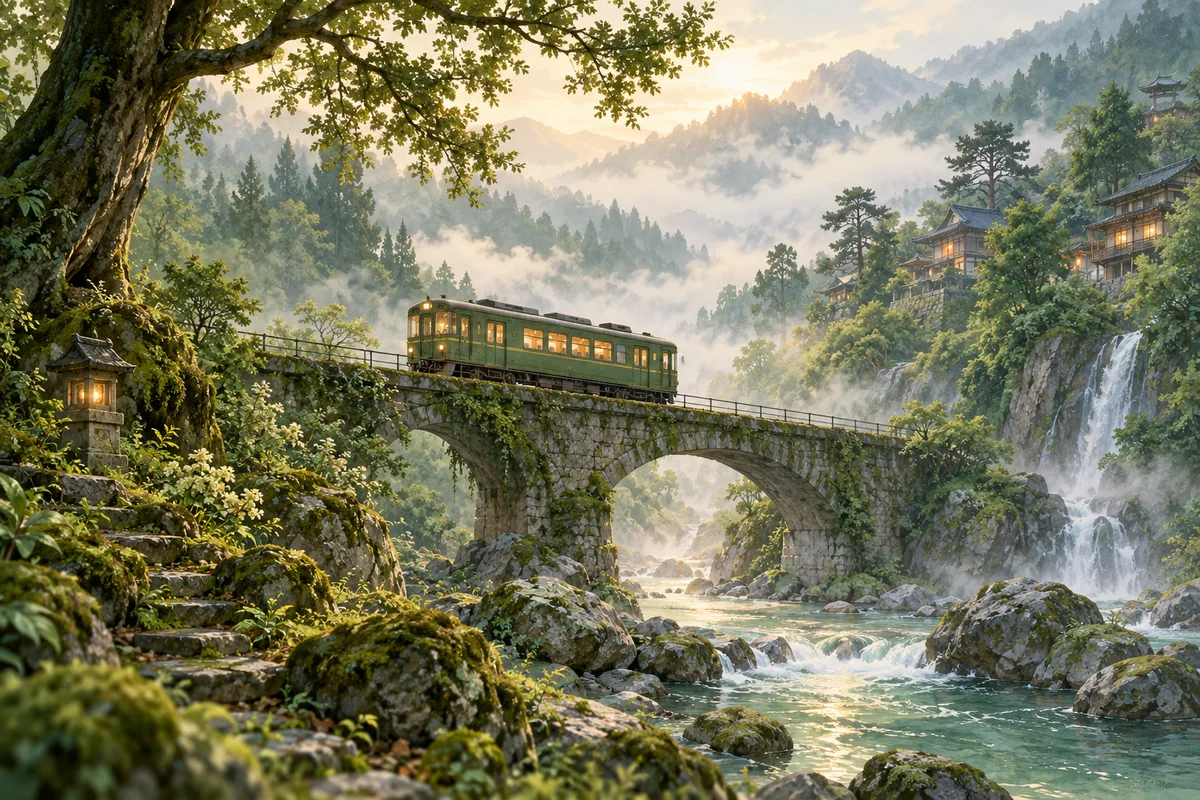
A train in the misty forest
A small olive-green train crossing a mossy stone bridge in a misty forest. Hand-painted watercolor scenery, warm windows, soft morning light. Wide composition, no lettering.
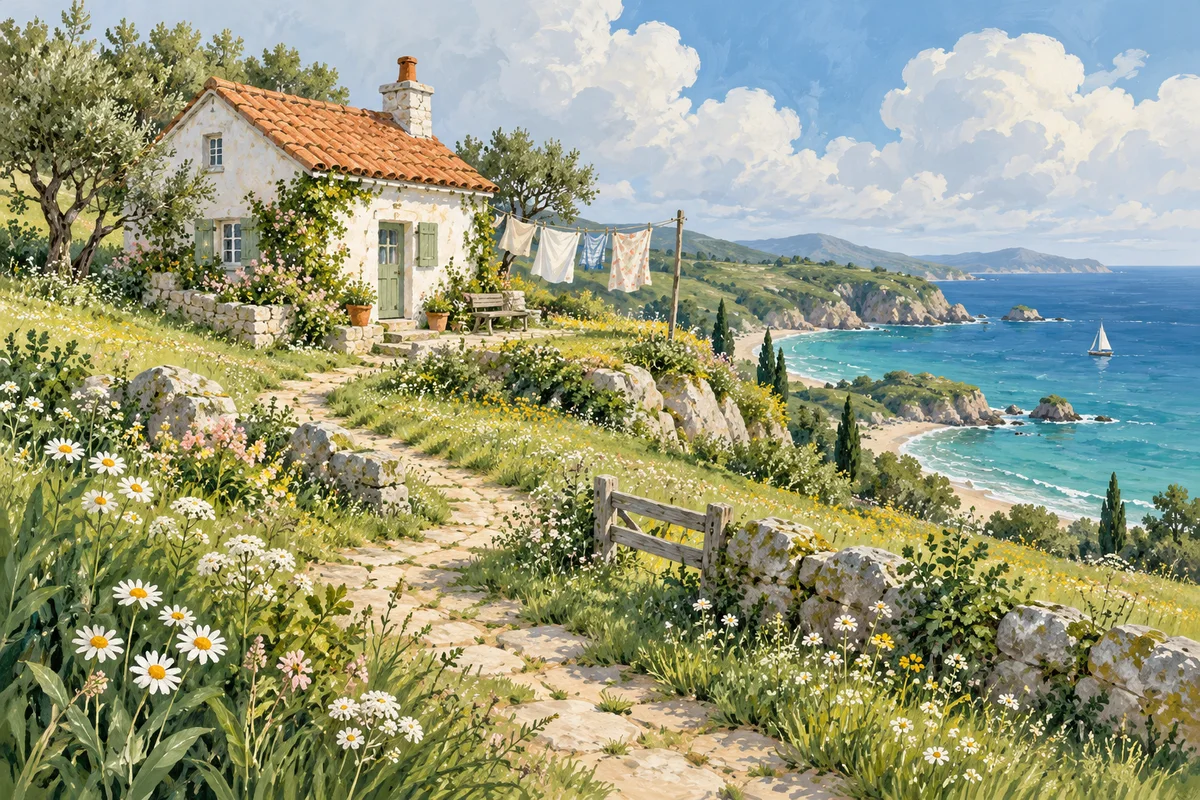
ワークスペースへA cottage above the sea
A cream cottage above a turquoise sea, a winding meadow path and flowers moving in the breeze. Original storybook gouache illustration, soft greens, terracotta roof, no lettering.
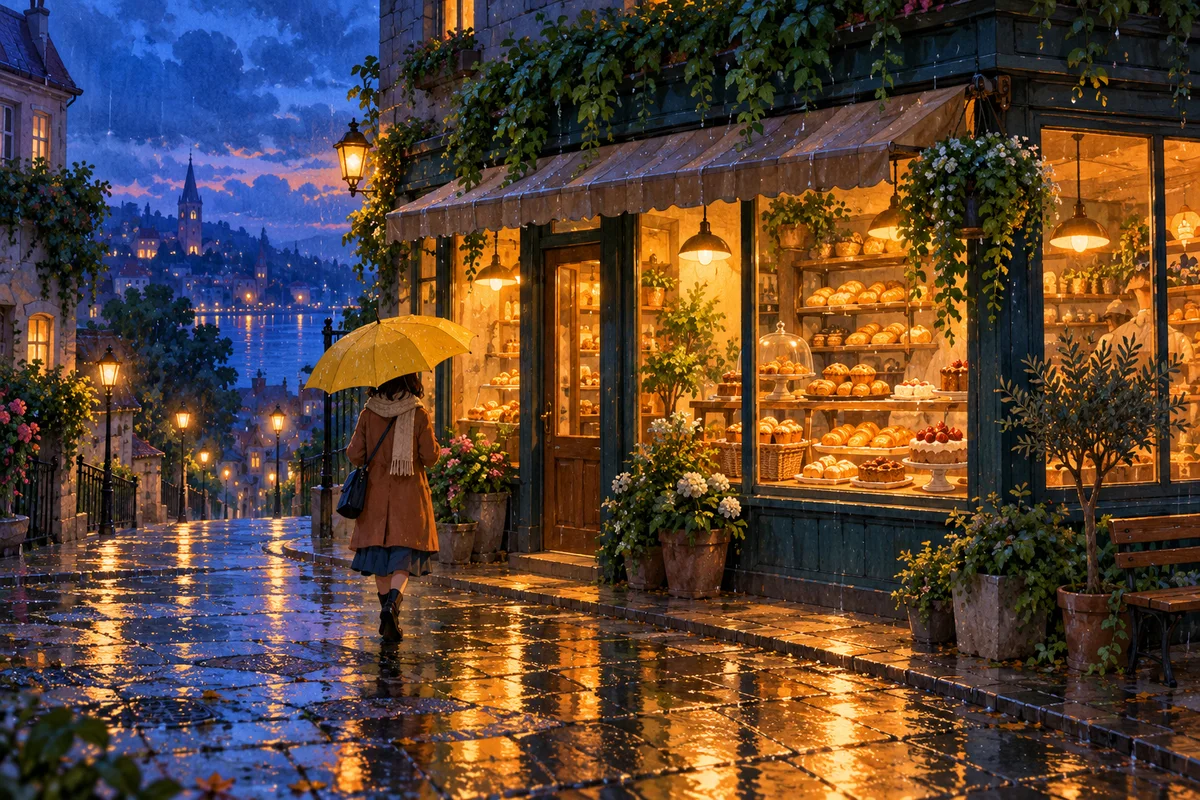
ワークスペースへA bakery on a rainy evening
A cozy neighborhood bakery at blue hour, glowing pastry windows, a person carrying a yellow umbrella and reflections on wet paving. Painterly animation background, no readable signs.
ワークスペースへ形式とクレジット
| 形式と制限 | クレジット / 枚 |
|---|---|
| 1:1 · 2:3 · 3:2 · 16:9 · 9:16 | 4 |
テキストから画像 · 画像編集
参考素材と仕上がりの確認
- 参考画像: 5
- 形式と制限: 1:1 · 2:3 · 3:2 · 16:9 · 9:16
- ダウンロード前に被写体、文字、輪郭、トリミングを確認してください。
Grok Imagine Image 2.0 · よくある質問
Grok Imagine Image 2.0はどう使い始めますか?
テキストから画像を選んでシーンを指定します。編集時は画像モードで参考画像を追加し、変更点を書きます。
Grok Imagine Image 2.0は参考画像を何枚使えますか?
最大5枚です。被写体、背景、配色などの役割を決め、同じ対象の参考は統一します。
Grok Imagine Image 2.0のサイズと比率は?
対応比率:1:1 · 2:3 · 3:2 · 16:9 · 9:16。正方形・横長・縦長を用途に合わせて選びます。
Grok Imagine Image 2.0で元画像の一部を残すには?
残す内容と変える内容を分けて指定します。生成後は文字と細部を確認してください。
Grok Imagine Image 2.0の画像は何クレジットですか?
Grok Imagine Image 2.0: 4 クレジット / 枚。送信前にワークスペースの見積もりを確認してください。
Grok Imagine Image 2.0の画像を動画にするには?
画像を保存し、動画モデルの画像または参考モードに追加します。尺と利用できる素材を比較してください。