- 圖片尺寸
- 1K · 2K · 4K
- 參考圖片
- ≤ 16
- 點數價格
- 1K: 3 點數 / 張; 2K: 10 點數 / 張; 4K: 16 點數 / 張
創作示例
畫面與用途示例
GPT Image 2.5 Flare · 功能與用法
先試構圖,再提高解析度
用 1K 檢查主體、排版與比例,確定方向後再選擇 2K 或 4K。
準備透明合成素材
在 1K 選擇透明背景並描述獨立主體,方便將產品或圖形放入其他設計。
如何使用
描述創作方向
描述主體、構圖、光線及需要出現的文字。
準備參考素材
最多 16 張。請分配主體、背景或配色等用途,同一對象的參考盡量一致。
選擇輸出規格
圖片尺寸: 1K · 2K · 4K · 參考圖片: ≤ 16 · 點數價格: 1K: 3 點數 / 張; 2K: 10 點數 / 張; 4K: 16 點數 / 張
預覽並檢查結果
檢查主體、文字、邊緣和裁切範圍,確認後再下載交付。
GPT Image 2.5 Flare · 提示詞示例
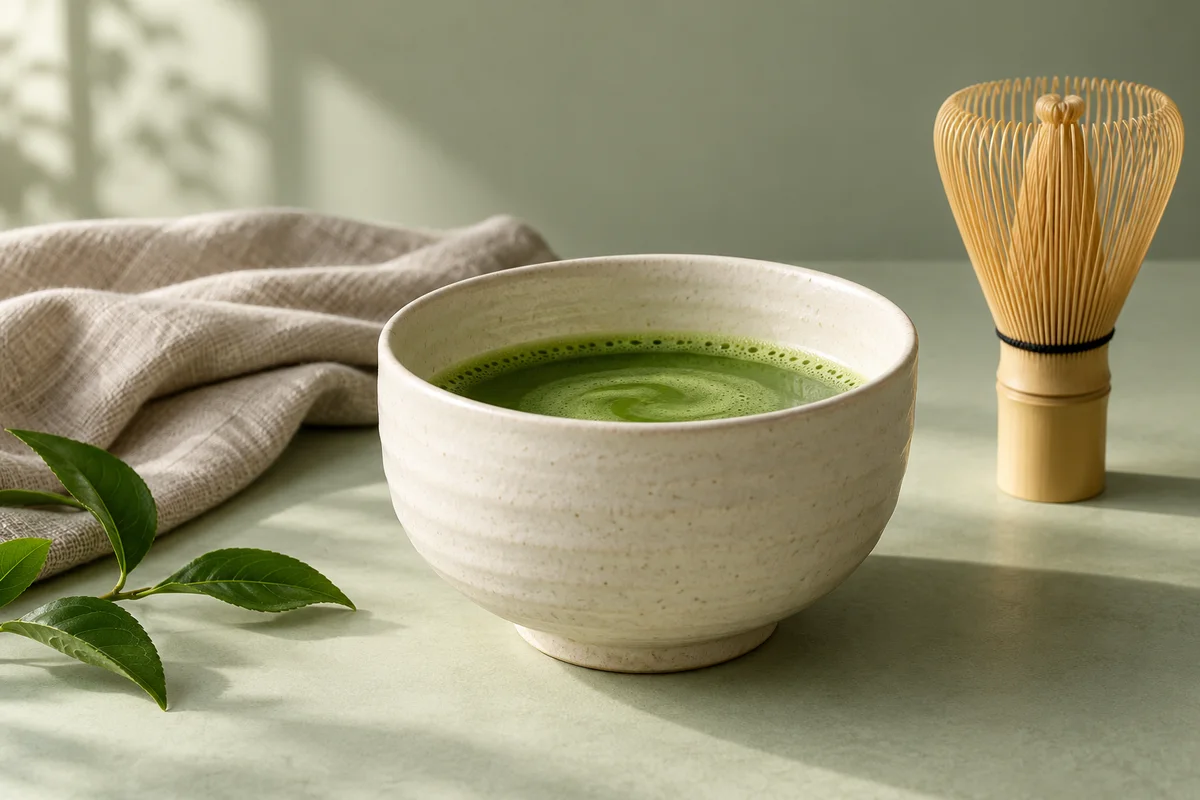
抹茶器物产品图
An unbranded ivory matcha bowl, bamboo whisk and folded linen on a sage backdrop. Premium product photography, side window light, natural ceramic and fabric textures, generous negative space.
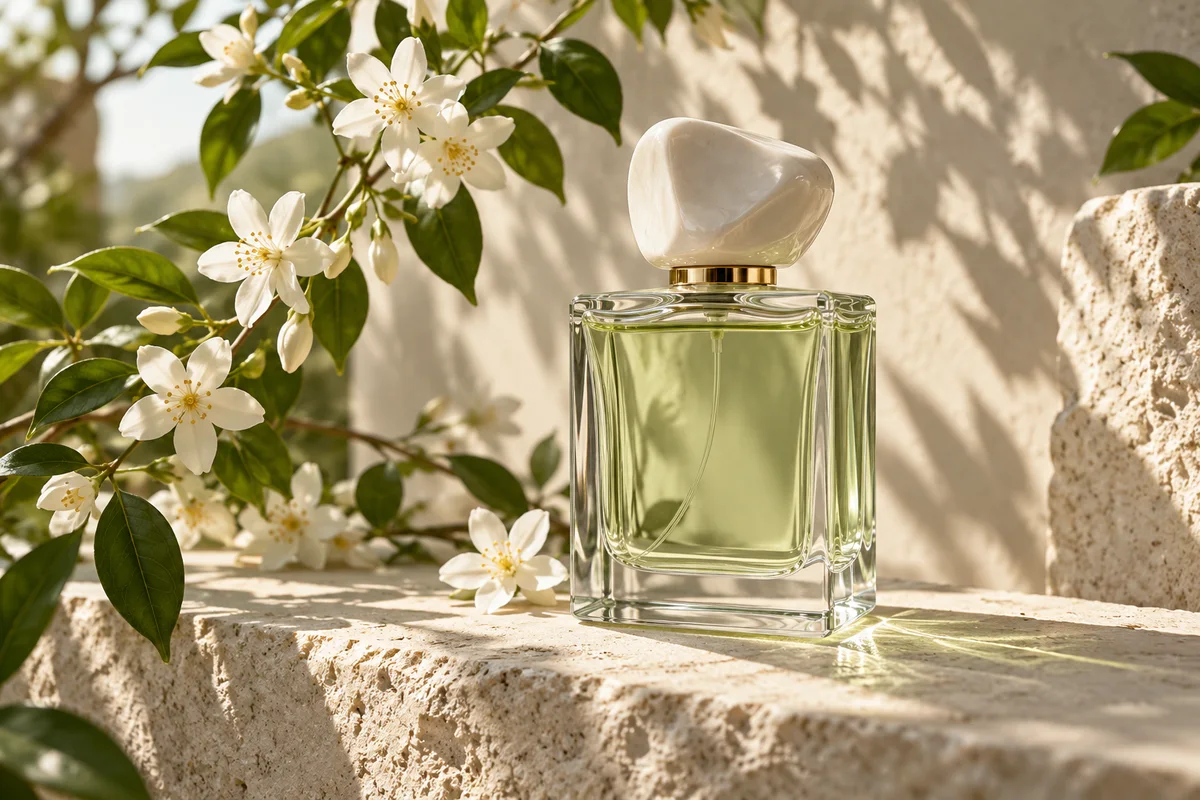
前往工作台植物光影香水静物
An unbranded clear perfume bottle with pale green liquid on limestone, jasmine branches and leaf shadows. Precise glass refraction, sculptural cap, warm directional sunlight, no lettering.
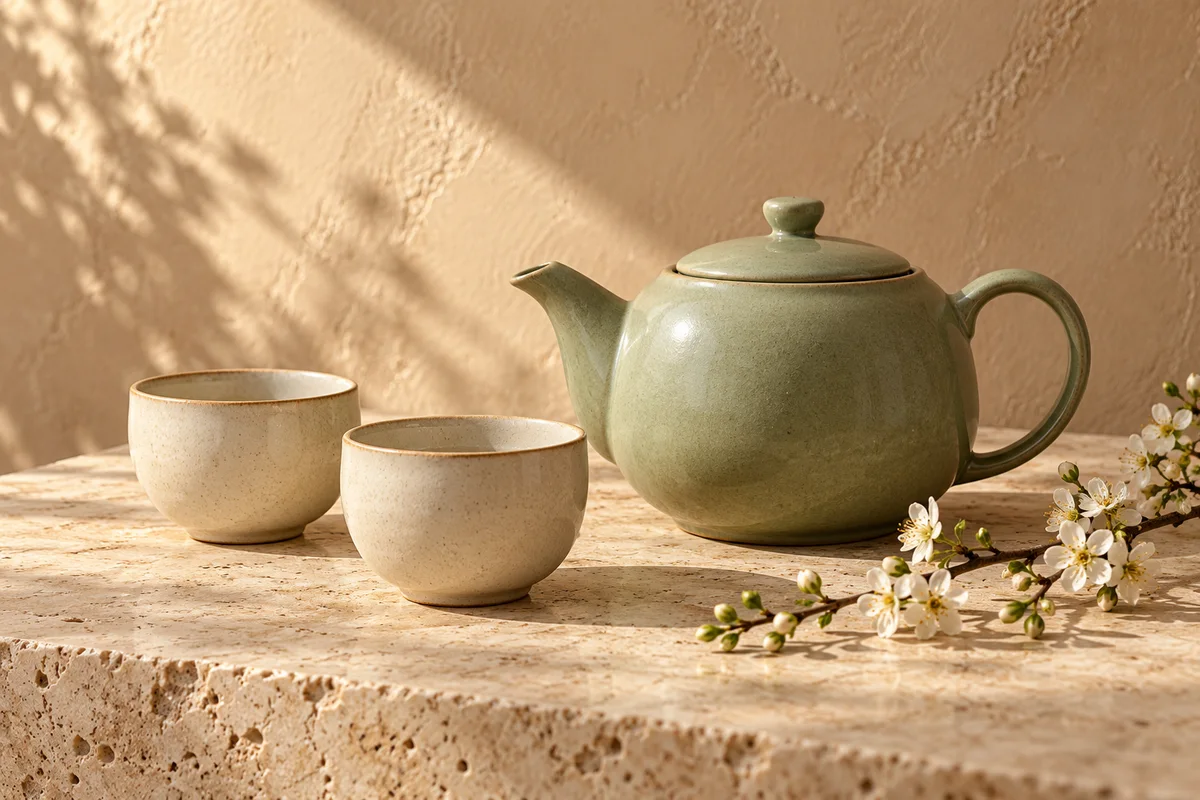
前往工作台茶具与自然材质
A sage ceramic teapot and two ivory cups on travertine, tiny white blossoms and warm plaster behind them. Refined product still life, clean silhouettes, tactile materials and soft daylight.
前往工作台格式與點數
| 格式與限制 | 點數 / 張 |
|---|---|
| 1K | 3 |
| 2K | 10 |
| 4K | 16 |
透明背景及 27:16、16:27、9:8、8:9 比例僅支援 1K。
參考素材與交付檢查
- 參考圖片: 16
- 格式與限制: auto · 1:1 · 3:2 · 2:3 · 4:3 · 3:4 · 16:9 · 9:16 · 21:9 · 27:16 · 16:27 · 9:8 · 8:9 / 1K · 2K · 4K
- 透明背景及 27:16、16:27、9:8、8:9 比例僅支援 1K。
- 檢查主體、文字、邊緣和裁切範圍,確認後再下載交付。
GPT Image 2.5 Flare · 常見問題
如何開始使用 GPT Image 2.5 Flare?
選擇文字生圖描述畫面;要編輯既有圖片時切換圖片生圖,上傳參考並說明修改內容。
GPT Image 2.5 Flare 能放多少參考圖片?
最多 16 張。請分配主體、背景或配色等用途,同一對象的參考盡量一致。
GPT Image 2.5 Flare 支援哪些尺寸與比例?
解析度為 1K · 2K · 4K,比例為 auto · 1:1 · 3:2 · 2:3 · 4:3 · 3:4 · 16:9 · 9:16 · 21:9 · 27:16 · 16:27 · 9:8 · 8:9。實際像素隨比例改變,四種特殊比例僅支援 1K。
GPT Image 2.5 Flare 能產生透明背景嗎?
可以,請選 1K。2K、4K 不提供背景設定;27:16、16:27、9:8、8:9 也僅支援 1K。
GPT Image 2.5 Flare 每張圖片需要多少點?
1K: 3 點數 / 張; 2K: 10 點數 / 張; 4K: 16 點數 / 張。提交前請查看工作台的本次點數估算。
GPT Image 2.5 Flare 與另一個 GPT Image 2.5 版本怎麼選?
兩者在本站的尺寸、參考數量與點數檔位相同。用相同提示、參考圖與解析度比較成品。