Gemini 3 Pro Image for professional visual work
Nano Banana Pro AI image generator
Build high-fidelity visuals from complex briefs, reference images, and precise creative direction with 1K, 2K, or 4K output.
Start creating- 1K / 2K / 4K
- output choices
- 11
- KIE ratio options
- 8
- KIE reference limit
A precision model for demanding visual briefs
Nano Banana Pro is Google's Gemini 3 Pro Image model. Google positions it for complex graphic design, high-fidelity product mockups, factual data visualizations, and professional image editing. Its reasoning, text rendering, multilingual localization, search grounding, and creative controls are most useful when a visual brief has several constraints that must work together.
Three professional workflows that need precision
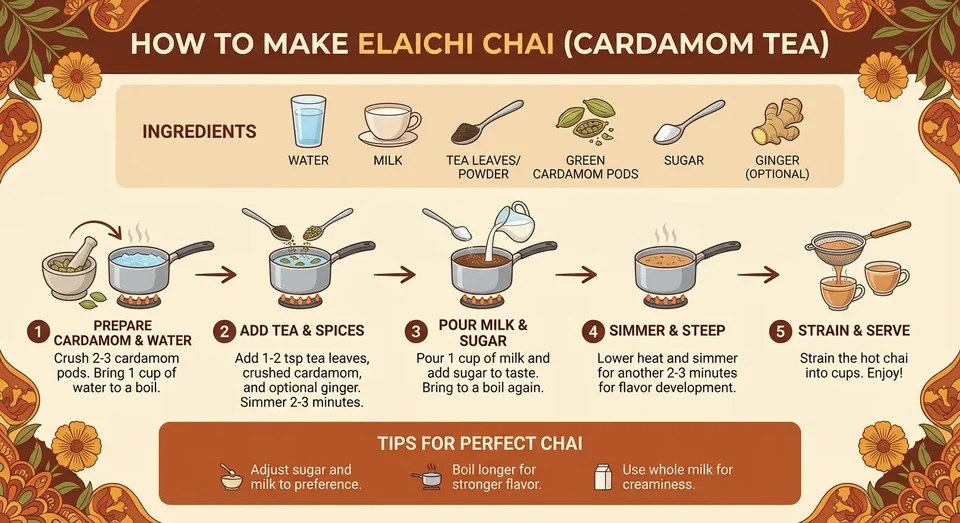
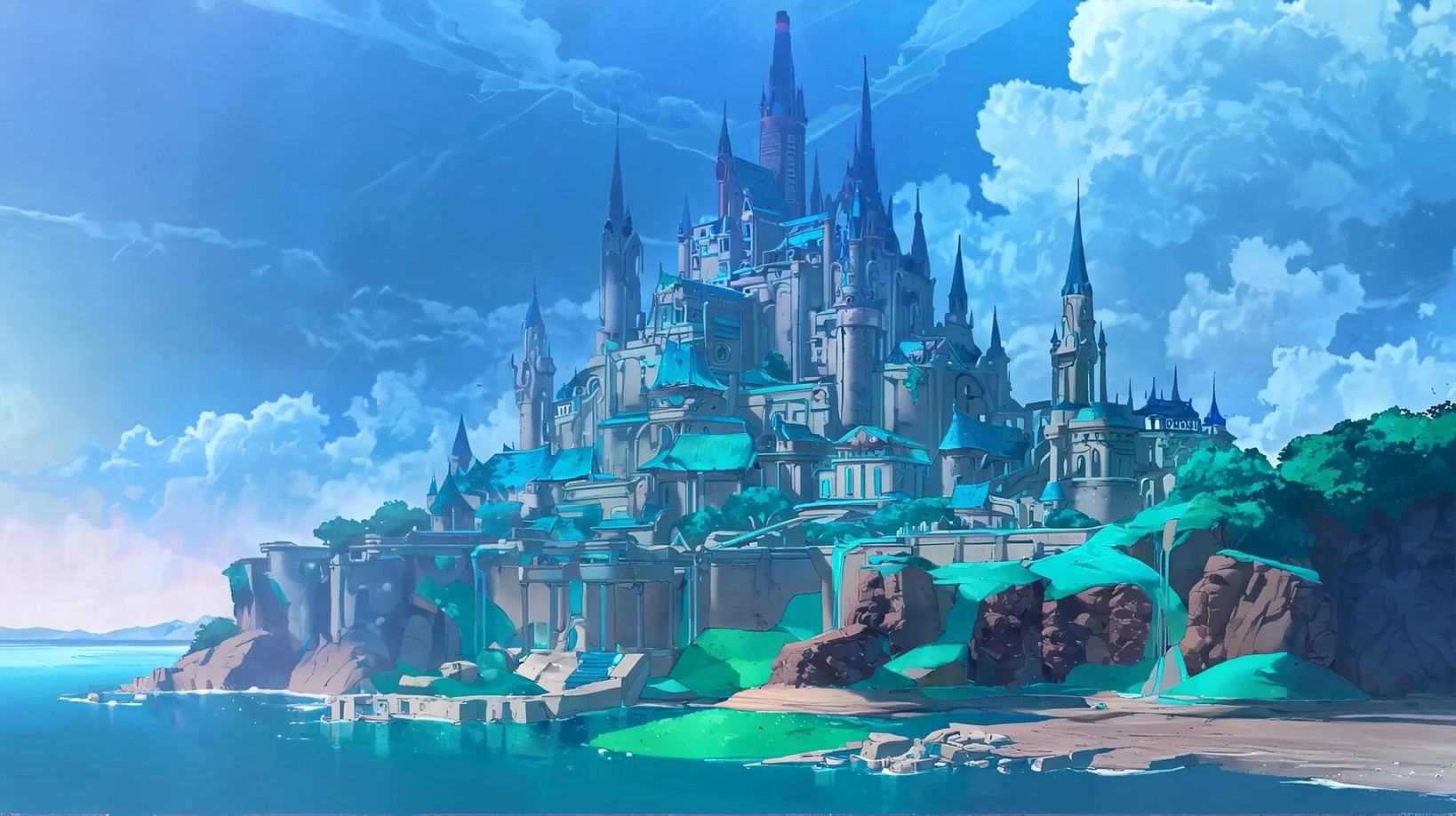
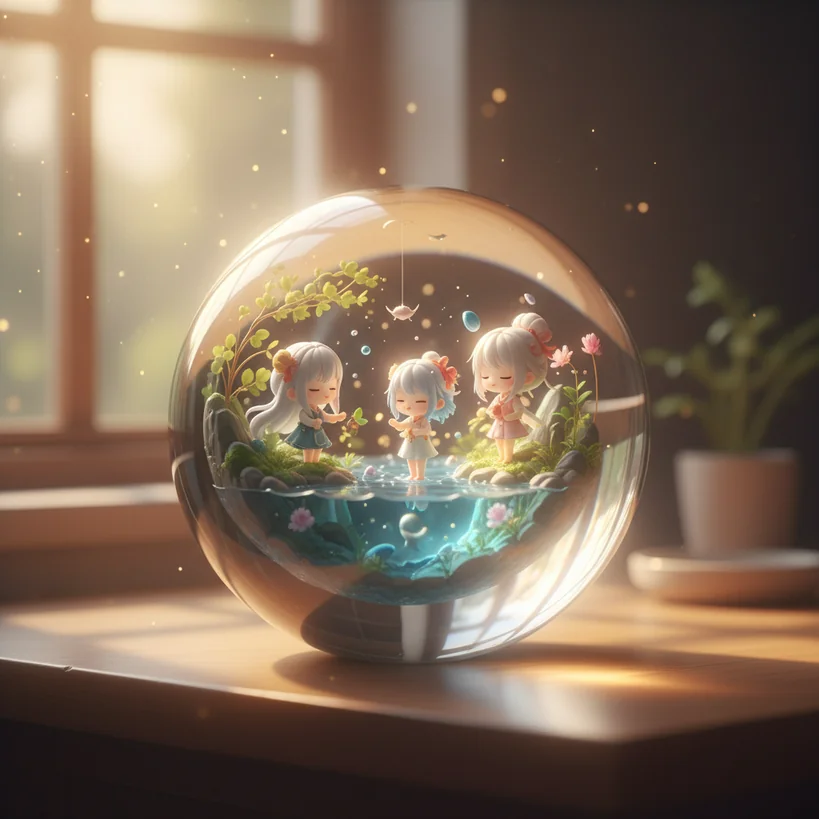
Where Nano Banana Pro is most useful
The Pro workflow is strongest when you provide source material, name the invariants, and define what a finished asset must communicate.
Complex creative direction
Combine subject, layout, camera, lighting, materials, copy, and exclusions in one brief without losing the hierarchy of the request.
High-fidelity product mockups
Use product photos, logos, packaging, or style references to build a realistic composition while stating which geometry and labels must stay fixed.
Accurate text and localization
Create posters, menus, diagrams, and multilingual campaigns with exact copy, then proof every character at the final display size.
Grounded visual explanations
Use supplied facts or a search-grounded brief for educational diagrams and data stories, then verify the source and date of every claim.
Practical ways to use Nano Banana Pro
Turn a product brief into a mockup
Upload the product and logo, define the audience and placement, then lock perspective, material, label geometry, and brand colors.
Build a factual infographic
Provide the source facts, audience, hierarchy, units, and date. Ask for a clear layout, then check every number and label against the source.
Localize a campaign asset
Keep the composition and visual identity fixed while specifying the target language, exact translated copy, reading order, and text-safe areas.
Prompt templates for high-stakes visual work
Replace bracketed fields with verified requirements. Quote all copy exactly and separate facts from stylistic direction.
High-fidelity product mockup
4:3Create a premium product mockup for [product] aimed at [audience]. Use the uploaded product and logo as references. Keep product geometry, label placement, colors, and material unchanged. Place it in [setting] with [camera angle], [lighting], and [background]. Add the exact headline "[headline]" once. No extra logos, claims, prices, or decorative text.
Source-checked infographic
16:9Create an educational infographic about [topic] for [audience]. Use only these verified facts: [facts with source and date]. Organize the content into [number] sections with clear labels, units, and reading order. Use [style]. Do not invent numbers, citations, titles, or extra conclusions.
Localized campaign adaptation
4:5Adapt the uploaded campaign image for [language] while keeping the subject, composition, palette, logo, and product geometry unchanged. Replace only the text with this exact copy: "[translated headline]" and "[translated supporting line]". Preserve hierarchy and leave [text-safe area]. No additional words.
A dependable Pro workflow
Collect authoritative inputs
Prepare the product files, logo, source facts, target language, and final placement before writing the prompt.
Write constraints before style
List required content, exact text, dimensions, identity, and layout. Add lighting, medium, mood, and lens language afterward.
Name every invariant
For edits, state what must remain unchanged: geometry, labels, faces, colors, camera, shadows, and reading order.
Proof the delivery asset
Inspect text, facts, hands, reflections, edges, trademarks, and translations at the exact size where the asset will be used.
Use 4K when the approved asset needs it
Nano Banana Pro costs more credits at 4K. Explore direction at 1K, approve at 2K, and reserve 4K for a final delivery canvas.
1K
8 credits
Explore
Compare concepts, references, crops, and prompt structure before committing.
2K
8 credits
Publish
Prepare routine web, presentation, and social campaign assets.
4K
14 credits
Deliver
Render approved product, campaign, or infographic artwork at a larger canvas.
KIE and interface limits on this page
- Prompts may contain up to 20,000 characters.
- KIE accepts up to 8 JPEG, PNG, or WebP reference URLs, each no larger than 30MB.
- This interface currently provides four upload slots for reference-guided editing.
- The generator supports 11 ratios, 1K/2K/4K resolution, and JPG or PNG output.
- A successful task returns one image URL. Safety checks or upstream errors may refuse a request.
Nano Banana Pro questions
What is Nano Banana Pro?
Nano Banana Pro is the product name for Google Gemini 3 Pro Image, a reasoning-driven image generation and editing model designed for complex visual work, high-fidelity mockups, accurate text, and advanced creative control.
When should I choose Nano Banana Pro instead of Nano Banana 2?
Choose Pro when a job depends on complex instructions, precise brand or product consistency, factual visual explanations, advanced localization, or careful creative control. Nano Banana 2 is the faster general-purpose option for iteration.
Can Nano Banana Pro edit uploaded images?
Yes. Switch to image mode, upload reference images, and describe the requested change together with the identities, geometry, labels, and lighting that must remain unchanged.
Can it create readable text in different languages?
Google documents advanced text rendering and localization for Nano Banana Pro. Treat the output as a draft and proofread every character, especially names, numbers, legal copy, and translated labels.
How many reference images does KIE accept?
The KIE Nano Banana Pro documentation allows up to 8 JPEG, PNG, or WebP reference URLs of up to 30MB each. This page exposes four upload slots so the editing workflow stays focused.