Gemini 3.1 Flash Image generation and editing
Nano Banana 2 AI image generator
Create new visuals or edit references with fast iteration, detailed instructions, flexible ratios, and 1K, 2K, or 4K output.
Start creating- 1K / 2K / 4K
- output choices
- 15
- ratio options
- 14
- KIE reference limit
A fast generalist for visual production
Nano Banana 2 is Google's Gemini 3.1 Flash Image model. It combines image generation and editing with real-world knowledge, readable text, strong instruction following, and reference consistency. Use text mode for a new composition. Use image mode when a person, product, palette, or layout must guide the result.
Three workflows that benefit from a clear brief
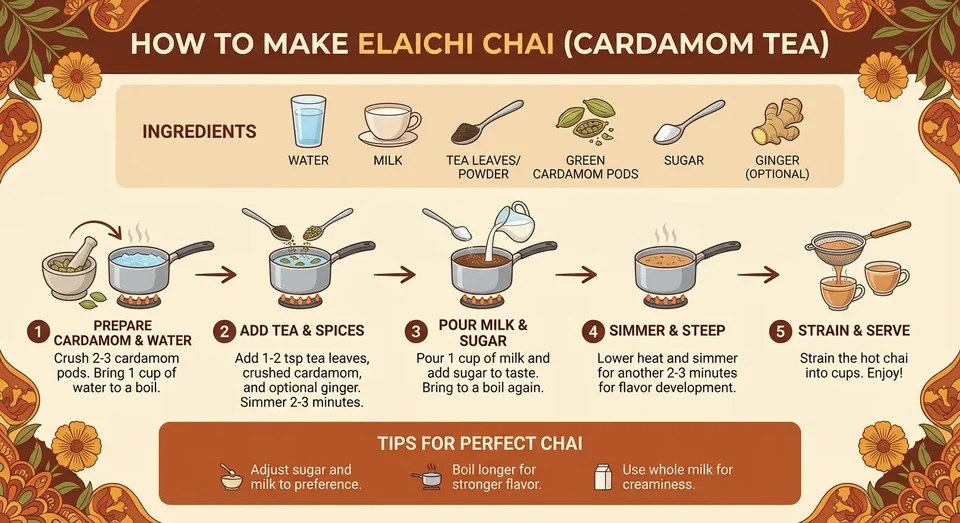
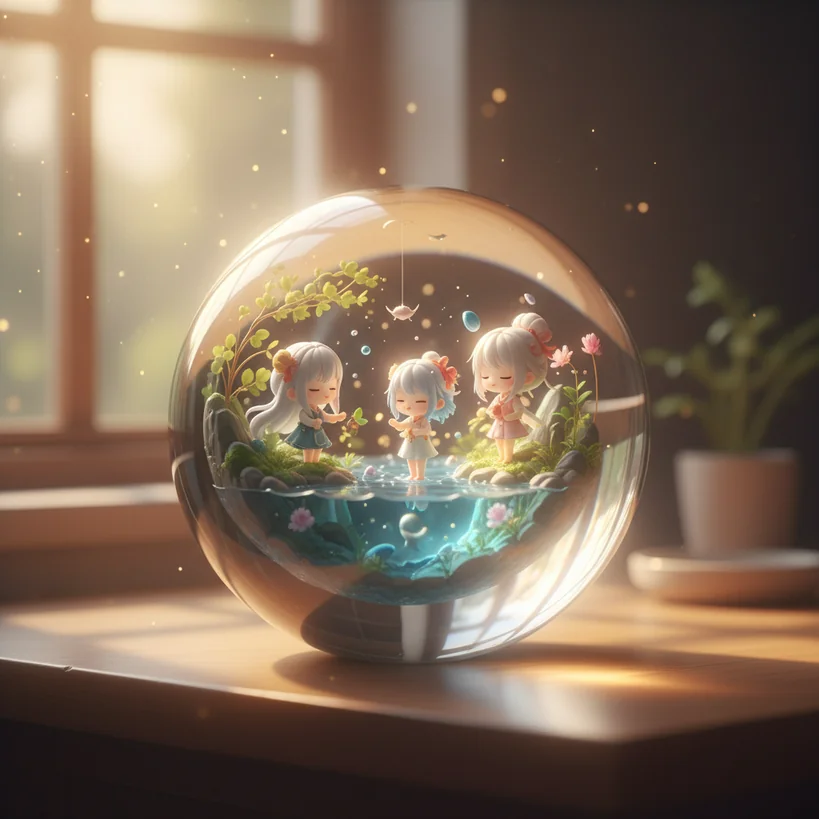
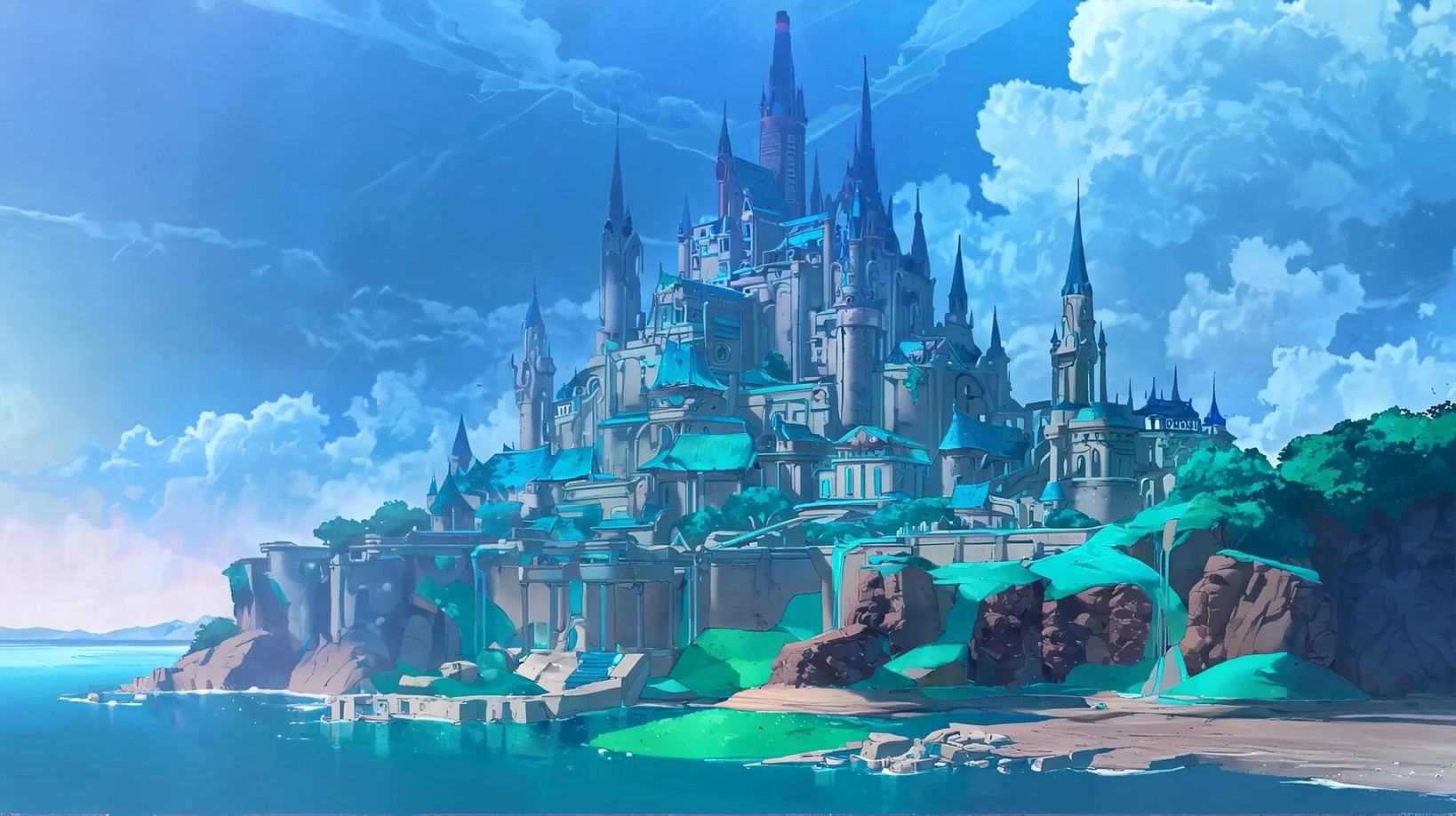
What Nano Banana 2 is useful for
The model works best when a brief separates the required content from the visual treatment and names what must remain unchanged.
Complex instruction following
Specify the subject, action, layout, lighting, exact copy, exclusions, and output placement in one structured request.
Reference consistency
Guide edits with uploaded images and state which identities, objects, colors, and camera decisions must stay fixed.
Text and localization workflows
Plan posters, cards, diagrams, and translated image copy, then proof every character in the final asset.
Flexible production formats
Choose square, portrait, landscape, banner, or automatic framing, then render at 1K, 2K, or 4K.
Practical ways to use Nano Banana 2
Build a campaign visual from a brief
Define audience, message, focal subject, exact copy, ratio, and forbidden additions before describing style.
Edit a product image without drift
Lock product geometry, label, camera angle, shadows, and brand colors, then request one controlled change.
Plan a consistent story sequence
Use clear reference images, name each recurring subject, and repeat the visual invariants in every scene request.
Prompt templates for real deliverables
Replace brackets with actual requirements. Quote text exactly and list the elements that must not change.
Localized campaign poster
4:5Create a campaign poster for [product] aimed at [audience]. Use the exact headline "[headline]" and supporting line "[supporting copy]" in [language]. Place [subject] in the lower half with clear text space above. Use [brand colors]. Do not add logos, prices, badges, or extra words.
Reference-preserving product edit
3:2Use the uploaded product images as references. Keep product geometry, label placement, material, camera angle, and light direction unchanged. Replace only [target element] with [new element]. Match perspective, shadows, reflections, and color temperature.
Consistent storyboard frame
16:9Create scene [number] of a storyboard. Keep [character names], clothing, proportions, palette, and illustration style consistent with the references. Show [action] in [setting] with [camera framing]. No captions, logos, or new characters.
A reliable production sequence
Define the deliverable
Start with where the image will appear, who will see it, and which information it must communicate.
Separate facts from style
Write required people, objects, text, and layout first. Add medium, mood, lighting, and camera language afterward.
Lock edit invariants
List identities, geometry, colors, framing, labels, and shadows that must survive the edit.
Proof at final size
Inspect text, hands, edges, reflections, product details, trademarks, and factual claims before delivery.
Spend more credits only after approval
Use lower resolution to test direction, then increase resolution when the composition and copy have been approved.
1K
8 credits
Explore
Test prompts, references, crops, and early visual directions.
2K
12 credits
Publish
Prepare routine website, presentation, and social media assets.
4K
18 credits
Deliver
Render approved artwork that needs a larger pixel canvas.
KIE and interface limits on this page
- Prompts may contain up to 20,000 characters.
- KIE accepts up to 14 JPEG, PNG, or WebP references, each no larger than 30MB.
- This interface currently provides four upload slots for reference-guided editing.
- The generator supports 15 ratio choices, 1K, 2K, or 4K resolution, and JPG or PNG output.
- A successful task returns one image URL. Safety checks may refuse a request.
Nano Banana 2 questions
What is Nano Banana 2?
Nano Banana 2 is the product name for Google Gemini 3.1 Flash Image, a model for image generation and editing that balances quality, intelligence, cost, and latency.
Can Nano Banana 2 edit uploaded images?
Yes. Switch to image mode, upload reference images, then describe the requested change and the details that must stay unchanged.
How is Nano Banana 2 different from Nano Banana Pro?
Nano Banana 2 is the fast general-purpose choice for iteration. Google positions Nano Banana Pro for the most demanding factual, brand consistency, localization, and precision control tasks.
Which resolution should I choose?
Use 1K while exploring, 2K for common digital publishing, and 4K after the composition is approved and the final placement benefits from more pixels.
Can I publish generated text without review?
No. The model is designed for improved text rendering and translation, but names, prices, labels, legal copy, and factual statements still need human proofreading.