OpenAI image generation and editing
GPT Image 2 AI image generator
Build new visuals from a written brief or edit references with instructions, flexible ratios, and 1K, 2K, or 4K output.
Start creating- 1K / 2K / 4K
- output choices
- 9
- compatible ratios
- 20,000
- prompt characters
A model for briefs that need control
GPT Image 2 accepts text and high-fidelity image inputs for generation and editing. It is suited to work where layout, objects, written copy, or reference details must follow a concrete brief. Use text mode to establish a new composition. Use image mode when an existing subject, palette, or camera angle needs to survive the revision.
Three jobs worth planning clearly
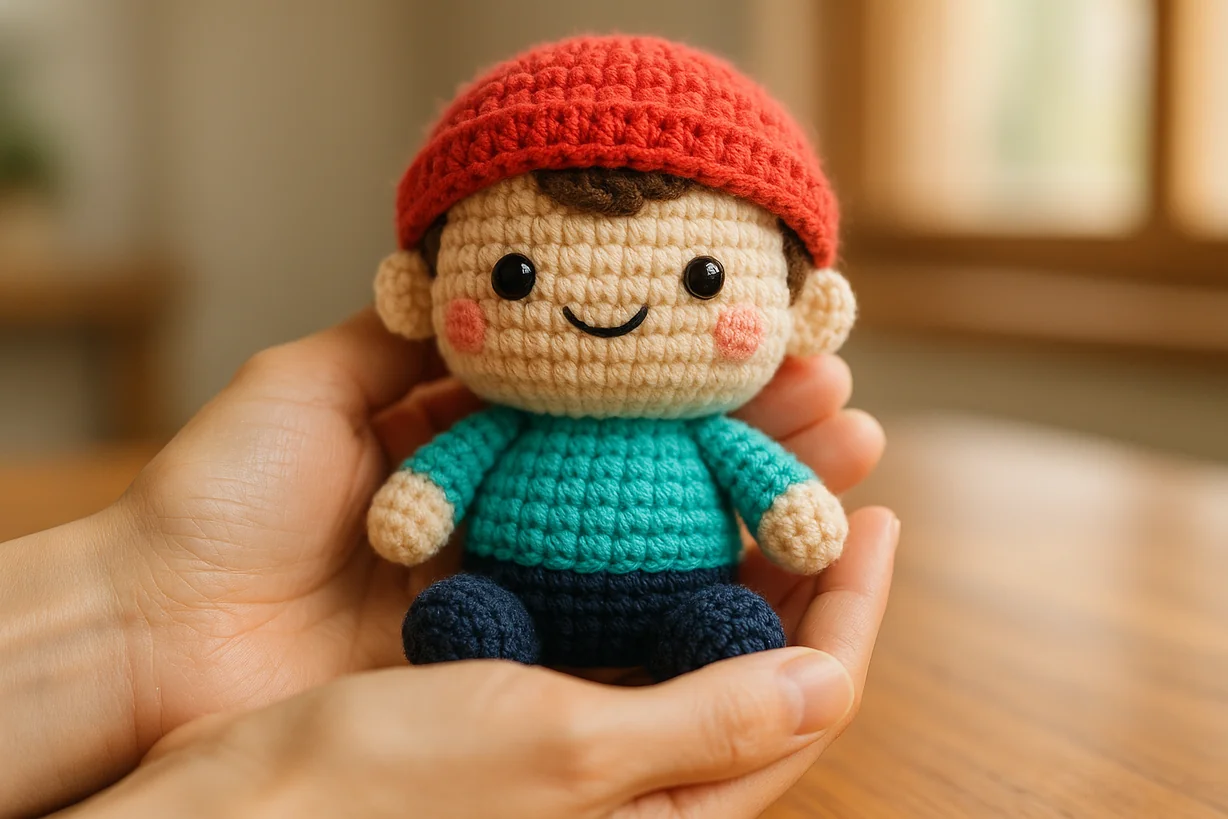
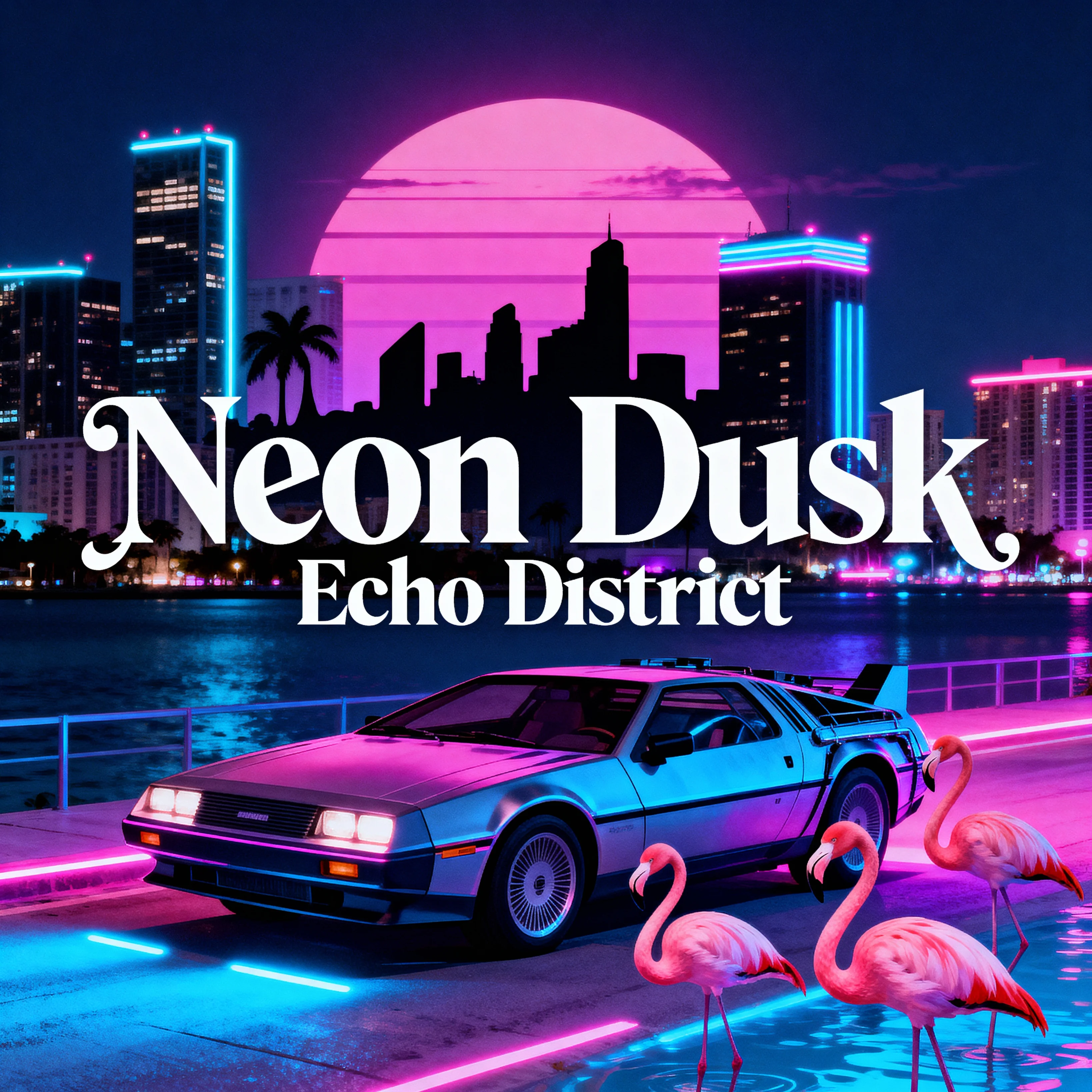
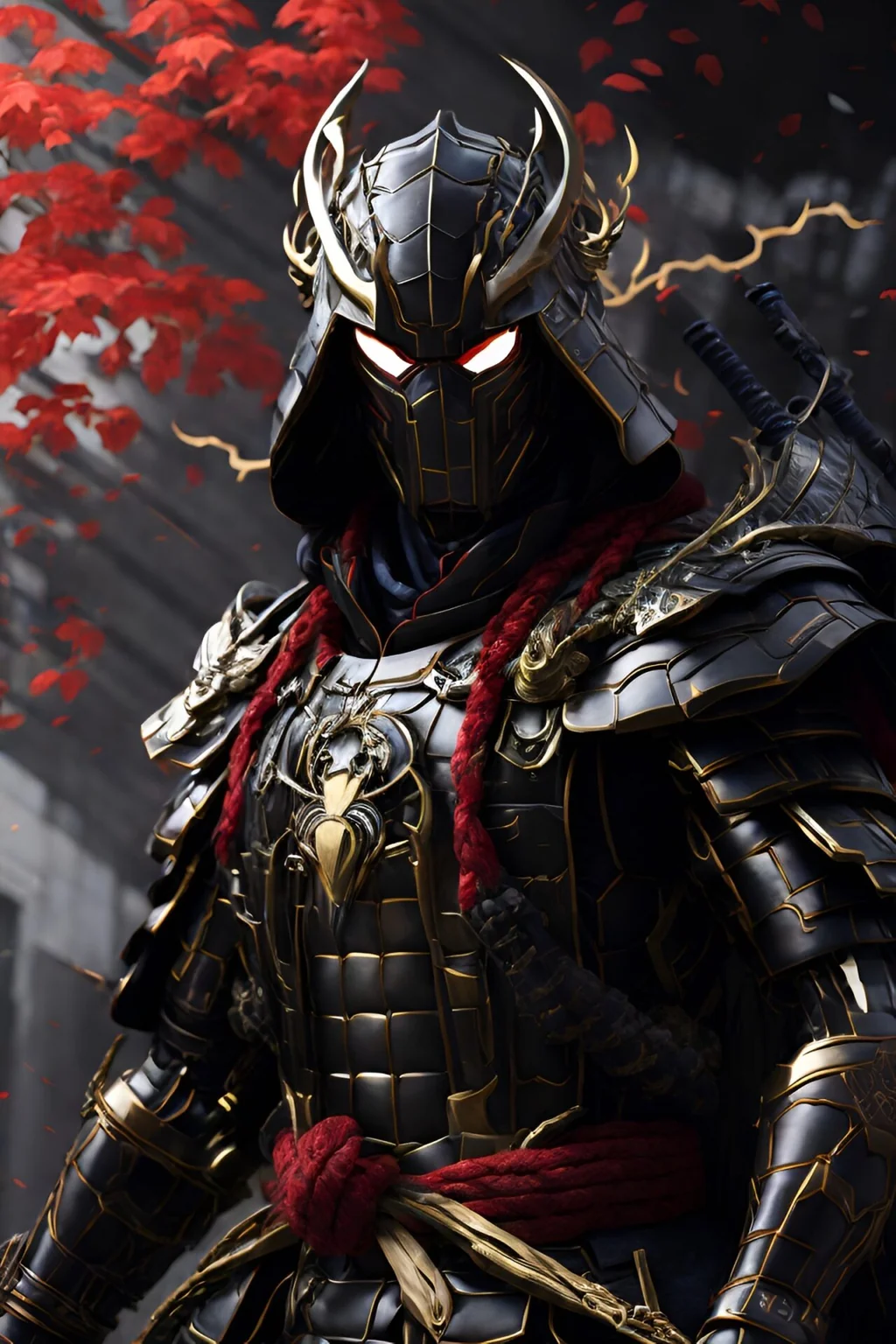
Where GPT Image 2 earns its place
The practical advantage is not a longer feature list. It is the ability to express visual decisions as testable instructions.
Detailed instruction following
Describe subject, placement, materials, lighting, copy, and exclusions in one structured brief.
Reference-guided editing
Upload source images and name both the requested change and the details that must stay fixed.
Text-aware composition
Plan posters, covers, menus, and social graphics with specific wording and clear layout instructions.
Resolution by production stage
Use 1K for direction, 2K for routine publishing, and 4K when the approved asset needs more pixels.
Practical ways to use the model
Turn a campaign brief into a key visual
Define the audience, message, focal subject, copy hierarchy, ratio, and exclusions before describing style.
Revise a product image without losing identity
Lock product shape, label, angle, and light direction, then request one background or material change.
Adapt one concept across channels
Approve the visual direction at 1K, then rewrite composition constraints for landscape, portrait, and social placements.
Prompt templates built for real tasks
Replace bracketed fields with actual requirements. Keep quoted copy exact and state what the model must not change.
Launch poster
4:3Create a launch poster for [product] aimed at [audience]. Place [subject] in the lower center. Render the headline "[exact headline]" once in the upper third using bold readable type. Use [brand colors] and [lighting]. Keep clear margins. Do not add logos, badges, or extra copy.
Reference-preserving edit
3:2Use the uploaded image as the source. Keep the subject identity, product geometry, camera angle, label, and light direction unchanged. Replace only [target] with [new target]. Match perspective, shadows, texture, and color temperature. Do not alter any other element.
Editorial social graphic
9:16Design a vertical editorial graphic about [topic]. Use one focal image and the exact title "[title]". Place supporting copy "[short line]" below it. Use [palette], generous spacing, and a clear mobile hierarchy. No decorative filler or additional text.
A reliable generation sequence
-
Name the job first
Start with the asset type and audience so every later decision has a purpose.
-
Separate content from style
Write subject, layout, and exact copy before adding lighting, medium, color, or lens language.
-
Lock invariants during edits
List identity, geometry, framing, and lighting details that must remain unchanged.
-
Proof at the intended placement
Check text, edges, hands, reflections, trademarks, and sensitive details at final display size.
Choose resolution after the idea works
Higher resolution costs more credits. Draft cheaply, approve the composition, then render the delivery asset.
1K
6 credits
Explore
Fast visual direction, prompt testing, and layout comparison.
2K
10 credits
Publish
Routine web, presentation, and social media production.
4K
16 credits
Deliver
Approved artwork that needs a larger pixel canvas.
KIE interface limits used here
- Prompts may contain up to 20,000 characters.
- This generator exposes nine ratios that work across 1K, 2K, and 4K.
- The 1:1 and auto ratios are omitted because KIE does not support them consistently at 4K.
- Image editing accepts reference URLs; this interface provides four upload slots.
- Each request returns one image and may be refused by safety checks.
GPT Image 2 questions
Can GPT Image 2 generate and edit images?
Yes. Text mode creates a new image from a prompt. Image mode sends your uploaded references with editing instructions.
Which resolution should I choose?
Start at 1K while testing direction. Use 2K for common digital placements and 4K after the composition is approved and more pixels are useful.
Why is 1:1 not available on this page?
KIE documents that 1:1 cannot be converted to 4K. The page offers a compatible ratio set so switching resolution does not create an invalid combination.
How do I preserve a person or product during editing?
State what must remain fixed, including identity, geometry, angle, label, light direction, and framing. Then request one narrow change.
Can I publish text generated inside an image without review?
No. GPT Image 2 is designed to handle complex and dense text more effectively, but names, prices, labels, and legal copy still require proofreading.