Boyfriend Makeup Prank Filter in Soft Pink or Coral
Upload one front-facing photo of him, pick Soft Pink or Coral Lips and press Generate video: hands give him blush, liner, lashes and lipstick in about 10 seconds.
Scene
Boyfriend Makeup Prank Filter
Models
Seedance Series
Seedance 2 Mini: text, frame and media reference video generation
0 credits
4–15s
Media references
Veo Series
Google's latest model with exceptional quality output
150 credits
Up to 8s
16:9/9:16
Upload Image
JPEG / PNG (Max 5MB)
Upload Image
JPEG / PNG (Max 5MB)
(Optional)
Upload Image
JPEG / PNG (Max 5MB)
(Optional)
Upload Image
JPEG / PNG (Max 5MB)
(Optional)
With one image, Grok follows the image aspect ratio.
Seedance and MiniMax also bill the actual duration of input videos. Documents: maximum 50 pages.
10s
Public Visibility
When this option is enabled, the output video may be selected by AI Generate and published to the Explore.
Notification
This is a notification message
AI Prompt Studio
Professional prompt crafting powered by AI
Loading...
Transform your ideas into perfect prompts with intelligent assistance
A bare-face-to-lipstick clip and a her-then-him swap, remixed from 10-second originals.
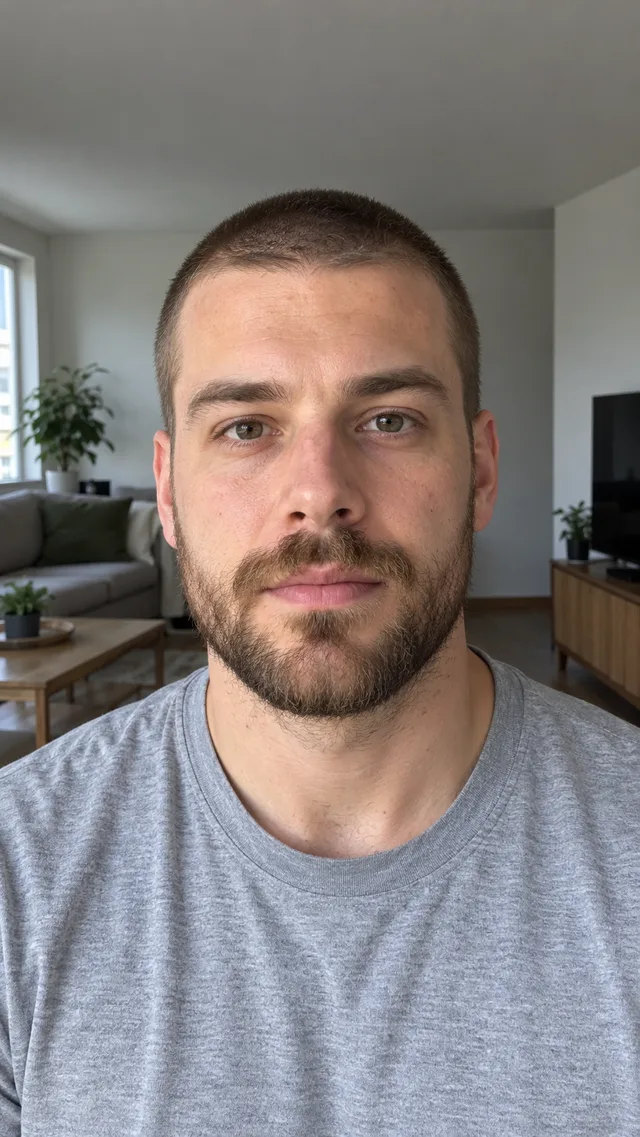
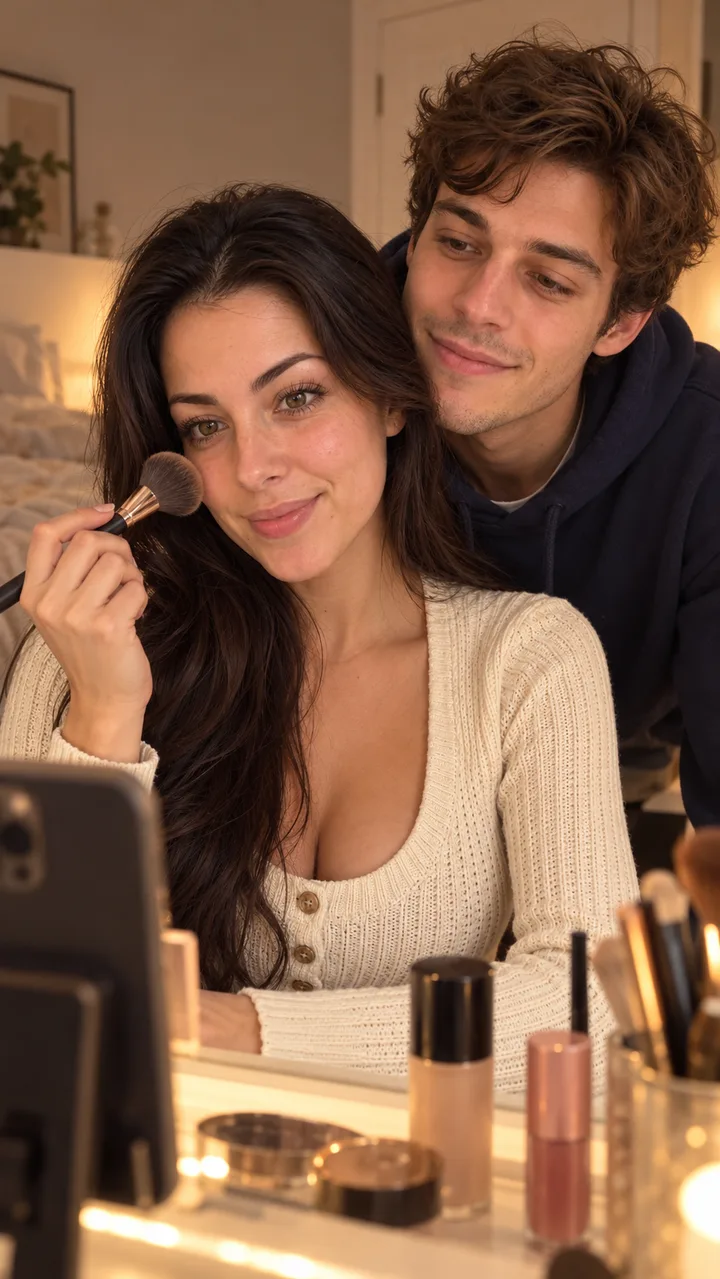
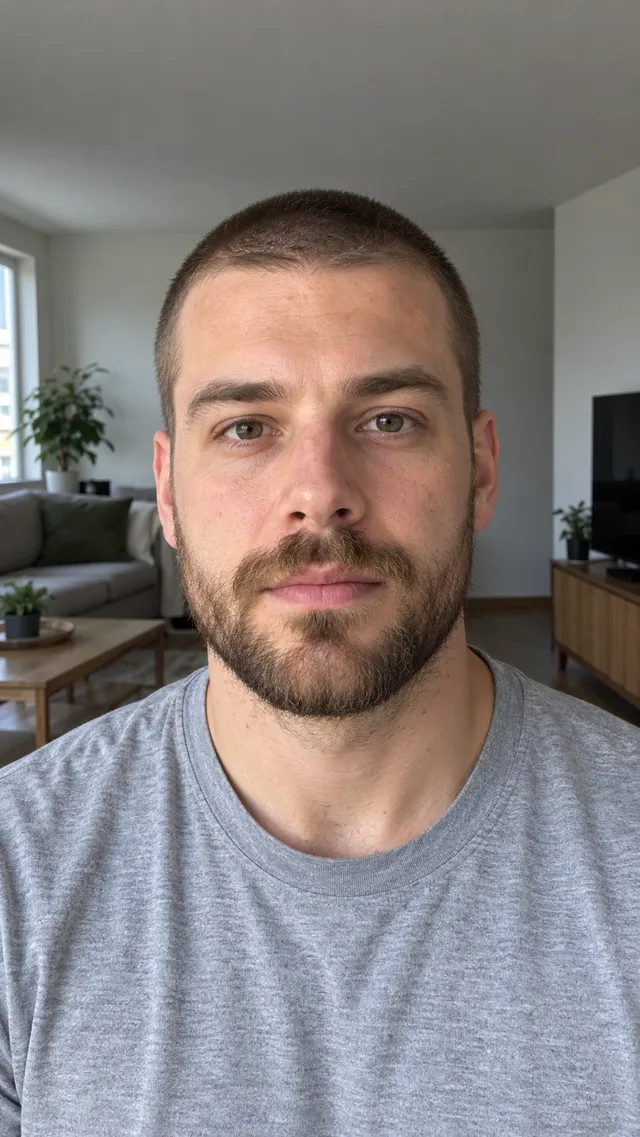
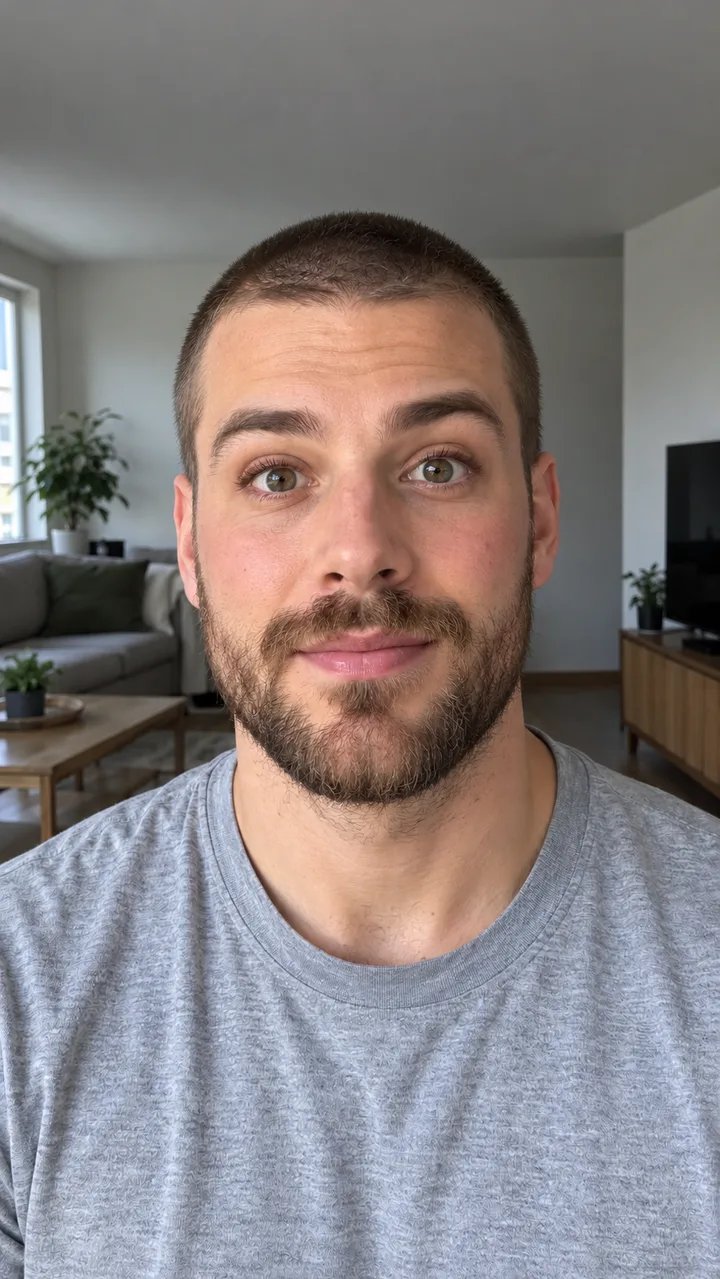
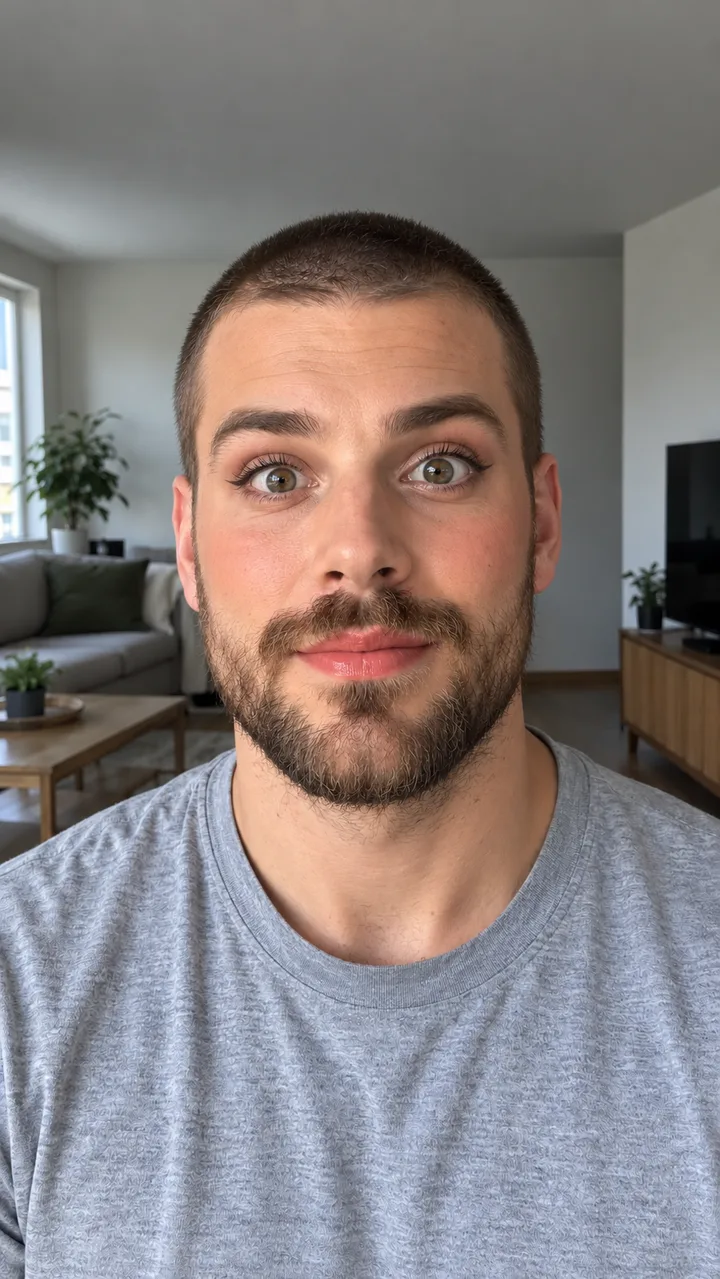
The samples start from original portraits of adults, not customers or celebrities. Bare face to full glam was cut from a 10-second vertical clip made with MiniMax H3 on October 31, 2026, which opened on his bare-faced photo. Her, then him comes from another MiniMax H3 clip from the same day, with a picture of the couple at a vanity as the first frame.
About 9 seconds of each clip were kept for this page, gently reframed, colour graded and speed-adjusted, with the ghibliia.com mark at the top left. Nothing was mirrored. The music is original, not the trend sound. Soft Pink and Coral Lips are image only: his same photo in two soft looks, made on Image. No credits were spent on these samples. Use this photo →
PhotoVideo
Bare face to full glam
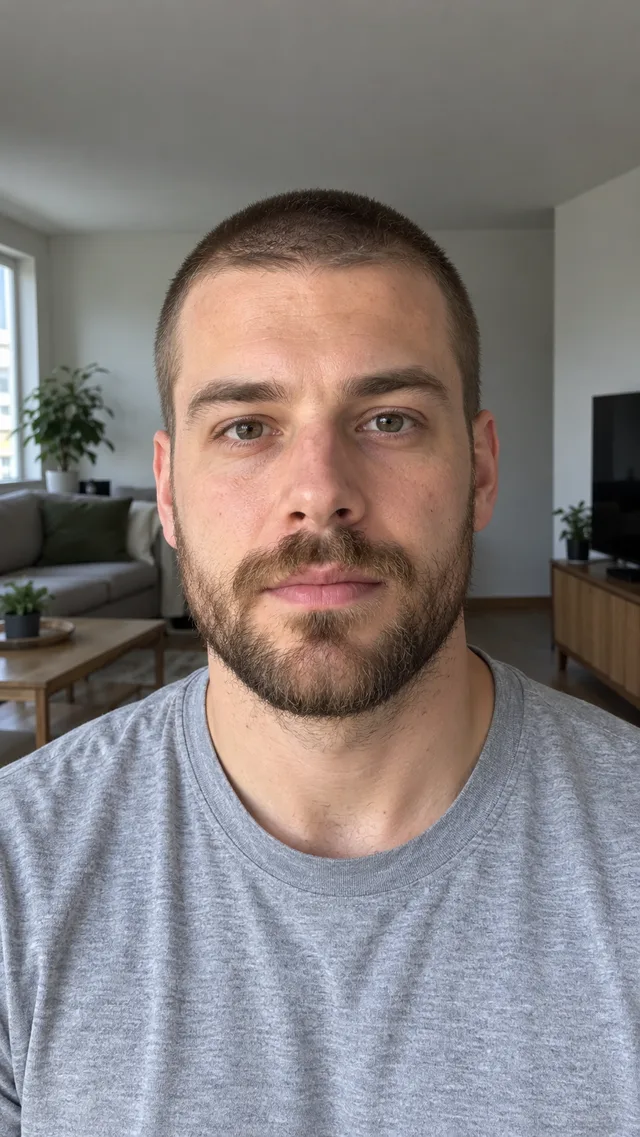
A bearded guy in a grey tee sits still while hands sweep blush brushes over his cheeks, draw winged liner, press on false lashes and finish with pink lipstick; he ends wide-eyed with his mouth open.
She brushes on blush at a vanity while he watches from behind; she raises the brush to the lens and, when it clears, he's sitting in front in full glam with fuchsia lips, stunned, while she laughs.
The same guy in a soft look: pink blush, thin liner, defined lashes and pale pink lips, eyebrows raised.
Still made in Image; this scene has no clip. Use this photo
PhotoImage onlyStill
Coral Lips
The same guy with peach blush, a soft wing, lashes and glossy coral lipstick, eyes wide.
Still made in Image; this scene has no clip. Use this photo
Make the boyfriend makeup prank filter from his photo
Upload his front-facing photo, pick a look, press Generate video.
1
His photo
Head and shoulders, looking straight at the camera, in even light (window daylight is ideal), eyes open and nothing over his face. A beard is fine. The first second of the clip is your photo, so his shirt and the room come from it.
One adult in the photo
No glasses, cap or hand on his face
Someone who's in on the joke
2
Pick a look
Above the photo box, choose Soft Pink or Coral Lips. It changes how the makeup ends; the hands, the steps and his shocked face stay the same.
3
Create and download
Press Generate video. The model, length and credit cost show on the button first. When it finishes, download the MP4. For a different scene with his photo, write your own script on Video.
Soft Pink stays natural, Coral Lips adds colour; the order stays the same.
Soft Pink
Light foundation, pink blush, thin liner, lashes and a sheer pink lip. It looks done with care, which is why it lands: he needs a beat to notice.
Coral Lips
Peach blush, a soft wing, lashes and glossy coral lipstick. It reads better on a small screen. For just the finished picture, upload his photo to Image and describe the look, the way these two samples were made.
A one-photo AI template from August 18, 2026 that became a couples prank.
August: the template
It was never a live camera filter. It began as a one-photo AI template in a popular video editing app, and @youngcapcutg posted the first clip on its sound on August 18, 2026 ("Makeup prank trend", 1 million views).
September and October
@filtercity6 turned it into a partner prank on August 21, then again on September 19 and 21 (965,300 and 984,500 views). @capcutdailyuk's bald-man version on September 23 hit 1.6 million, and a how-to by @maodou50 on October 10 reached 7 million.
October 15: #boyfriendmakeupprank is created
October 28: the sound is in 2,619 videos
Before you post the boyfriend makeup prank filter
Show him, film his reaction, post only with his OK and the AI label on.
Film his face
The prank is the reaction. Play him the clip and record him watching, or post the clip over a trending sound. Use a photo of someone who'll laugh along, never a stranger.
Turn on the AI label
Post only if he says yes. TikTok asks creators to label realistic AI-generated content, so switch the label on when you upload. For your own soundtrack, make a song on Music, or find more ideas in all video effects.
One photo of him becomes a roughly 10-second clip in which a pair of hands does his makeup step by step, from foundation and blush to liner, lashes and lipstick.
Is it a real TikTok filter?
No. It started on August 18, 2026 as a one-photo AI template in an editing app, not as a live camera effect.
Does he need to be there?
No. You only need his photo; show him the finished clip afterwards and film how he reacts.
Which photo gives the best result?
Head and shoulders, facing forward, in window light, eyes open, nothing covering his face.
Should I mark it as AI?
Yes on TikTok: turn on the AI-generated content label, and only post it if he's fine with it.