Christmas princess carriage AI trend clips on Ghibliia
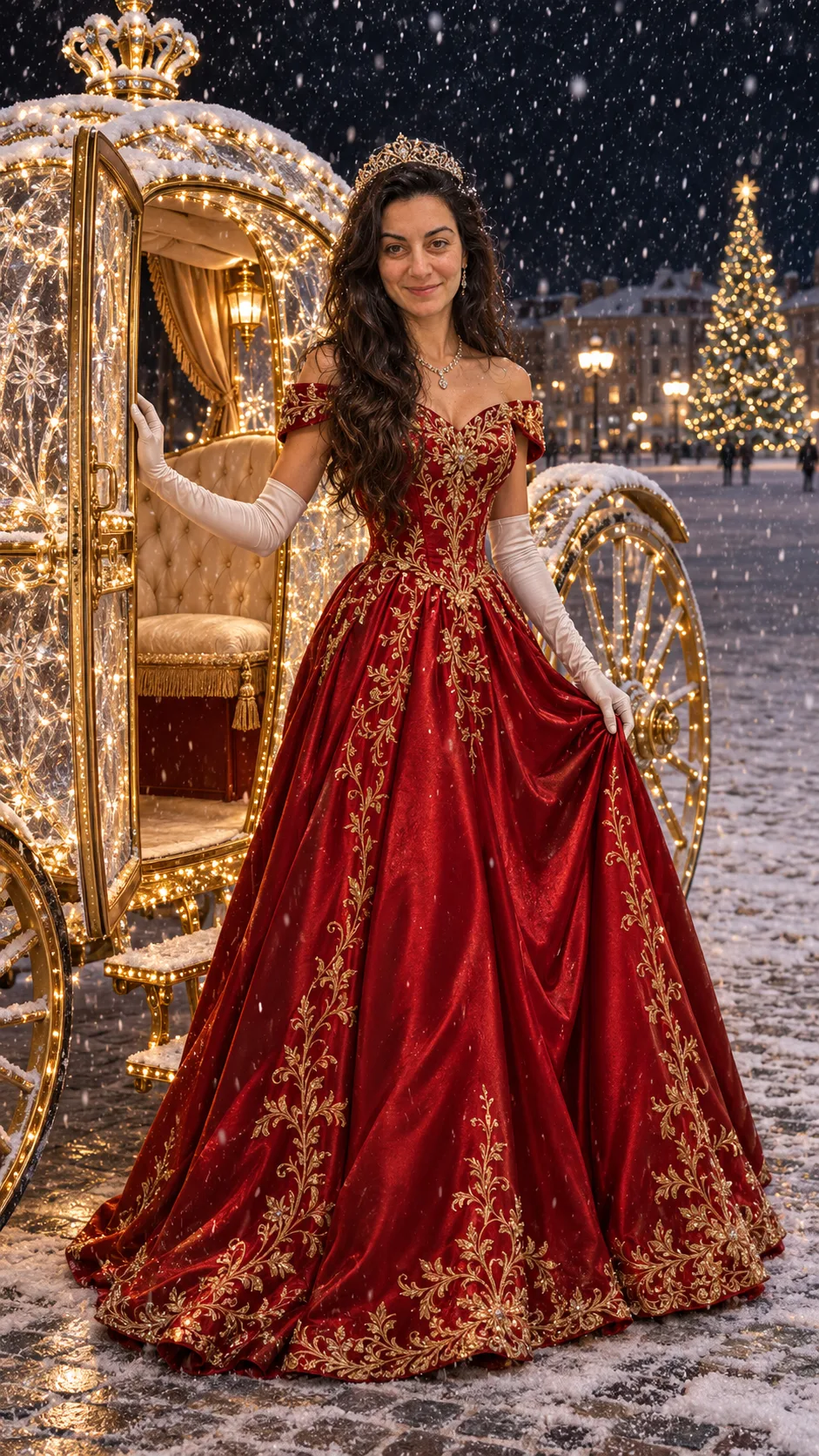
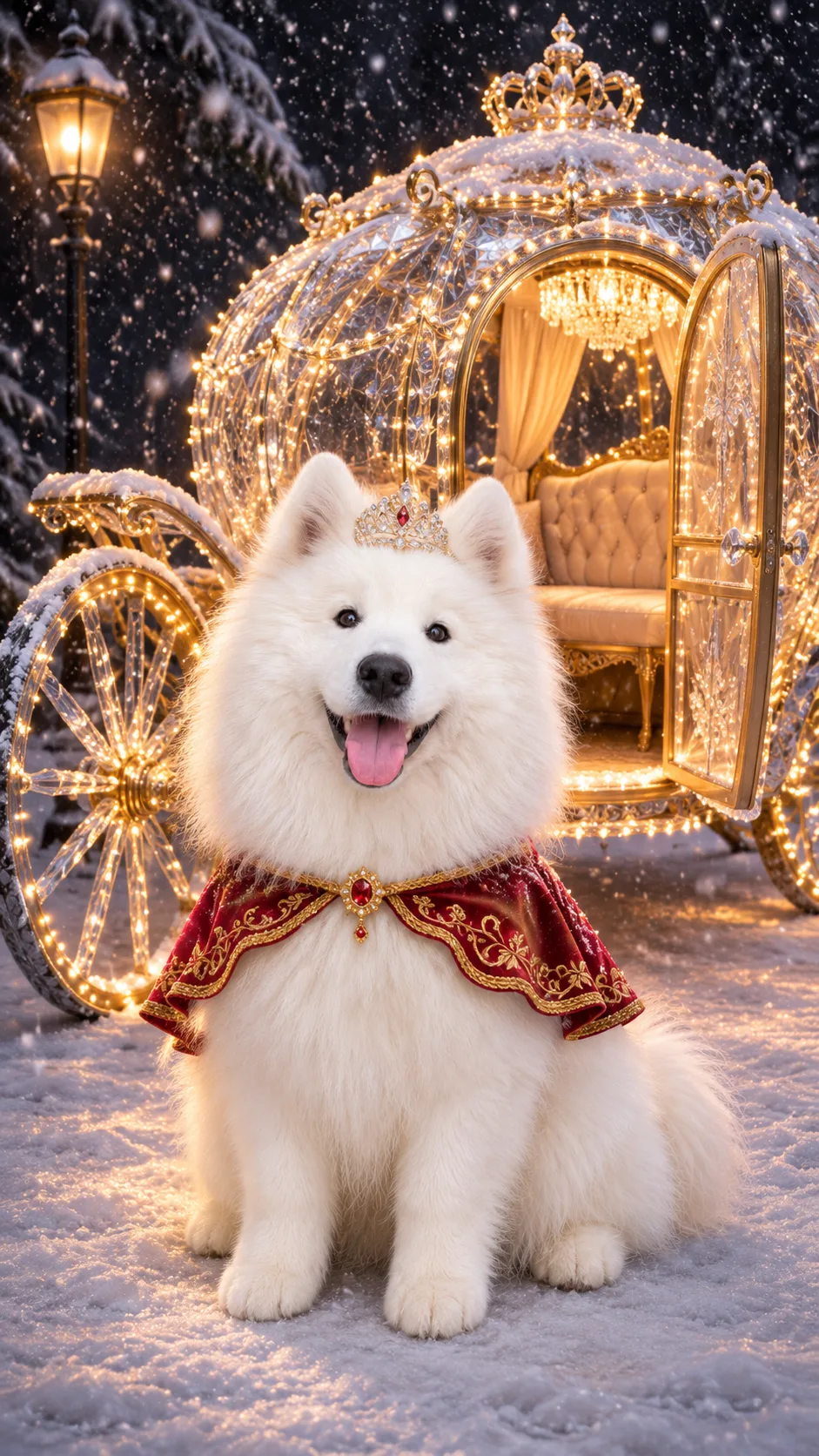
A woman in a red gown and a samoyed in a red cape, each stepping into the snow.
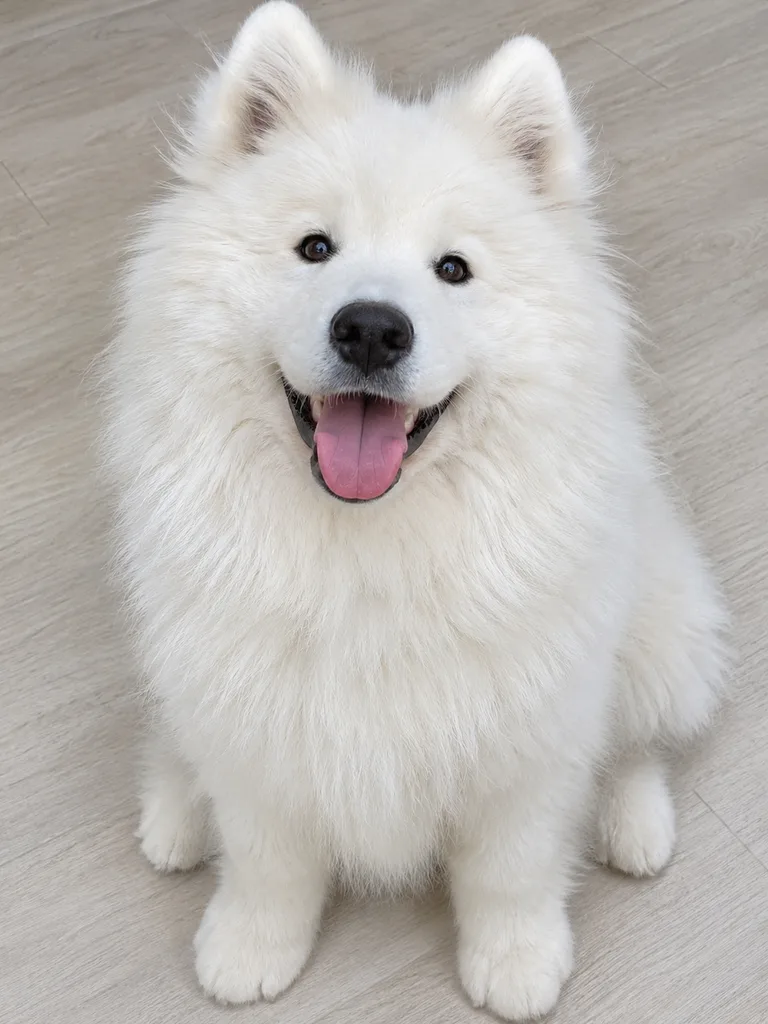
The woman and the samoyed are original AI-made characters, not customers or real people, and the look is a generic Christmas princess, not anyone from a film. Red gown and carriage starts from a selfie of a woman in a grey sweater; Samoyed in a cape from a photo of a samoyed sitting on a light floor. Each photo was first turned into a still beside the carriage with AI, and that still became a vertical 10-second clip made with Seedance 2.0 Fast for this trend on November 11, 2026 at lovart.me.
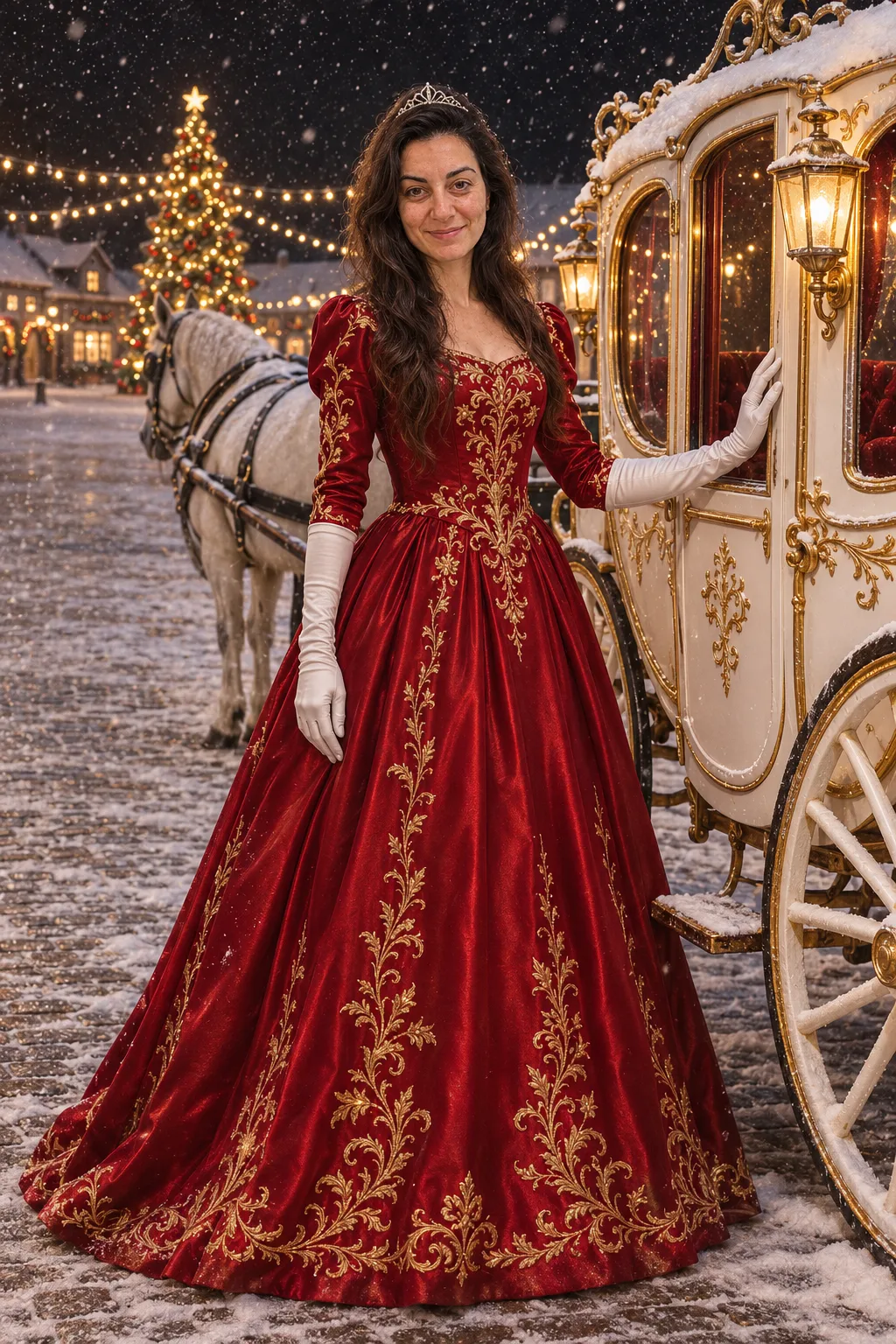
For this page we kept about 9 seconds of her clip, starting on the heel in the snow, and about 8.5 seconds of the samoyed's, with a gentle reframe, a colour and speed adjustment, and the ghibliia.com mark in the top left. Nothing was mirrored. The sound is each clip's own original music, not the trend's song. By the carriage is an image only: the same selfie moved onto a snowy street with image-to-image AI, the same thing you can do on Image. These samples cost this page no credits.
In Red gown and carriage: 0–1 s, the heel settles into the snow; 1–2.5 s, the camera climbs the skirt and the glove holding it; 2.5–4.5 s, it reaches her face as she looks up and smiles; 5–7.5 s, a full shot by the carriage and one spin with the skirt flaring; 7.5–9 s, a smiling close-up. In Samoyed in a cape the paw hits the snow in the first half second, the camera rises to the face, the full turn runs from about 3.5 to 6 s, and it ends close with its tongue out. Use this scene →
PhotoStillVideo
Red gown and carriage
A jeweled red heel lands in the snow beside the carriage; the camera climbs a red satin gown with gold embroidery to the face of a woman with long dark hair and a tiara, who spins once in the snow in long white gloves and ends on a smiling close-up.
A white samoyed in a gold-trimmed red cape and a tiny tiara puts a paw in the snow, looks up at the camera with its tongue out, turns a full circle by the lit carriage and ends on a close smile.
The same woman in a red satin gown with gold embroidery, long white gloves and a small tiara, standing by a white-and-gold carriage in a snowy square at night, a lit Christmas tree behind her, one hand on the door, smiling.
Still made in Image; this scene has no clip. Use this photo
One selfie to a Christmas princess carriage AI trend clip
Upload a sharp selfie, pick a scene, press Generate video.
1
The selfie
Facing the camera, chest up, sharp and well lit. Your face and hair come from the photo; the gown, gloves, tiara and heels come from the scene.
Your own photo, or an adult who said yes
One person in the frame
Never a child, a stranger or a celebrity
2
The scene
Above the photo box, choose Red gown and carriage for the red satin gown, white gloves and tiara, or Samoyed in a cape and upload your dog or cat: it gets a red cape and a small tiara by the carriage.
3
Generate and download
Press Generate video. The model, length and credits show on the button before you start. When it finishes, press Download; you get a vertical MP4 of about 10 seconds, no CapCut template or editing needed. Want a different gown colour or a prince version? Write your own scene on Video.
Why the Christmas princess carriage AI trend speaks Spanish
It started as a CapCut AI template on US accounts with Spanish captions in early November 2026.
01
The template
November 4: @krjxejaig5 posts a tutorial and @m52e0cw9o3 posts two takes of the CapCut template. November 6: @migf149 posts a silver-gown version. Figures from makeviral.ai.
02
The Spanish captions
The first posts came from US accounts that write in Spanish. By November 9 at least 23 accounts had posted the same tutorial captions in Spanish, English and Portuguese. That is why you will find it as princesa navideña trend as well as christmas princess trend, christmas carriage princess or christmas queen ai.
03
Princess, prince or pet
The look is a generic Christmas princess: red gown, tiara and a lit carriage, with no studio character involved. Three versions go around: princess, prince (coat, crown and boots) and pet, always adults or animals. This page has the princess and the pet; for the prince, write the scene yourself on Video.
Photos of children, celebrities or anyone who didn't agree
Posting your Christmas princess carriage AI trend clip
The clip has original music; add your own sound and caption when you post.
The sound
Most trend posts use a clip of a well-known Christmas pop song. Yours comes with its own original music instead. For the trend sound, add it in TikTok when you post; for a Christmas track of your own, make one on Music.
First watch the whole clip: your face and hair should hold through the spin and the close-up, and each glove should have five fingers. If something is off, make it again from a sharper selfie. In the caption, use the names people search: christmas princess trend or princesa navideña trend. More ideas in all video effects.
Christmas princess carriage AI trend questions
What is the Christmas princess carriage AI trend?
A short AI clip made from one selfie: you step down from a lit carriage in a red satin gown, long white gloves and a tiara, spin in the snow and end on a close-up.
Why are the captions in Spanish?
It took off on US accounts that post in Spanish, so many people search for it as princesa navideña trend.
Do I need the CapCut template?
No. Upload a selfie, pick a scene and one button makes the carriage-and-snow clip.
Is it a Disney princess?
No. It is a generic Christmas princess with a red gown, a tiara and a carriage covered in lights.
Can my dog do it?
Yes. Pick Samoyed in a cape and upload your dog or cat; it shows up in a red cape and a small tiara beside the carriage.
What song does the trend use?
Most posts use a snippet of a well-known Christmas pop song. Your clip has original orchestral music, and you can add any sound when you post.