
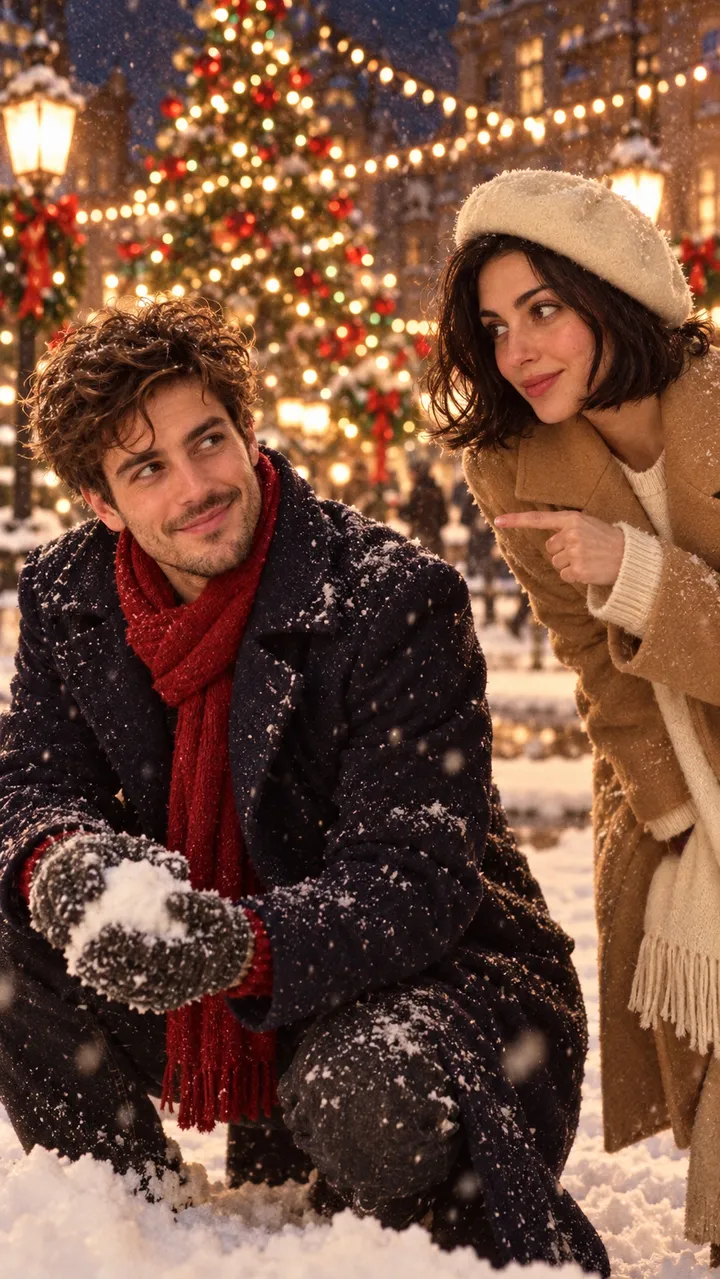
Snowball fight on the square
A snowball bursts on her camel coat, they chase each other through the lights and end up laughing in front of the big tree.
Sample clip made with Seedance 2.0 Fast Do it with 2 photosPut two photos into Image to build a snowy 90s square, then bring that frame to life in Video, with the lines spoken or subtitled in Spanish.
1990s Christmas movie still, warm film grain: a snowy city square at night with string lights and a tall decorated tree behind. The man from the first reference on the LEFT, crouched, packing a snowball and grinning; the woman from the second on the RIGHT, pointing at him in mock warning. Vertical 9:16. No text, no logos, no real celebrities.
The credit cost shows on the Image button before you generate.
Example still When Image finishes, tap “Animate in Video”: the still goes in as the first frame with the prompt.
Open VideoThe snowball standoff and the collision.
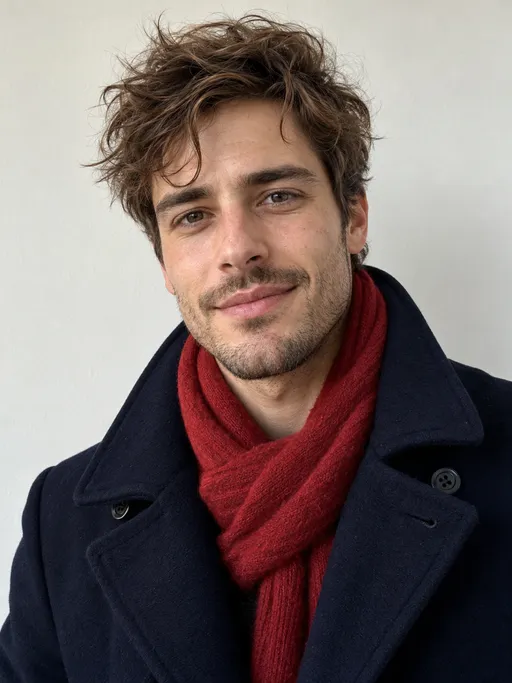
Snowball fight on the square started from two portraits of original adult characters, a man in a navy coat and red scarf and a woman in a cream beret and camel coat. They became one still of the square at night, which a 10-second Seedance 2.0 Fast clip then animated. The bump in the snow used no portraits: its still was written as text only, a snowy sidewalk with shopping bags and a present in the air, then animated by the same model. Nothing is mirrored, so each person stays on the side their photo was on.
December snow is a new still for the season: both portraits moved to a watercolour snowy square with image-to-image AI, as on Image. It has no video.
A snowball bursts on her camel coat, they chase each other through the lights and end up laughing in front of the big tree.
Sample clip made with Seedance 2.0 Fast Do it with 2 photos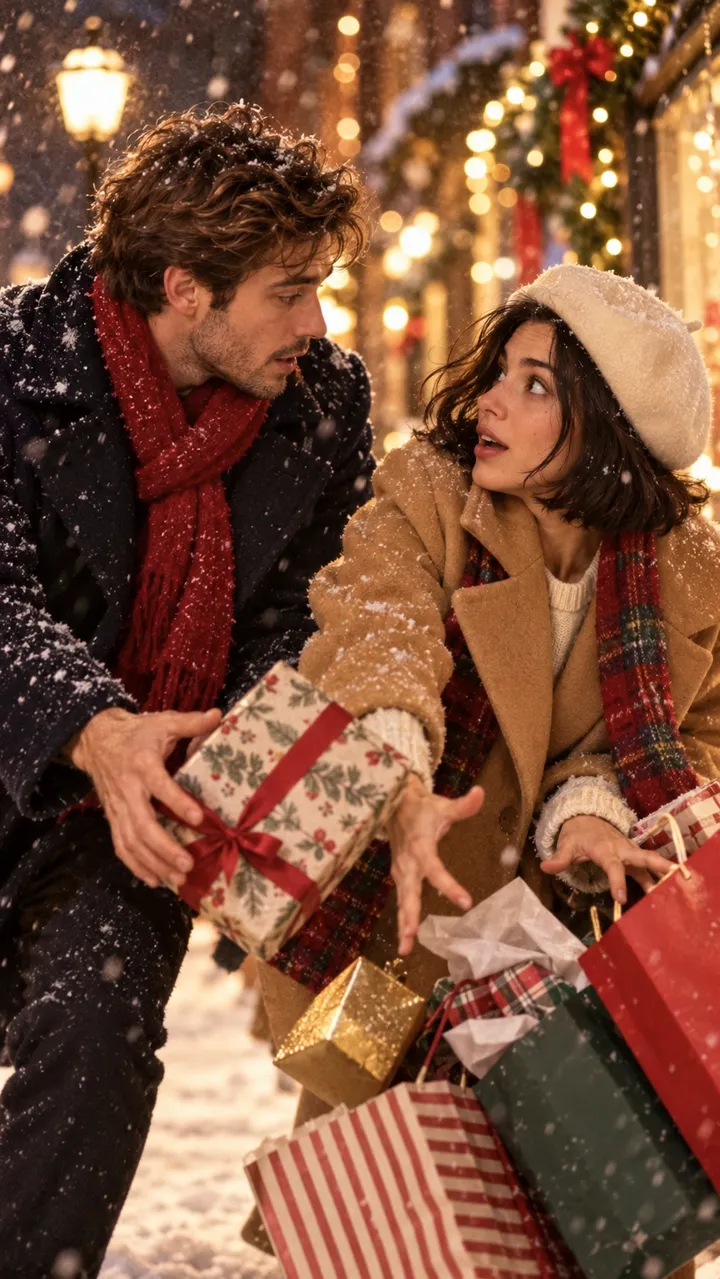
Both crouch for the same dropped present among the shopping bags, trade a smile, and she walks off glancing back.
Sample clip made with Seedance 2.0 Fast Do it with 2 photos 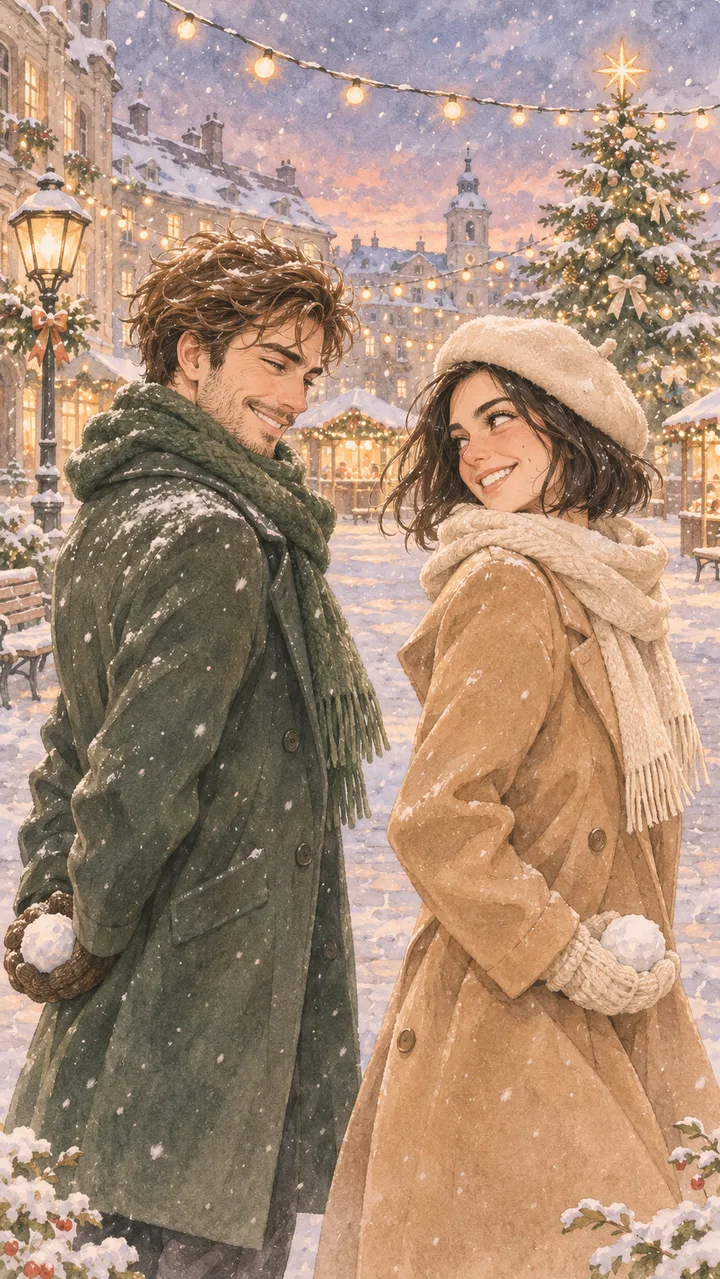 Image only
The same couple in a watercolour December square with lights and a decorated pine: each hides a snowball behind their back as they smile at each other.
Still made in Image; this scene has no clip. Do it with 2 photosTwo photos; make it by December 20 and post it in Christmas week.
Christmas 2026 is Friday, December 25, and Christmas week starts Monday, December 21. The countdown has three stops: the two photos, the watercolour scene (like December snow above) and the clip.
One clear photo of each person, facing forward in good light. Image puts you both in the snowy square, left and right as in your photos.
The scene and the clip take one afternoon. Finish by Sunday, December 20 and you reach Christmas week with time to spare.
We suggest posting it between Monday the 21st and Thursday the 24th, before Christmas Eve dinner.
Combine two photos on Image into the snowy square, check the faces, animate it on Video.
One person per photo, facing the camera, even light. Add them as references on Image in screen order: Photo 1 on the left, Photo 2 on the right. Pick a model that accepts several references; the model menu tells you which ones do.
The prompt already sets the scene: a city square at night, fresh snow, string lights, a tall decorated tree and warm 90s film grain, in 9:16. Look at both faces before moving on. If one is off, generate the still again rather than animating it.
On Video, set that still as the first frame and write the beats: the warning, the throw, a chase through the lights, the truce under the tree. Choose 10 seconds where the model allows it. The credit cost is printed on the button before you run it.
Don't you dare, Truce and Apologize first, each with a Spanish subtitle.
Either put the Spanish line in quotes inside the video prompt so the characters say it in Spanish, or keep the English dialogue and add the Spanish text as a subtitle when you edit. These three lines carry the whole story.
Ask Image for a watercolour of the two of you in the snow and use it as the first frame.
Upload the same two photos on Image and change only the style line, for example soft watercolour illustration, two people in a snowy square at night, big decorated tree, warm string lights. Keep each person on their side and check that hair and coats still match the photos.
When the watercolour goes to Video, add 1990s film look, warm grain, soft glow on the lights to the prompt. The painted frame then moves like an old holiday movie. Describe the same snowball, chase and truce beats.
@larpmaxinggggg posted the clip this scene is based on on October 12, 2026, a 90s holiday rom-com; it was not where the whole style began.
That clip showed two AI-made strangers colliding on a snowy square, a thrown snowball, a chase and a truce under the tree. The same idea also travels as 90s Christmas AI movie, Christmas snowball romance and 90s Christmas rom-com AI. Already have your still? Animate it on Video.
@larpmaxinggggg shares the 1990s-style Christmas romantic comedy with two AI-made leads on TikTok. It is the reference for this snowy-square scene; AI 90s holiday comedies were already around before it.
A template page turns it into a 15-second 9:16 clip with sound, built from two photos or from one photo plus an AI-made partner.
A short AI video that plays two people as the leads of a 90s holiday rom-com: snowball, "Don't you dare!" and a truce. The reference clip for this scene was posted on TikTok by @larpmaxinggggg on October 12, 2026.
The pair bump into each other on a snowy square at night, a snowball flies and one of them shouts "Don't you dare!". A chase through the lights follows, and it ends under a big Christmas tree with "Truce?" and "Apologize first."
Two photos give you two real faces. Some template pages work from one photo and invent the partner with AI; here you can describe the second person in the Image prompt instead.
Like a 1990s film: warm grain, a soft glow around the lights, a snowy square at night and a big decorated tree. Write those words into both the image and the video prompt.
90s Christmas AI movie, Christmas snowball romance and 90s Christmas rom-com AI all point to the same format. Spanish speakers also call it navidad de los 90 con IA.
Both sample clips were generated with Seedance 2.0 Fast on October 27, 2026 in vertical 9:16 from original AI-generated snowy square stills.
Finish it by Sunday, December 20; Christmas falls on Friday, December 25, 2026.
The same photos work for a card on AI Christmas Card.