The Golden Crosses the Park
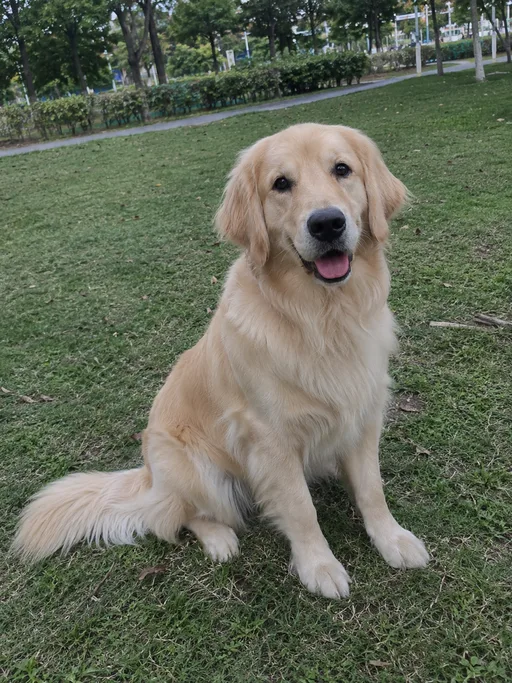
A golden retriever sitting on the grass in a sunny park gets up, runs across to the camera and ends up sniffing the lens until its nose fills the frame.
Remix of a Seedance 2.0 Fast clip Use this photoUpload a photo of your dog or cat, pick a scene and press Generate video: it runs to you or stretches on the windowsill.
Seedance 2 Mini: text, frame and media reference video generation
Google's latest model with exceptional quality output
With one image, Grok follows the image aspect ratio.
Seedance and MiniMax also bill the actual duration of input videos. Documents: maximum 50 pages.
When this option is enabled, the output video may be selected by AI Generate and published to the Explore.
A golden retriever running across the park to the lens and a tabby yawning and stretching by the window, both cut from original 10-second clips.
The samples start from pet photos made with AI, not from customers' pets. The Golden Crosses the Park and The Cat Stretches were cut from two vertical 10-second clips made with Seedance 2.0 Fast on November 7, 2026 at aiaigenerator.ai, each from a single photo of the animal.
For this page we kept about 9 seconds of each clip, with a gentle reframe, colour and speed tweaks, and the ghibliia.com mark in the top left. No mirroring was applied. The sound is an original backing track. Run to Me and Window Nap are images only: the golden's photo and the cat's photo moved into a new scene with image-to-image AI, the same thing you can do in Image. This page spent no credits on the samples. Use this scene →
A golden retriever sitting on the grass in a sunny park gets up, runs across to the camera and ends up sniffing the lens until its nose fills the frame.
Remix of a Seedance 2.0 Fast clip Use this photo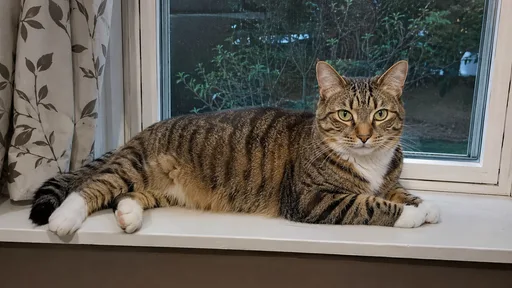
A tabby lying on the windowsill yawns, stretches her front paws, sits up and stays there looking at the camera, with the street trees behind her.
Remix of a Seedance 2.0 Fast clip Use this photo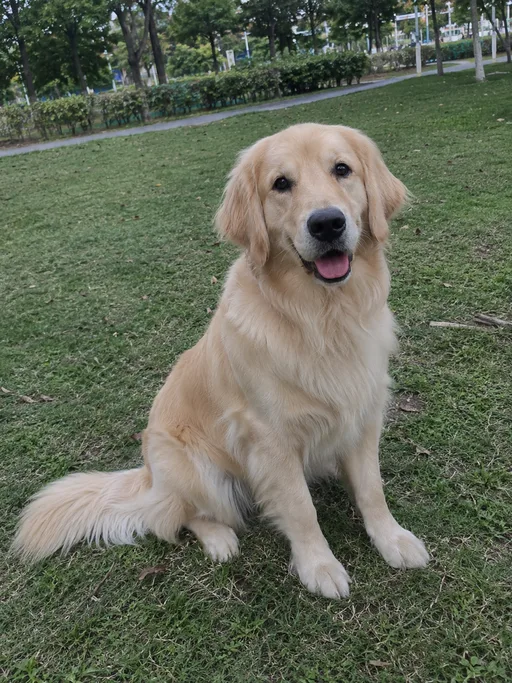
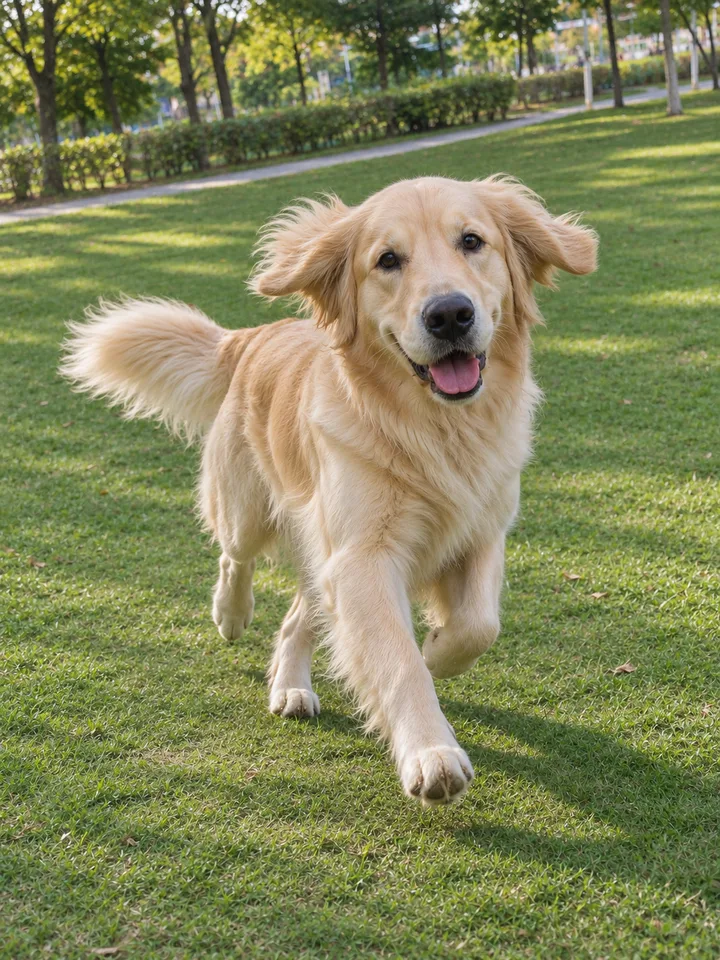 Image only
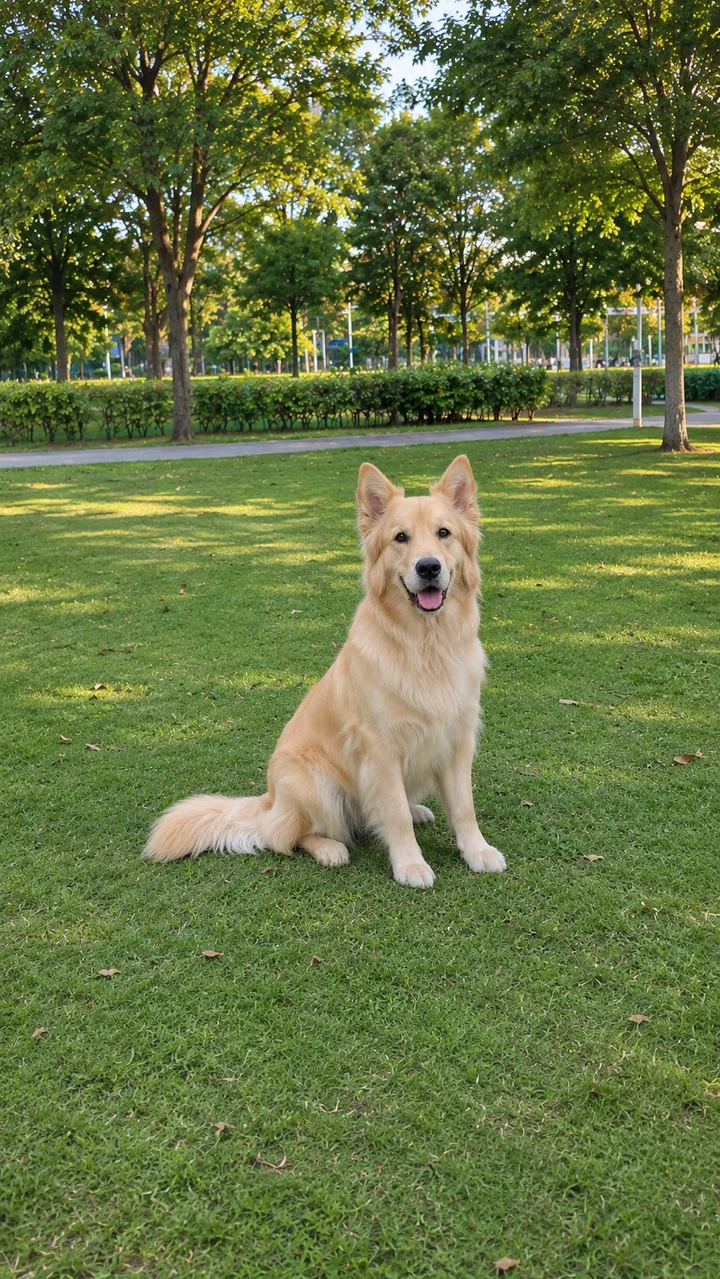
The same golden running toward the camera through a sunny park, ears flying.
Still made in Image; this scene has no clip. Use this photo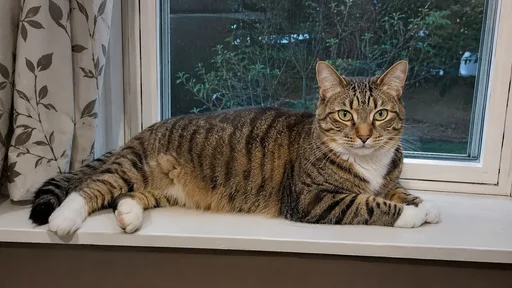
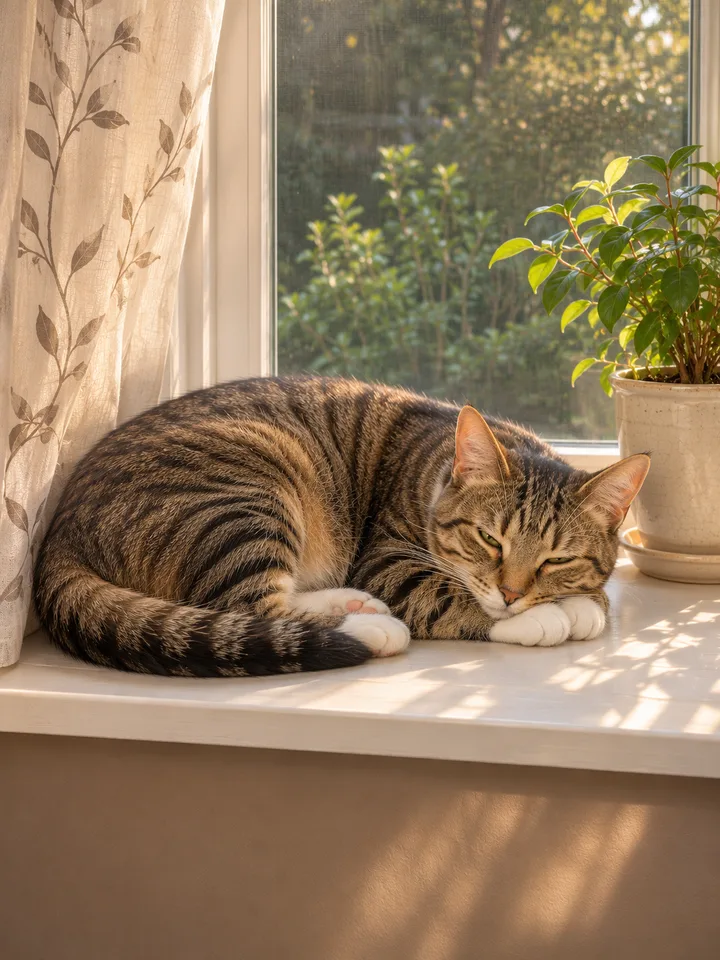 Image only
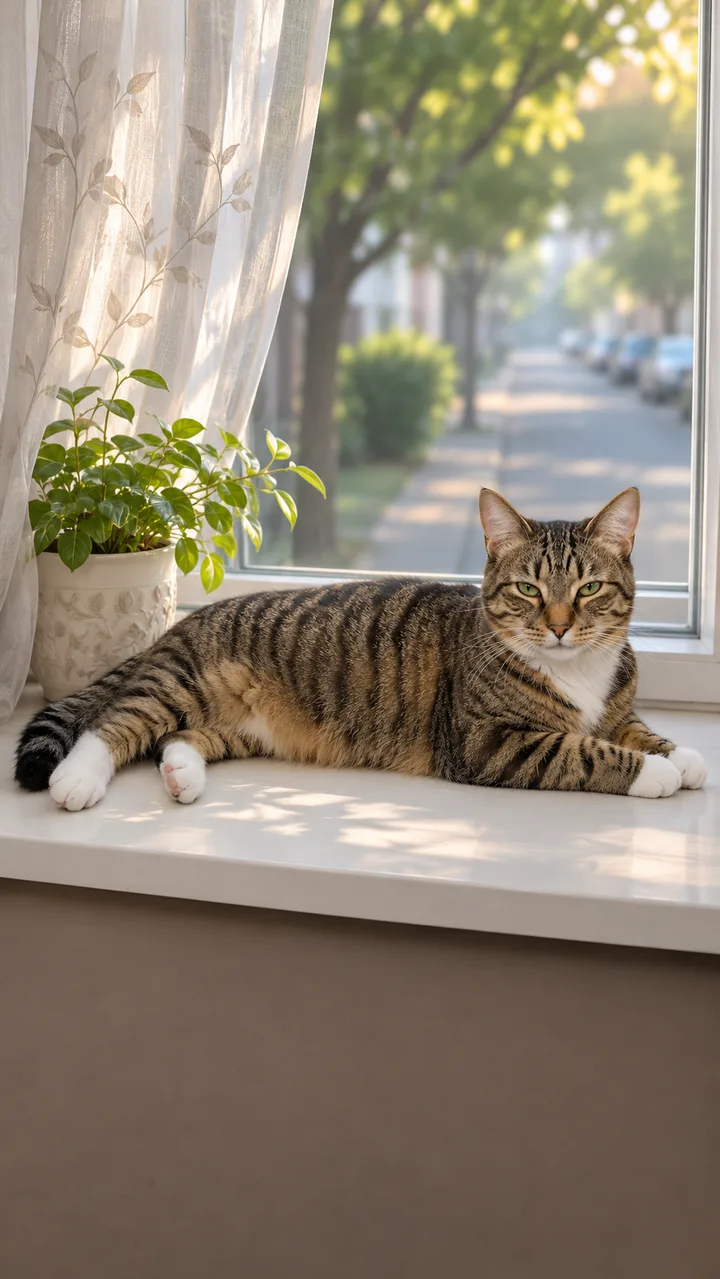
The same tabby asleep in a sunny window, next to a curtain and a flowerpot.
Still made in Image; this scene has no clip. Use this photoUpload a sharp photo of your pet, pick Run to Me or Window Nap and press Generate video; you download a vertical MP4 of about 10 seconds.
One animal, in focus, eyes open, in good light. The photo becomes the first frame, so the animal that moves is the one in your photo: same face, same coat, same markings.
Above the photo box, pick Run to Me, a sunny park where your pet comes running up to the camera, or Window Nap, a sunny windowsill where it yawns and stretches.
Press Generate video. The model, length and credits show on the button before you create. When it's done, press Download. If you want a different move, like a little dance or a jump onto the sofa, you can write your own scene in Video.
Dogs look great running and jumping, while cats suit slow moves like stretching, yawning and blinking, and every pet keeps its real size.
In The Golden Crosses the Park, about 9 seconds: 0–3 s it sits on the grass looking at the camera; 3–4 s it gets up; 4–7 s it runs toward the camera with its ears in the air; 7–9 s it arrives and sniffs the lens until its nose fills the frame.
In The Cat Stretches, about 9 seconds: 0–2 s she lies on the windowsill and yawns; 2–4 s she stretches her front paws over the edge; 4–6 s she sits up; 6–9 s she stays sitting, looking at the camera.
Go for one animal, sharp, eyes open and in good light, with the whole body in view if it's going to run; head and chest are enough for a blink.
The markings and coat colour come from the photo, so a dark, blurry or cropped shot looks less like your pet. Brighten it first in Image.
Check that the markings and coat colour are your pet's, add its name on top, and put a track from Music under it if you like.
Watch the whole clip: the markings, coat colour, ears and size should be your pet's, with four legs the whole time. If something changes, create it again with a clearer photo.
Write its name on top: “Toby at dinnertime” or “Luna, every morning”. The clip comes with a soft backing track; for one of your own, make it in Music. There are more ideas in all video effects.
It takes one still photo of your dog or cat and turns it into a short clip where your pet moves. Your photo is the opening frame of the video.
Yes. Since the video grows out of your own photo, the face, coat and markings carry over from it.
A clear, well-lit shot of a single animal with its eyes open. If you want it to run, make sure the whole body is in the picture.
Yes. Cats look most natural with slow moves: a stretch, a yawn or a slow blink.
Yes. A gentle move works best, like a slow blink or a turn of the head. If the photo is dark, brighten it before you upload it.