Upload an Image
or Select from
Upload an Image
or Select from
(Optional)
Upload an Image
or Select from
(Optional)
Upload an Image
or Select from
(Optional)
Google's cutting-edge image generation model
Flux Kontext standard model with balanced performance
Powered by Advanced AI Anime Style Technology
When this option is enabled, the output image may be selected by AI Generate and published to the Explore.
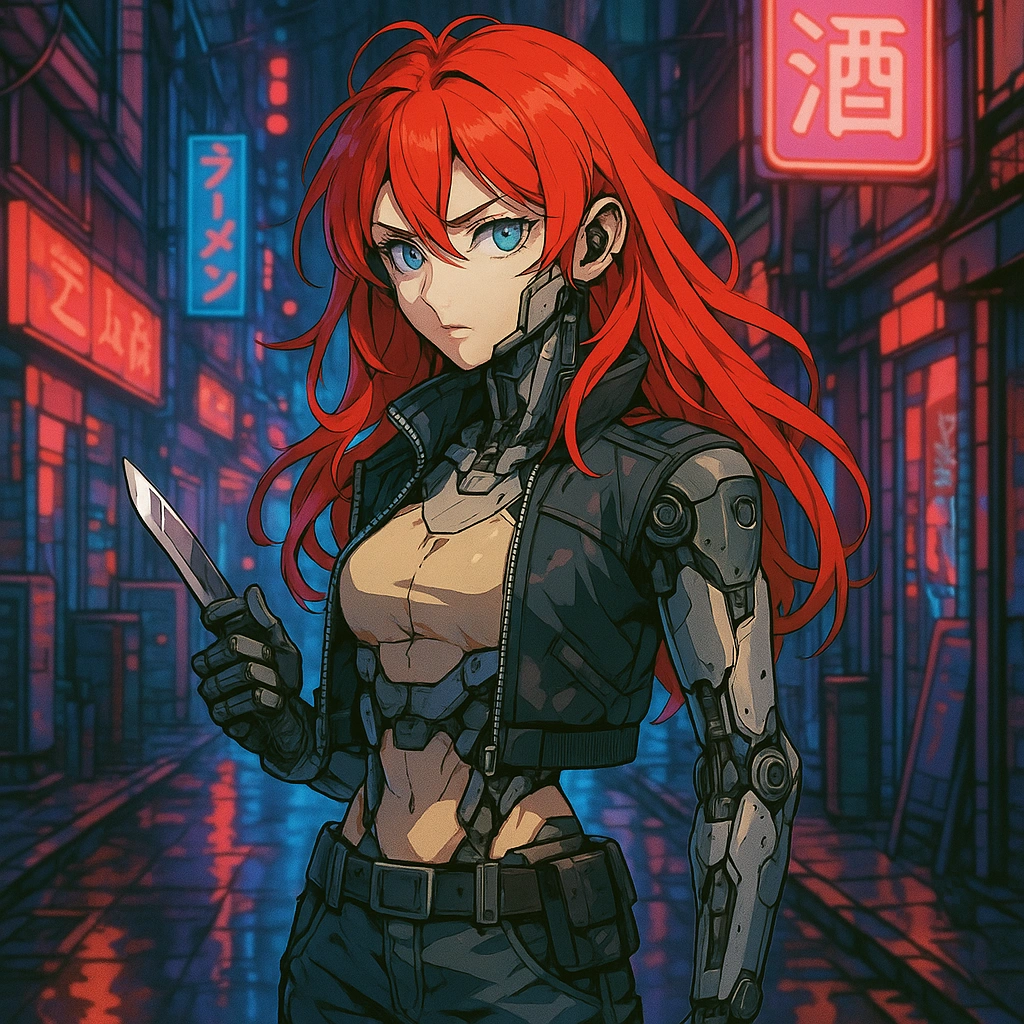
Cyberpunk neon street, red haired mechanical girl standing with a knife
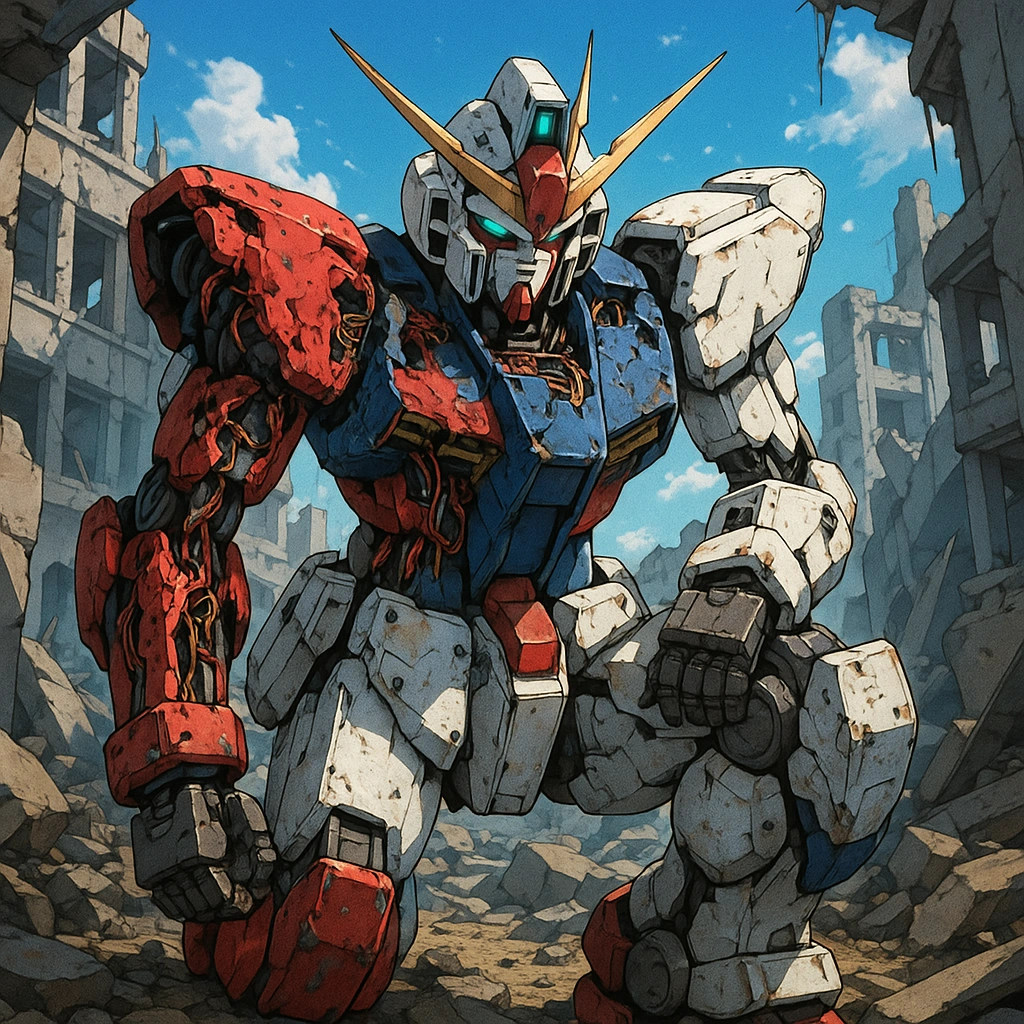
Mech warriors half kneeling in ruins, damaged armor revealing internal wiring
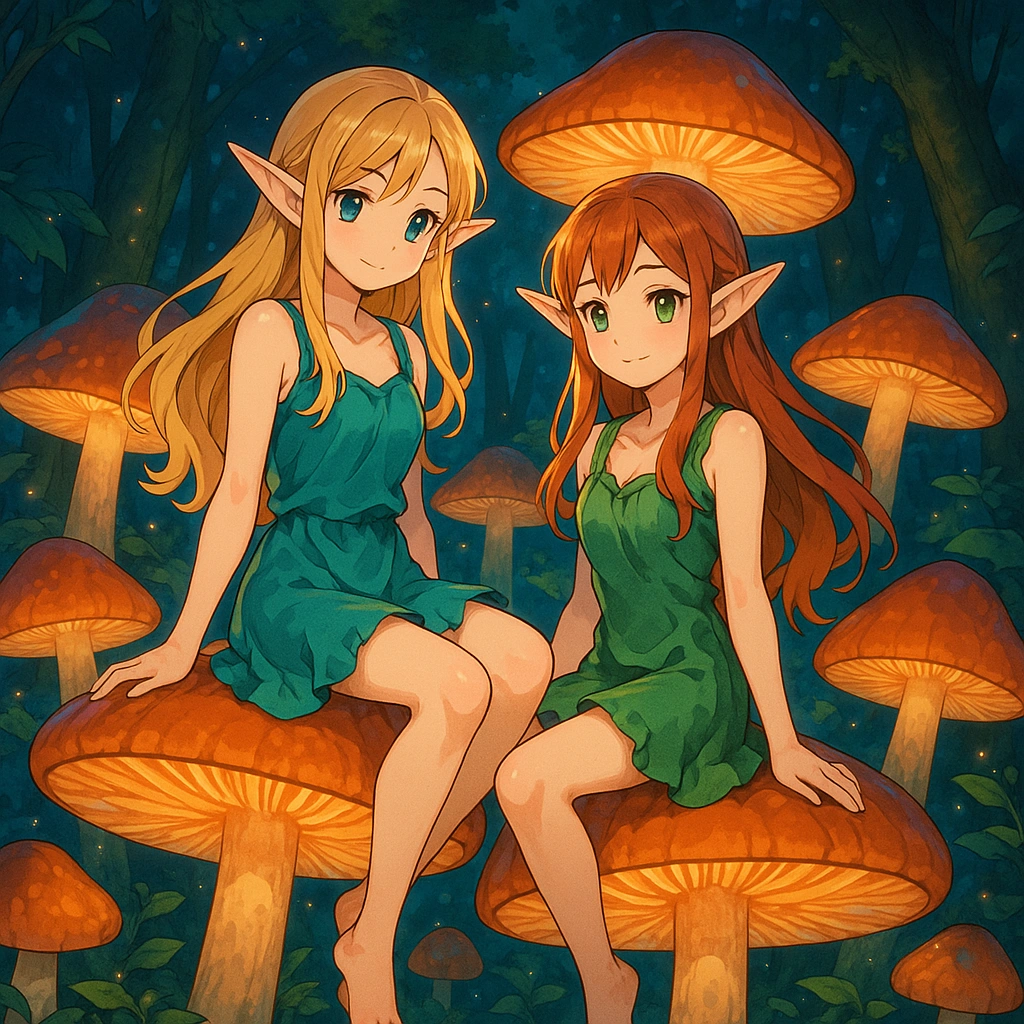
Fantasy Forest, elf girls suspended in a group of glowing mushrooms

Winter station, scarf girl bursts out of white mist and waits for the train
Anime Style is a cutting-edge AI tool from GhibliIA that transforms text descriptions or photos into authentic Japanese anime-style images. Using advanced AI Image generation technology, it creates high-quality anime illustrations with distinctive features like large expressive eyes, vibrant colors, and exaggerated character designs.
Write a detailed text prompt describing the anime character, scene, or artwork you want to create using Anime Style. Include specifics about appearance, pose, background, and emotions.
For anime-style transformations, upload a clear photo that you want to convert. GhibliIA will analyze key features and transform it into authentic anime art.
Click the generate button and watch as AI technology creates your custom Anime Style artwork. You can then download or share your creation directly from the browser.
Create artworks in various anime aesthetics from classic Studio Ghibli to modern anime, cyberpunk, chibi, or realistic anime using GhibliIA's versatile style options.
Generate stunning Anime Style images with exceptional detail and clarity. AI technology produces professional-quality artwork suitable for social media, gaming, or personal projects.
Experience the magic of watching your Anime Style creation come to life in real-time. GhibliIA's powerful AI delivers results in seconds, allowing for quick iterations and adjustments.
Design unique anime characters with precise control over features, expressions, clothing, and poses. Perfect for creating original characters or transforming yourself into anime art.
Experience the convenience of creating stunning Anime Style artwork directly in your web browser. No software installation, no waiting for downloads. GhibliIA delivers professional-quality anime generation instantly using AI technology. Simply visit the website, type your prompt or upload a photo, and start creating beautiful anime art in seconds. Perfect for artists, content creators, or anyone who wants to transform ideas into anime-style visuals without technical barriers.
Looking for more creative AI tools? Try Figure Box, another powerful tool from GhibliIA that lets you create customized 3D character figures in various artistic styles. Figure Box complements Anime Style perfectly, allowing you to bring your anime characters into the three-dimensional world. Together, these browser-based tools provide a complete creative suite for digital artists, with no downloads or installations required.
Enhance your Anime Style creations with detailed character descriptions. Include hair style, eye shape, clothing details, and facial expressions. For best results with GhibliIA, specify age, personality traits, and emotional state to create more authentic anime characters.
Tip: Try adding 'Studio Ghibli style' to your prompt for softer, more whimsical characters.
Create stunning anime backgrounds by being specific about setting details. Describe natural elements, lighting conditions, time of day, and weather effects. AI technology excels at generating complex backgrounds when given rich environmental descriptions.
Tip: Combine 'golden hour lighting' with your Anime Style scene descriptions for dramatic effects.
Experiment with different anime sub-styles by referencing specific studios or artists in your prompts. Anime Style can adapt to various aesthetics from classic anime to modern styles. Try specifying 'cyberpunk anime' or 'fantasy anime' to guide the artistic direction.
Tip: Use 'high contrast anime style' for more dramatic, visually striking images.
When uploading photos for anime conversion, choose images with clear facial features and good lighting. GhibliIA's Anime Style works best with front-facing portraits with neutral expressions. Avoid busy backgrounds or multiple subjects for optimal results.
Tip: For group photos, process each person individually for better Anime Style transformations.
Anime Style generator is an AI-powered tool from GhibliIA that transforms text descriptions or photos into authentic Japanese anime artwork using advanced AI Image generation technology.
No artistic skills required! Anyone can create beautiful anime art by simply entering text descriptions or uploading photos. GhibliIA's technology handles all the artistic elements automatically.
Anime Style supports various aesthetics including classic Studio Ghibli, modern anime, cyberpunk anime, chibi style, realistic anime, and more. The tool is regularly updated with new style options.
Yes! Upload your photo, and Anime Style will transform it into authentic anime art while preserving key features and likeness. It's perfect for creating personalized anime avatars.
The more detailed your text prompt, the better! Describe character features, clothing, poses, backgrounds, lighting, and emotions for optimal results. AI technology excels with specific instructions.
Anime Style generates high-resolution images suitable for social media, gaming avatars, or personal art collections. Premium users can access even higher resolution outputs.
Yes, you can download your creations and edit them in any image editing software. GhibliIA provides the initial anime transformation, which you can further customize.
GhibliIA offers both free and premium tiers. Free users can create a limited number of anime images daily, while premium subscribers enjoy unlimited creations and advanced features.
Anime Style by GhibliIA is specifically optimized for authentic Japanese anime aesthetics, offering specialized anime features, styles, and details that general AI art tools often miss.
Usage rights depend on your subscription tier. Free users receive personal-use licenses, while premium subscribers can access commercial rights. Always check the current terms of service for details.
Yes, Anime Style works in modern web browsers including Chrome, Firefox, Safari, and Edge. No downloads or installations required—just visit the website and start creating.
Most images are generated within 10-30 seconds, depending on complexity and server load. AI technology optimizes processing for fast, high-quality results.
Currently, Anime Style focuses on still images. However, GhibliIA is developing animation features for future releases. Stay tuned for updates on this exciting addition!
For optimal results, provide detailed descriptions, use anime-specific terminology, reference famous anime styles if desired, and experiment with different prompts to fine-tune your creations.
The journey of Anime Style began with basic sketch generation. Early versions of GhibliIA could transform simple text prompts into anime-style line drawings with limited detail but capturing the essential anime aesthetic.
As the technology evolved, AI capabilities allowed for vibrant color palettes and dynamic shading techniques typical of Japanese anime. This stage brought significant improvements in visual appeal and stylistic accuracy.
The third evolution introduced advanced understanding of character expressions, poses, and emotional nuances. Anime Style could now generate characters with distinct personalities and emotional states based on textual descriptions.
With further advancements, Anime Style expanded to generate complete scenes with detailed backgrounds. Users could now specify environments ranging from futuristic cities to fantasy landscapes that complement their anime characters.
The latest evolution of Anime Style supports multiple anime aesthetics including classic Studio Ghibli, modern anime, cyberpunk, chibi, and realistic anime. GhibliIA's advanced algorithms can now replicate specific studio styles.
We've expanded Anime Style with 15 new anime aesthetic variations including classic 90s anime, modern digital anime, watercolor anime, and specialized Studio Ghibli atmospheric styles. GhibliIA continuously improves our style library based on user feedback and trends.
Our latest AI model update brings significantly improved dynamic pose generation. Anime Style can now create more natural and expressive character poses with better anatomical accuracy while maintaining authentic anime proportions and style.
Anime Style backgrounds now feature enhanced detail levels with improved perspective, lighting effects, and environmental elements. Create stunning anime scenes with rich backgrounds ranging from futuristic cityscapes to detailed natural environments.
GhibliIA has optimized Anime Style processing for faster image generation. Generation times are now reduced by up to 40%, allowing for a more seamless creative flow while maintaining the high-quality anime artwork you expect.
Learn to create emotionally expressive anime characters with detailed prompt techniques. This guide teaches you how to describe subtle facial expressions, emotional states, and character personality traits for Anime Style to generate more nuanced and engaging anime characters.
Pro Tip: Include 'with [emotion] expression' in your Anime Style prompts for more emotional depth.
Master the art of creating complex anime scenes with multiple elements. This guide covers techniques for describing spatial relationships, lighting effects, weather conditions, and environmental interactions to create cohesive, story-rich scenes using GhibliIA's Anime Style generator.
Pro Tip: Create visual hierarchy by specifying foreground, midground, and background elements.
Explore how to blend different anime styles for unique artistic results. This advanced guide shows how to combine elements from different anime eras and studios, creating hybrid styles that stand out. Learn how AI technology can generate distinctive anime aesthetics.
Pro Tip: Try combining 'modern anime coloring with classic 90s anime proportions' for unique styles.
Connect with fellow anime enthusiasts in the growing GhibliIA community. Share your Anime Style creations, get feedback, and discover inspiration from other artists. Whether you're creating anime characters, scenes, or transforming photos, our community welcomes creators of all skill levels. AI technology has brought anime creation to everyone, and our forums are filled with stunning examples of what's possible with Anime Style.