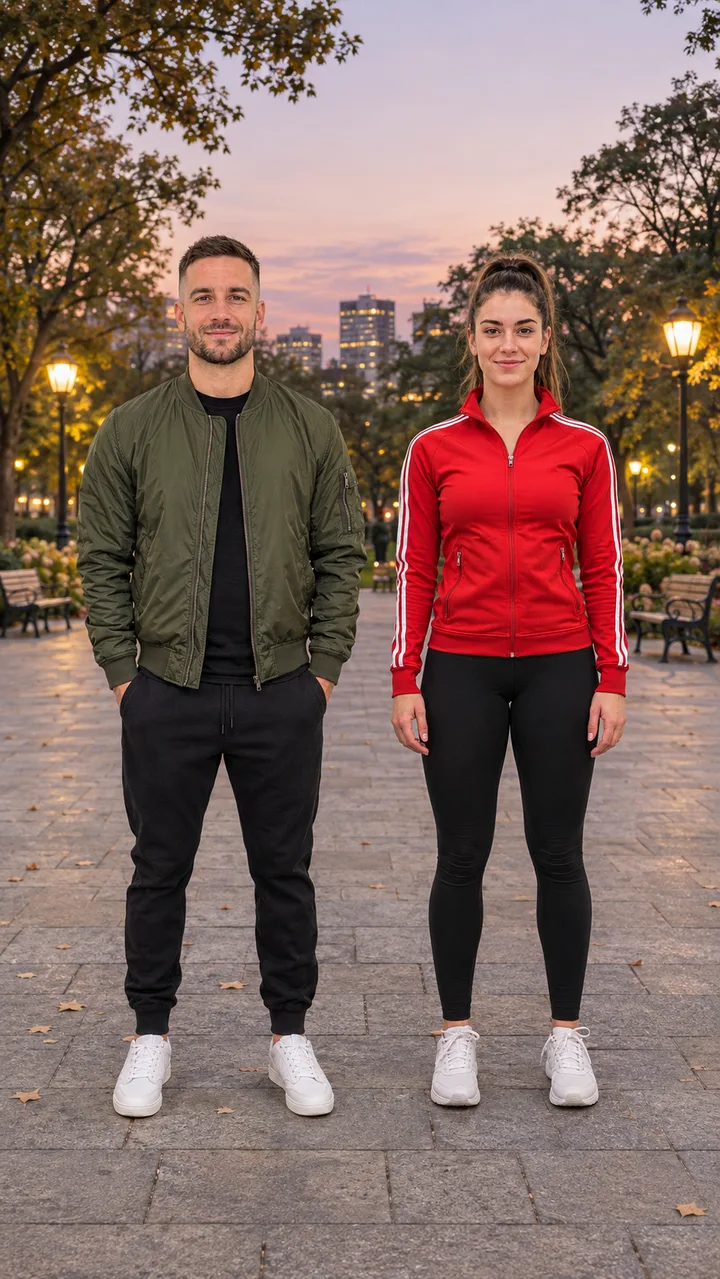
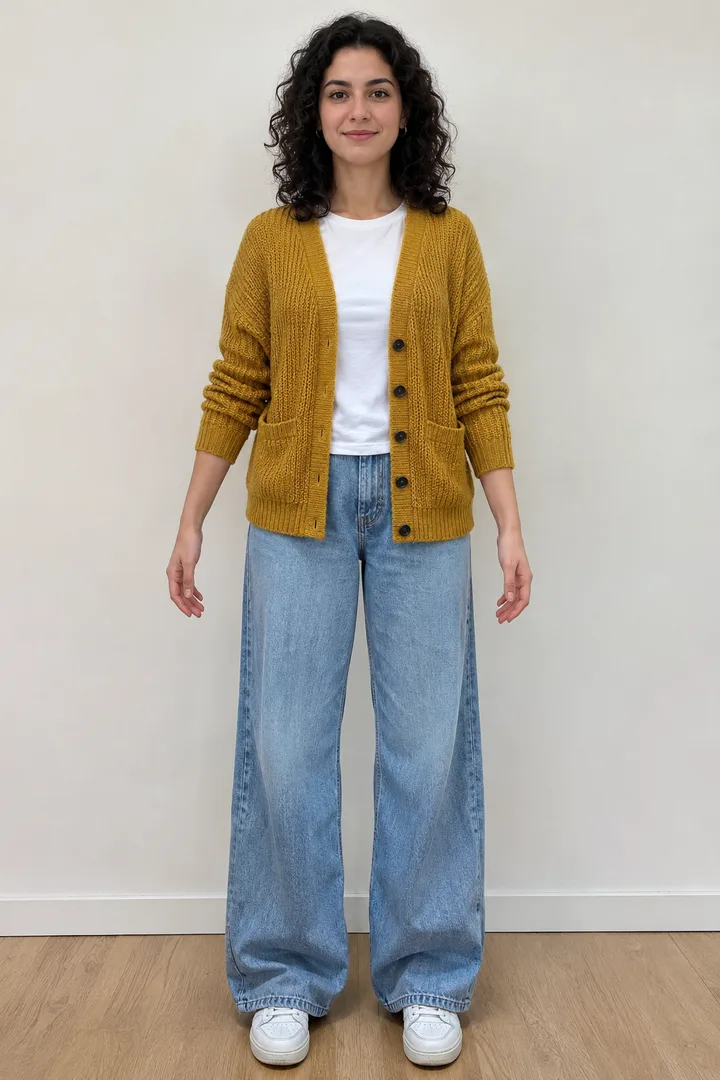
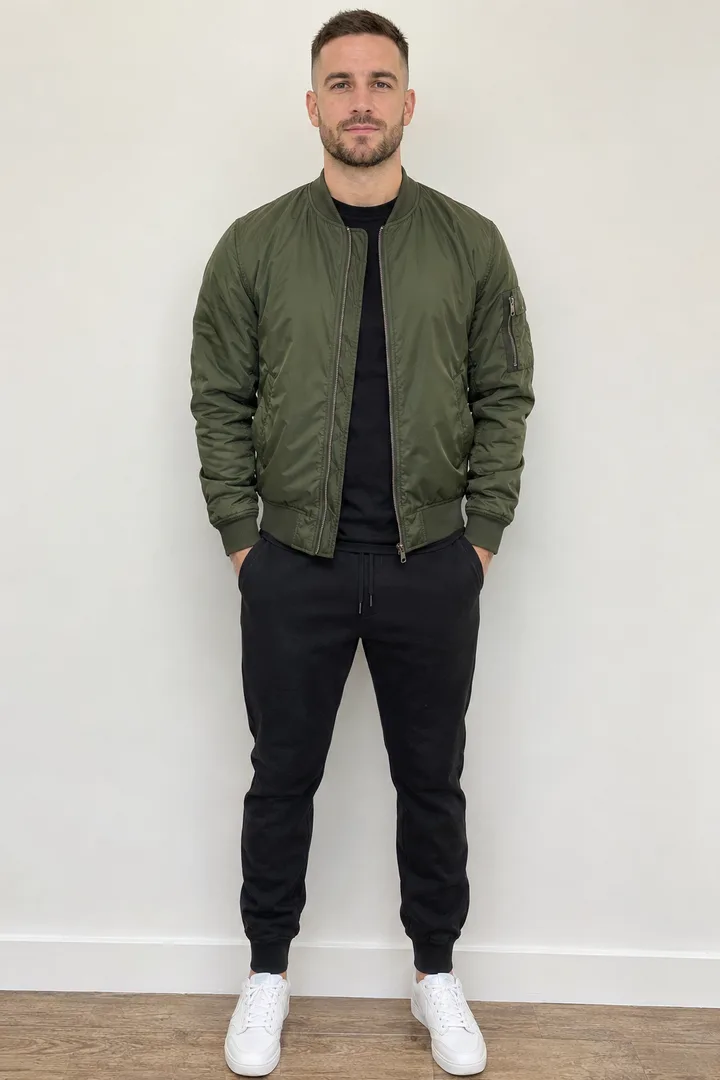
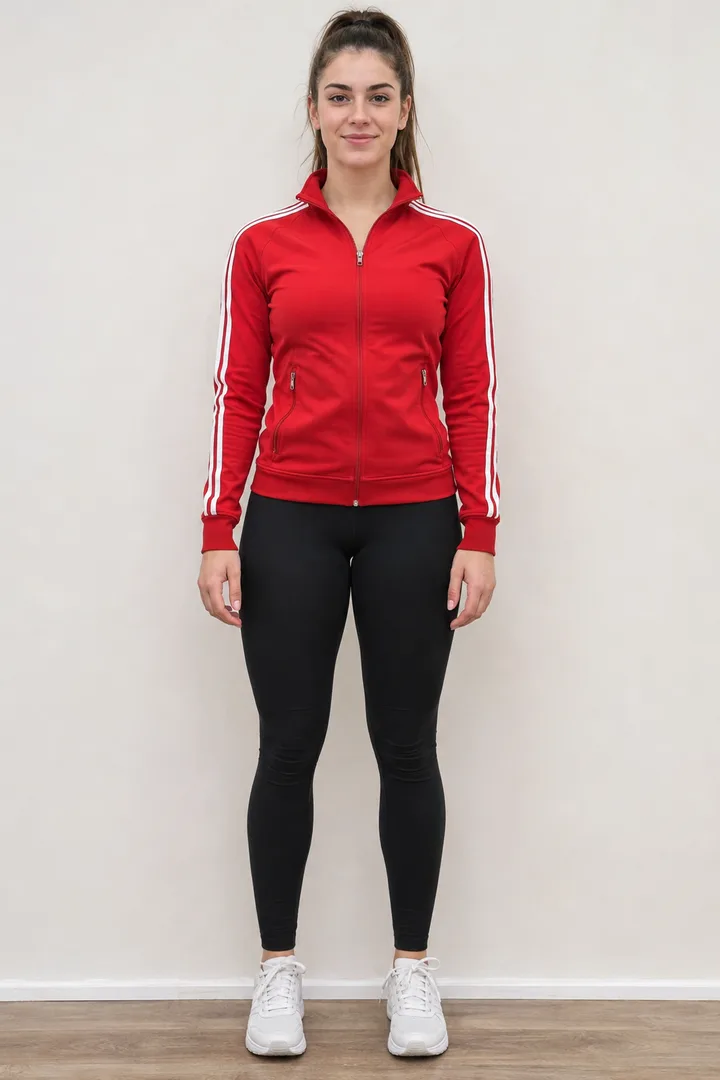
Use the first reference for the man on the LEFT and the second for the woman on the RIGHT; keep both faces, hair and clothes. They stand side by side, head to feet, an arm's length apart on a paved plaza in a city park at dusk, trees and warm lamps behind them, both facing the camera and smiling. Photoreal, vertical 9:16 phone photo with room above their heads and below their feet. No text, no logos, no real celebrities.
The credit cost shows on the Image button before you generate.
2
Animate it in Video
Example still
When Image finishes, tap “Animate in Video”: the still goes in as the first frame with the prompt.
Step 1 → Image: both photos, the prompt and the format arrive preloaded.
In Image, “Animate in Video” appears under the still.
Step 2 → Video: first frame and prompt preloaded; model and credits as set in Video.
AI dance video generator clips from Ghibliia
A woman in a mustard cardigan swaying on a rooftop and two friends dancing in a park, re-cut from 10-second originals.
Rooftop at Sunset starts from one full-body portrait; Duo in the Park starts from two, him on the left and her on the right. Each portrait was first placed into the scene as a starting frame, then turned into a Seedance 2.0 Fast clip for aiaigenerator.ai (720p, 9:16, 10 seconds, November 4, 2026). The versions here are remixes of those clips: trimmed to about 8.5 seconds, reframed with a slow zoom, color and speed adjusted, never mirrored. The beat is original audio from the model, with no lyrics. No credits were spent on these samples.
PhotoStillVideo
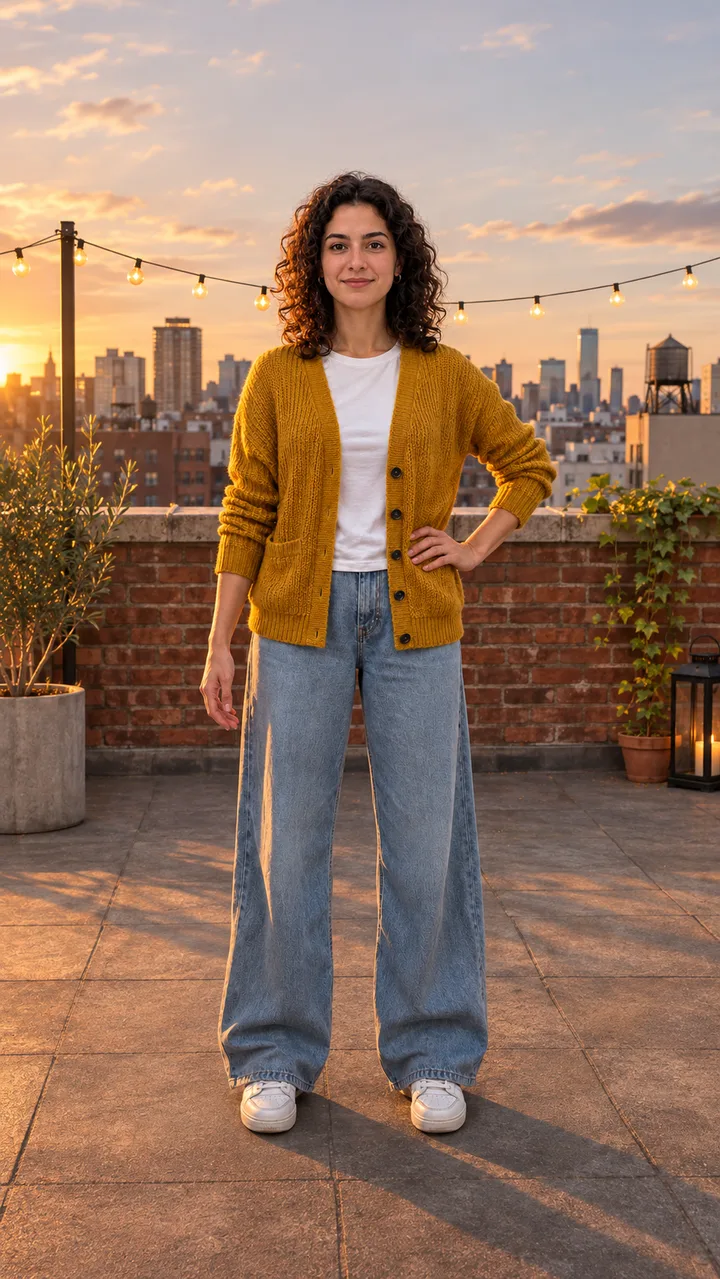
Rooftop at Sunset
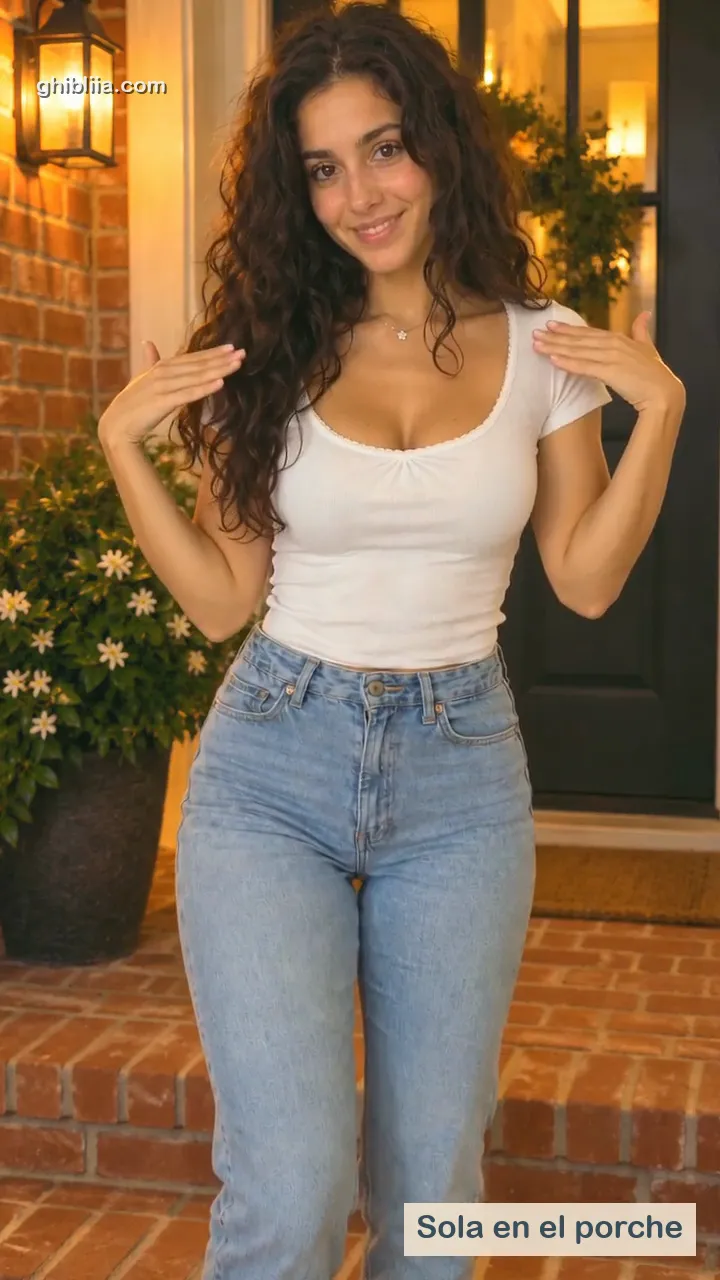
A woman with curly hair, a mustard cardigan and wide jeans sways on a rooftop with string lights and the skyline behind her: hands rolling at chest height, one turn on the spot, then both arms over her head.
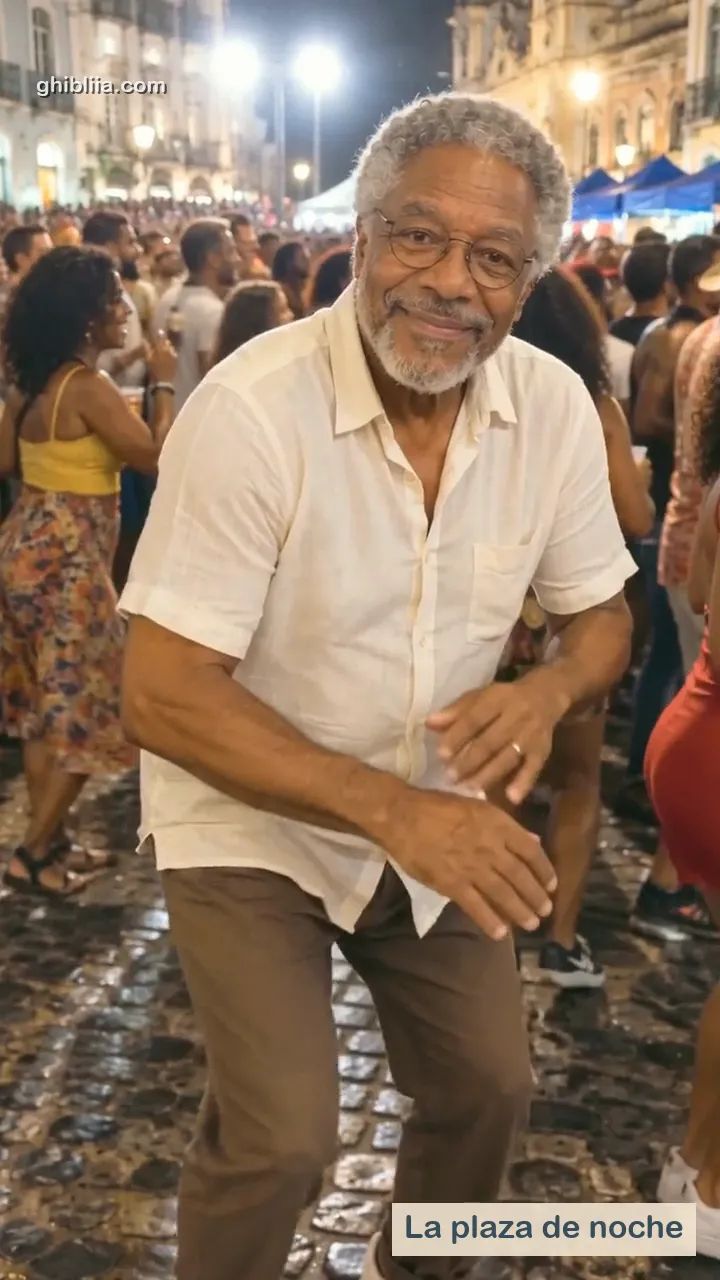
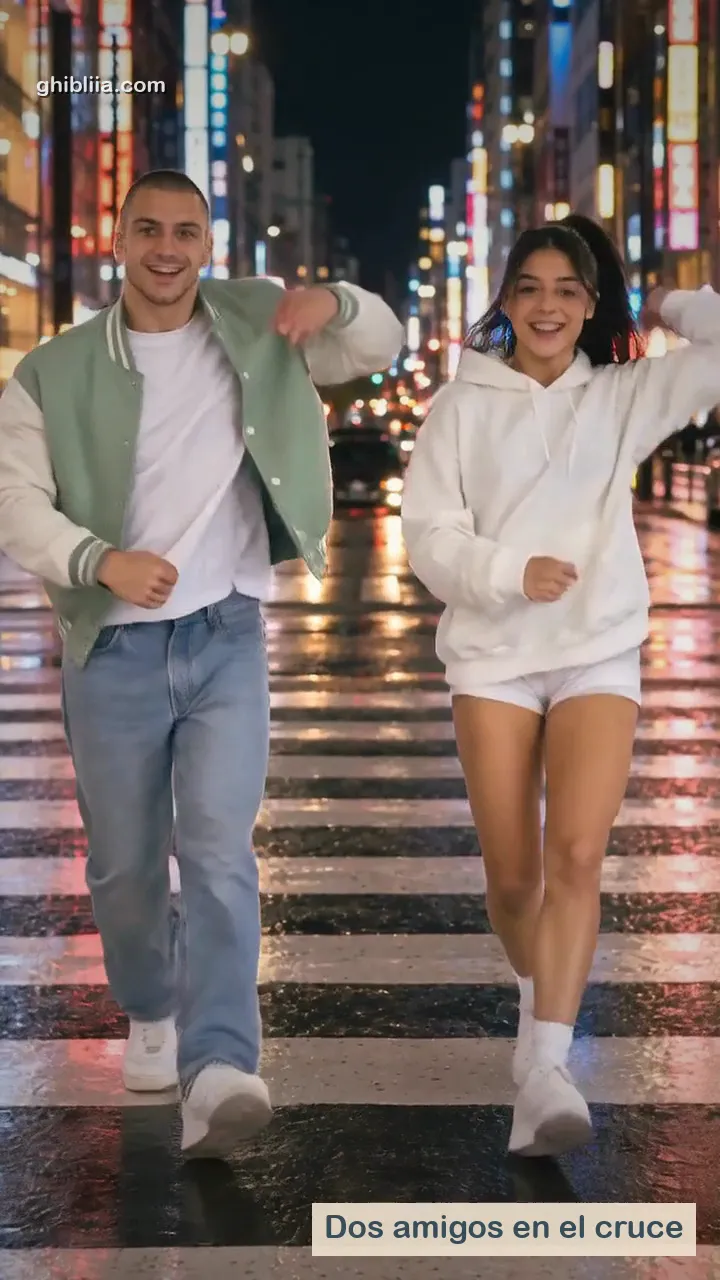
He wears a green bomber on the left, she wears a red track jacket on the right: shoulder bounces, side steps with claps and a spin from her on a park plaza at dusk, each staying on their own side.
Upload a full-body photo, keep Rooftop at Sunset, press Create video.
1
The photo
One person, head to feet, facing the camera, good light, hands visible, plain background. When the whole body is in the shot, arms and legs have room to move.
2
The scene
Rooftop at Sunset is selected by default: string lights, a hip sway on the spot, rolling hands, one turn and a final point at the lens. If there are two of you, Duo in the Park jumps to the two-photo card.
3
Create and download
Press Create video. The default model is Seedance 2 Mini, 4 to 15 seconds; Veo 3 Fast is the other option. The button shows the credits before every run. When it finishes, download a vertical MP4 for TikTok, Reels or Shorts, or add a track in Music.
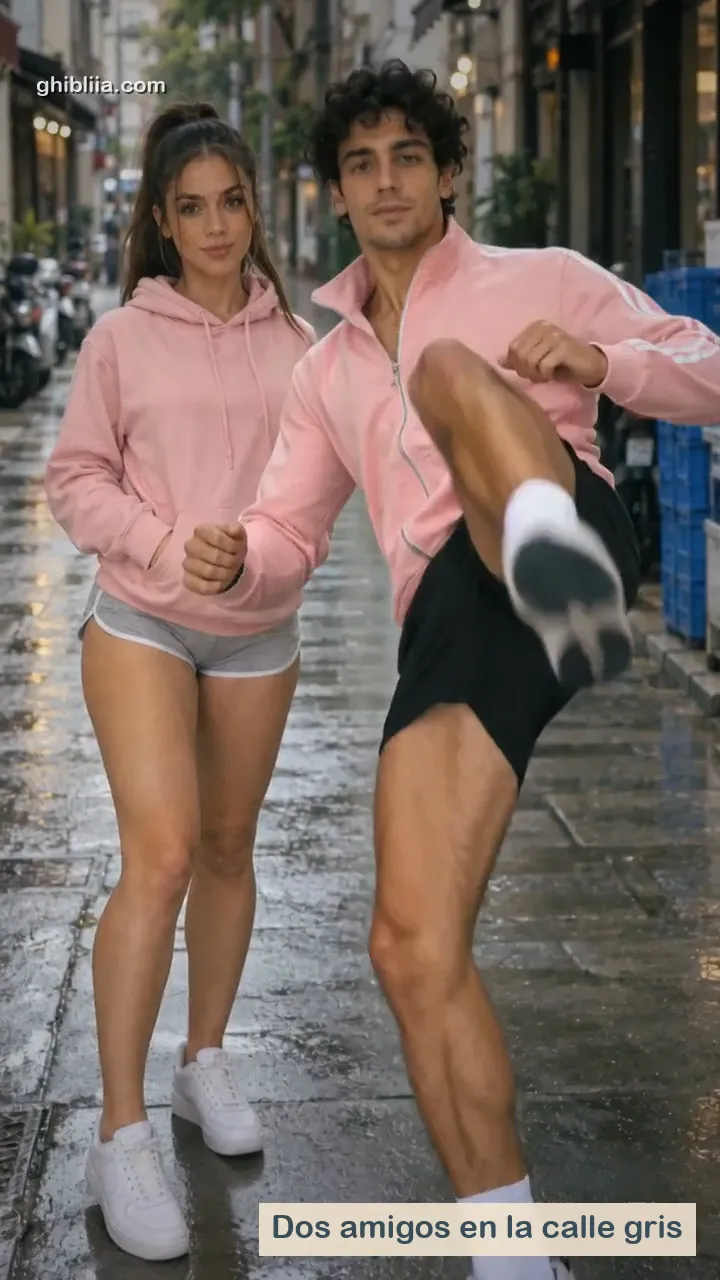
Bing Bing Bing Kicking: two straight-faced friends on a street take turns kicking at the camera; two photos.
Swing and holidays
Swing Dance: hip sways, arm moves and happy faces; one photo.
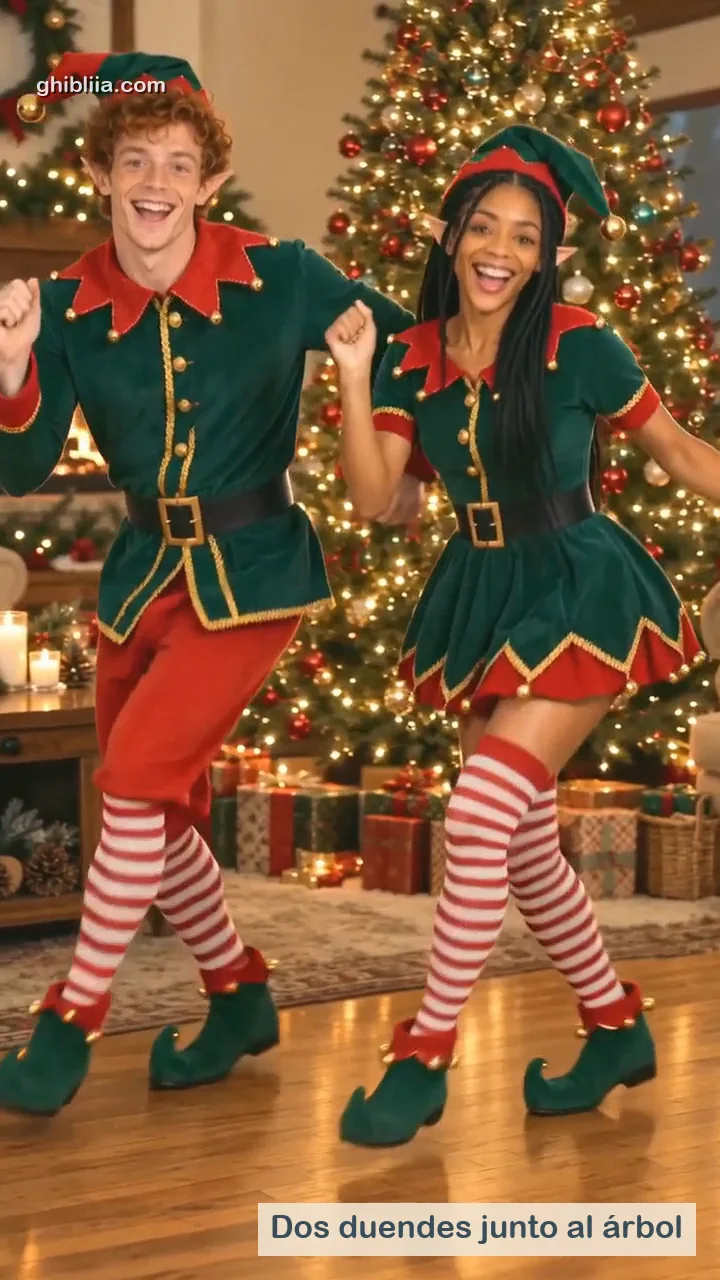
AI Elf Dance: dresses you as a red and green Christmas elf dancing by the tree; one photo, or two.
With your pet
Use a photo with the whole animal in it, no cropped paws or tail. Open this dance →
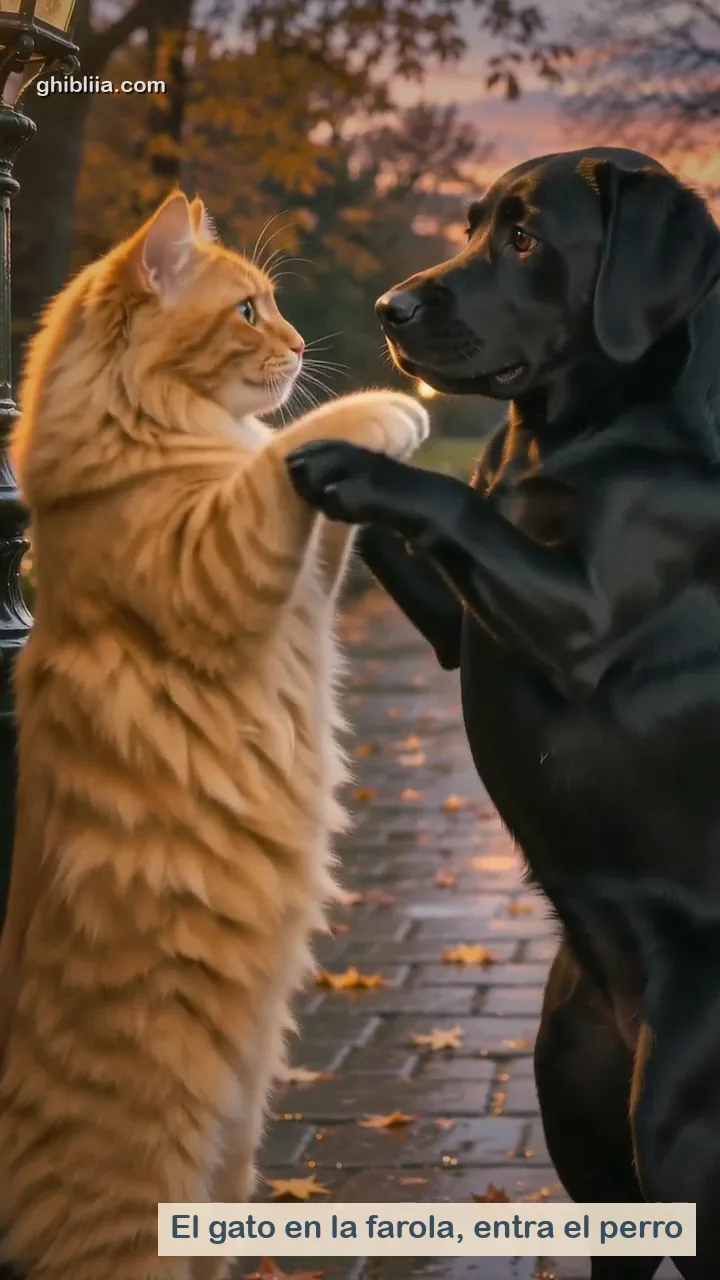
Strike A Pole: one photo of two pets that stand up, spin on a lamppost, dance and hug.
Gangnam Style: also works with a photo of your dog or cat.
AI dance video generator duets from two photos
Tap Duo in the Park: Image puts both of you in one frame, Video makes you dance.
One photo per person
Most one-photo tools animate a single dancer, so the duet takes two photos. On the two-photo card, Photo 1 goes on the left and Photo 2 on the right, as in the sample: him in a green bomber on the left, her in a red jacket on the right. For pets, Strike A Pole starts from one photo with both animals.
Step 1 in Image
Press Open Image: both photos and the dusk park plaza prompt arrive loaded in Image, set to 9:16. Image places the two of you full body, side by side, in one frame. The cost shows on the Image button before it runs.
Step 2 in Video
Under the finished frame you get Animate in Video: the frame becomes the first frame, with the dance prompt (shoulders, side steps with claps, one spin each and a high five), and each of you stays on your side.
Viggle is free with a watermark and a daily cap; here the button shows the credits first.
01
Viggle
What you get: upload a character image and pick from 10,000+ dance templates or upload any clip; it runs on the web, an iOS app and Discord. One video without an account, up to five a day after sign-up (as of November 4, 2026).
The catch: free clips carry a watermark, run one at a time and last 5 seconds in image-to-video; longer clips, watermark-free 1080p and a faster queue are paid.
02
CapCut and phone apps
What you get: CapCut has photo dance templates, and the App Store has dance apps that are free to download.
The catch: a template dances its own routine, and those apps ask for a weekly or yearly plan.
What you get: ten dances with their own effects, a two-photo duet and, in Video, the Media references mode to copy the steps of your own clip: Seedance 2 Mini takes up to 9 images and 3 reference videos (15 seconds in total), Seedance 2.5 up to 30 seconds.
The catch: every video uses credits; the button shows how many before you start, and the seconds of a reference video are added to the cost.
AI dance video generator questions
What does an AI dance video generator do?
It makes a still photo dance. The photo decides who dances; the moves come from a built-in dance template, a written description of the steps, or a reference dance clip whose motion is copied onto the photo. On this page each dance is an effect: upload the photo, press Create video.
Can it copy the steps from a dance clip I have?
Yes, in Video: switch Reference mode to Media references with Seedance 2 Mini or Seedance 2.5, add your photo as an image and the dance as a reference video. It works best when the dancer stays fully in frame. The reference video's seconds count toward the cost shown on the button.
How long are the clips?
On the dance pages, 4 to 15 seconds with Seedance 2 Mini, vertical 9:16. Most dance tools land between 5 and 15 seconds per clip; shorter clips keep hands and faces cleaner.
Will it work with my dog?
Yes: Strike A Pole is built for pets and Gangnam Style takes a person or a pet. Use a well-lit photo that shows the whole animal.
Can three friends dance together?
Here one or two people dance: one with the effect, two with the Duo in the Park card. For a bigger group, use one photo with everyone in it or a multi-character tool; Viggle Multi-Track animates up to seven characters, each from its own image.
How is this different from Swing Dance?
Swing Dance is one dance with its own effect. This page groups all ten Ghibliia dances, has its own rooftop scene and adds the two-photo duet.