Upload a photo of your baby, pick a scene and press Generate video: a wave, a bounce on the knees and a giggling run straight at the camera.
A 10-second 480p clip with Seedance 2 Mini costs 40 credits. The $9.90 pack has 250 credits, enough for 6 of these clips. Packs are one-time purchases, not a subscription, and credits do not expire. See credit packs
Scene
Face to the camera, eyes open, good light. Only upload a photo of your own child. The photo and the finished clip are saved with the generation in your account history so you can download it again.
Baby Dancing AI
Models
Seedance Series
Seedance 2 Mini: text, frame and media reference video generation
0 credits
4–15s
Media references
Veo Series
Google's latest model with exceptional quality output
150 credits
Up to 8s
16:9/9:16
Upload Image
JPEG / PNG (Max 5MB)
Upload Image
JPEG / PNG (Max 5MB)
(Optional)
Upload Image
JPEG / PNG (Max 5MB)
(Optional)
Upload Image
JPEG / PNG (Max 5MB)
(Optional)
With one image, Grok follows the image aspect ratio.
Seedance and MiniMax also bill the actual duration of input videos. Documents: maximum 50 pages.
10s
Public Visibility
When this option is enabled, the output video may be selected by AI Generate and published to the Explore.
A cherry-romper toddler in a bedroom and a duck-onesie toddler marching in a kitchen.
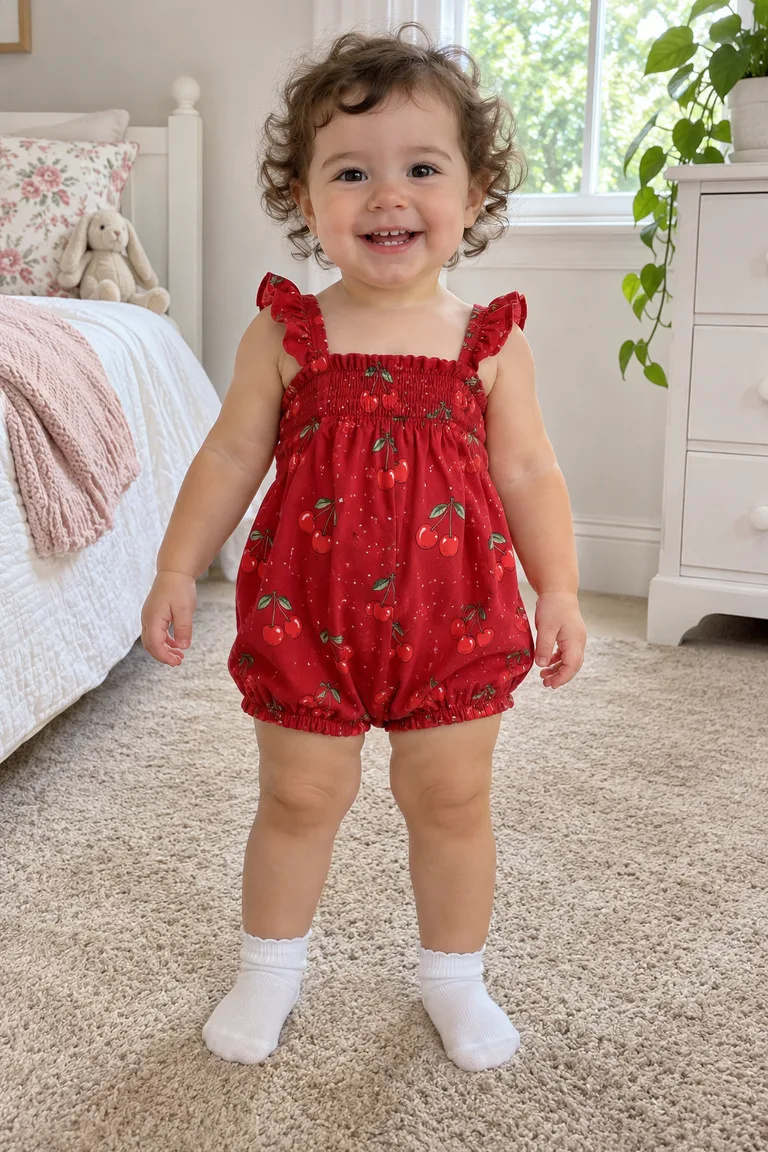
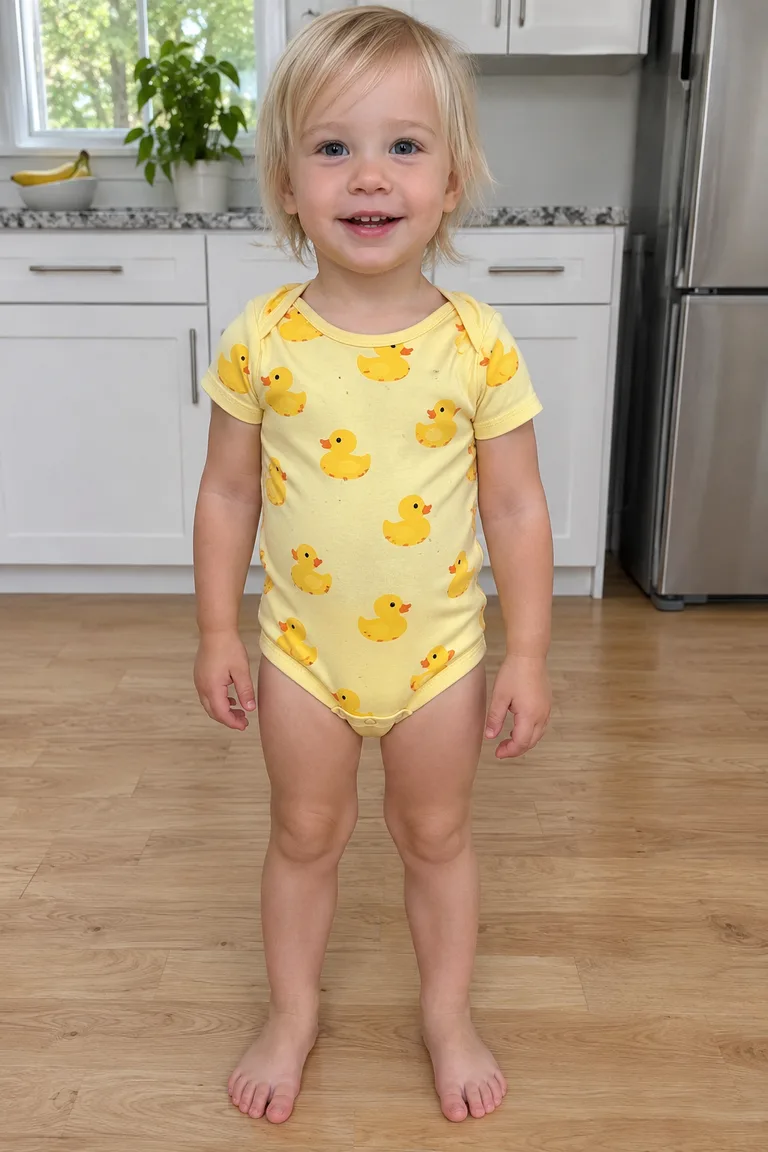
Both babies are original characters made with AI, not customers' children or real kids. Bedroom baby starts from a full-length photo of the toddler standing on a nursery rug, smiling; Kitchen march starts from a photo of the toddler barefoot on a kitchen floor. Each sample is a vertical 9:16 clip made with Seedance 2.0 Fast, about 8 seconds for the bedroom and about 9 for the kitchen.
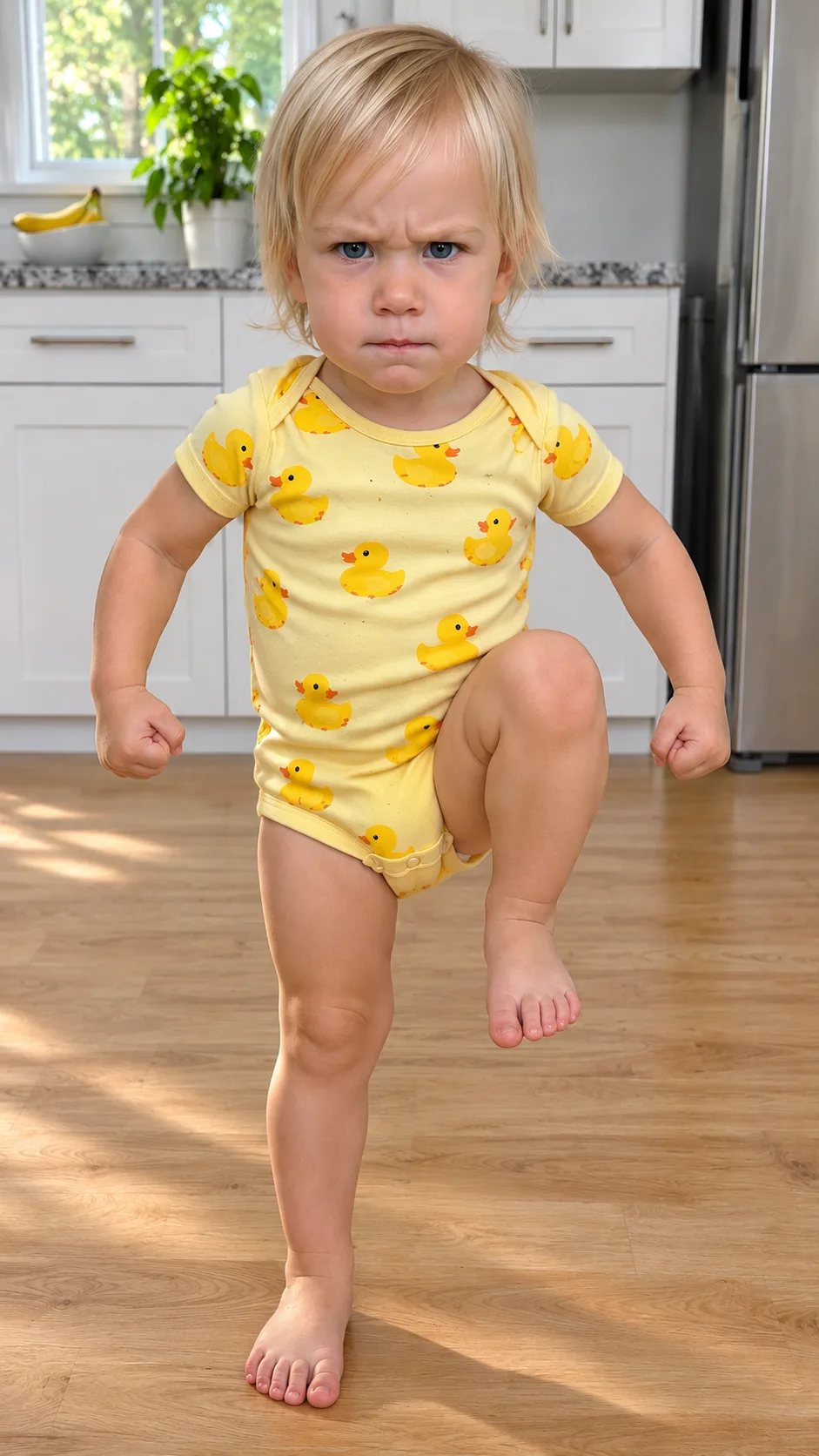
Bedroom baby: 0–1.5 s, arms wide, palms up, giggling; 1.5–3.5 s, bouncing on the knees; 3.5–5.5 s, clapping; 5.5–7 s, a wobbly walk toward the camera; 7–8 s, the face fills the frame. Kitchen march: 0–5 s, marching on the spot, knees high, fists tight, frowning hard; 5–7.5 s, still frowning while stomping closer; around 7.5 s a clap and a grin, then a full laugh.
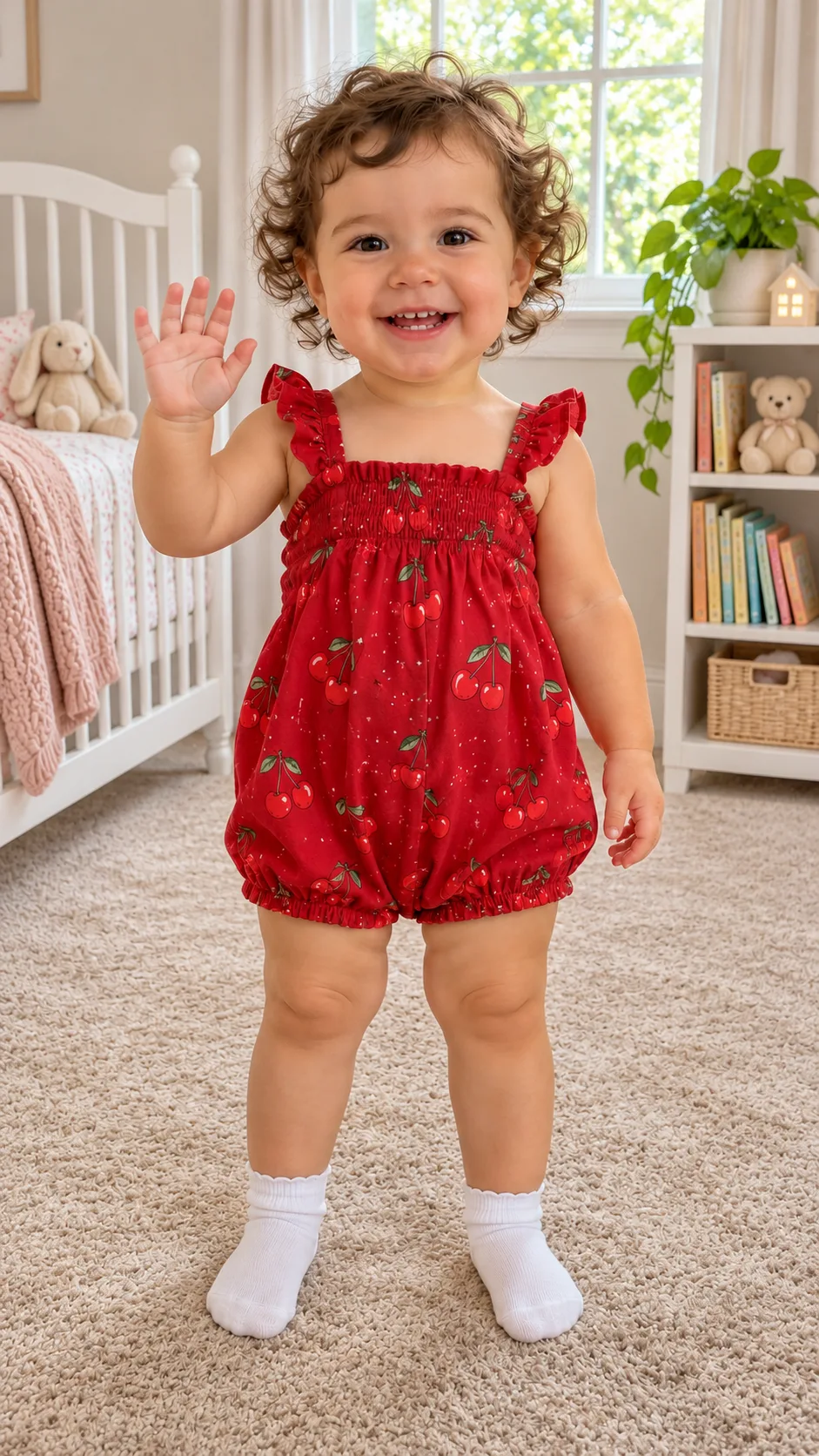
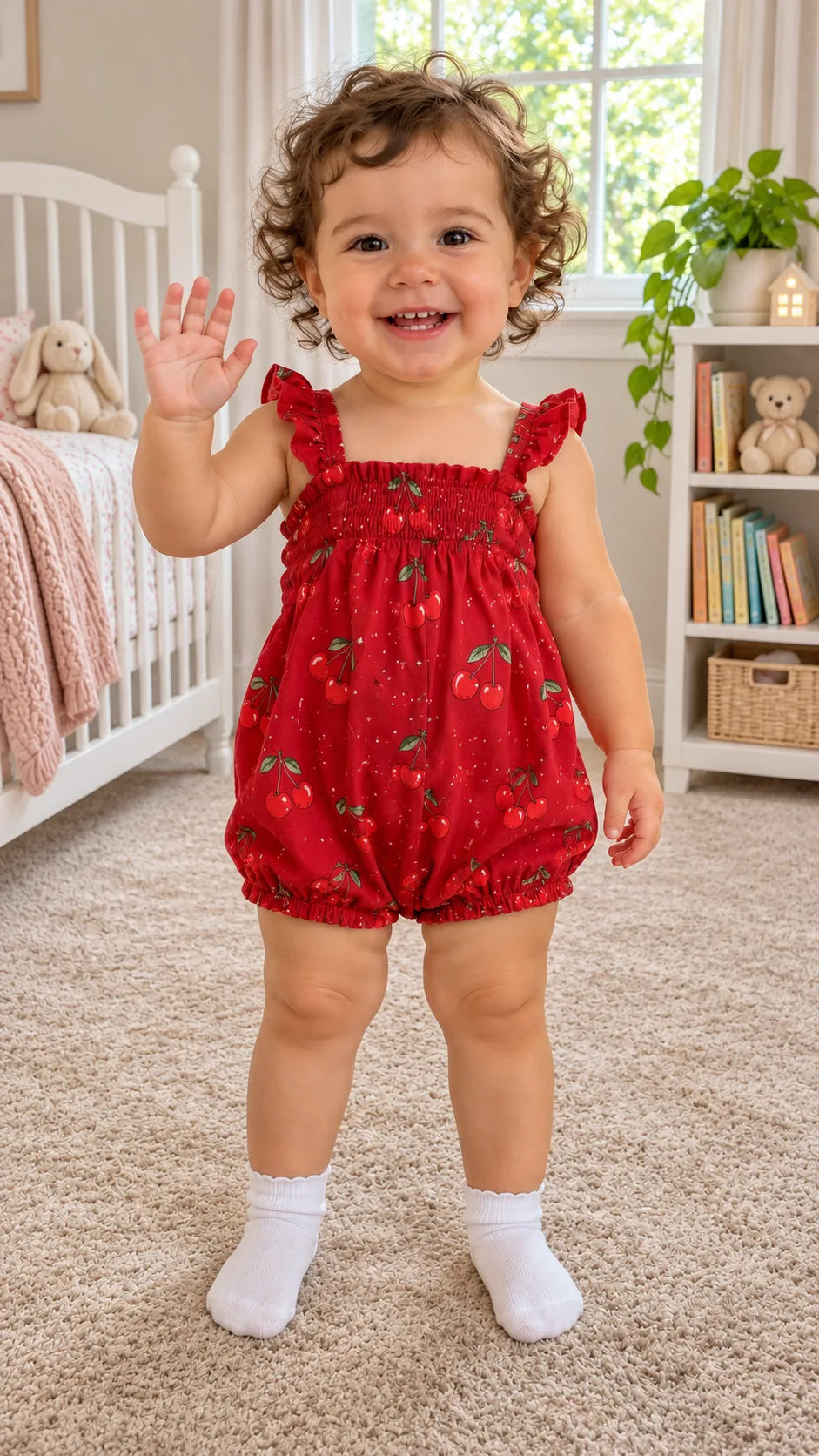
The sound is an original kids' beat, not the trend audio. Baby on the rug is an image only: the same curly-haired toddler photo turned into a waving still by the crib with image-to-image AI, which you can do yourself on Image. Use this scene →
PhotoStillVideo
Bedroom baby
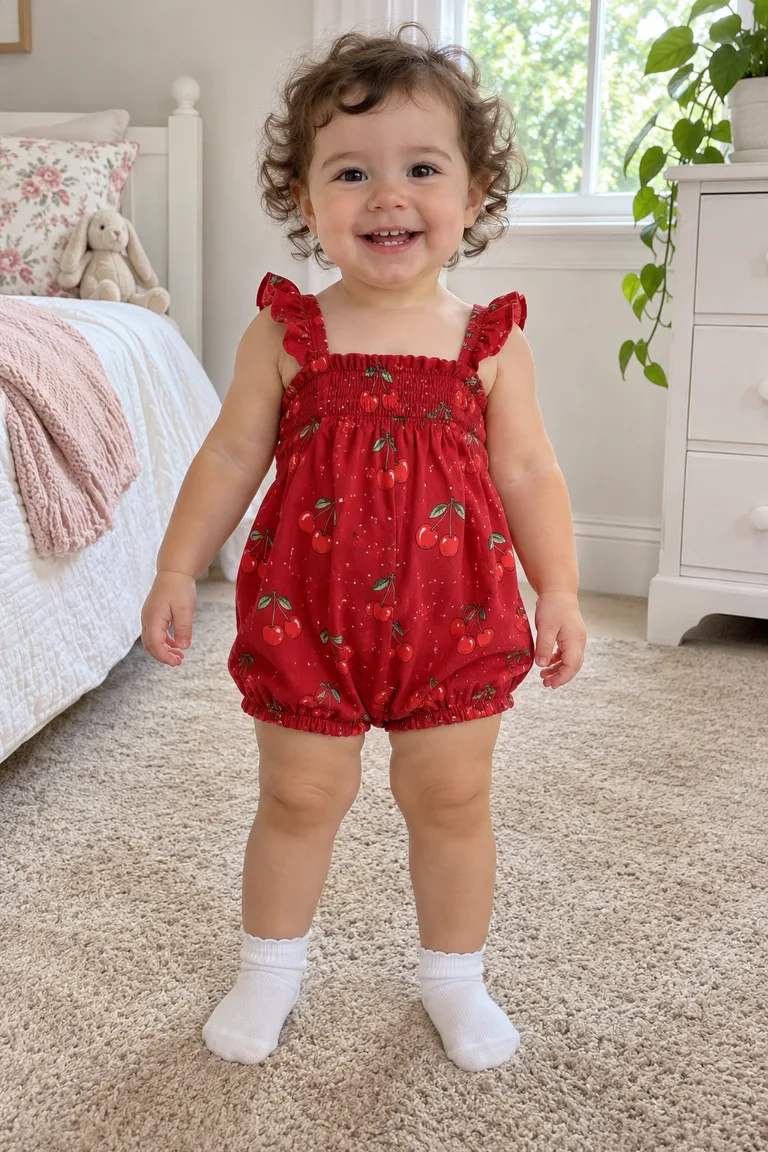
A curly-haired toddler in a red cherry romper and white socks, in a nursery with a white crib, books and stuffed bunnies: opens both arms with a laugh, bounces on the knees, claps, then wobbles toward the camera until the little face fills the screen.
A blond toddler in a yellow duck-print bodysuit, barefoot on the wooden floor of a white kitchen: marches with knees up high, fists clenched and a deep frown, stomps toward the camera dead serious, then claps and bursts out laughing.
The curly-haired toddler in the cherry romper, standing on the beige rug in the nursery next to the white crib and bookshelf, waving one hand and smiling at the camera.
Still made in Image; this scene has no clip. Use this photo
How do I make a baby dancing ai clip from one photo?
Upload a sharp photo of your own baby, pick a scene, press Generate video. You get a vertical MP4 of about 10 seconds.
1
The photo
Your baby facing the camera, eyes open, good light. Standing or sitting both work, and if the outfit is in the shot, the clip keeps it.
One child in the photo
Your own child, or a child whose parents said yes
Sharp, no filters or stickers on the face
2
The scene
Above the photo box, Bedroom baby gives a wave, a shrug, knee bounces, a clap and a run at the camera next to a crib. Kitchen march gives a stern knees-up march, a clap and a grin at the end.
3
Create and download
Press Generate video. The model, length and credits show on the button before you run it. When it's done, press Download. No CapCut template needed. Want the park or grandma's living room instead? Write that scene in Video with your baby's photo as the first frame.
None in particular: the December 2025 sway version used the AI track Last Call for Love, the 2026 CapCut templates use other sounds, and your clip comes with an original beat.
The trend
One photo of a baby becomes a short vertical clip: the baby toddles up to the camera in their own room, waves, does a big shrug, bounces to the beat and runs at the lens laughing. The face comes from the photo and the dance is generated, which is why babies who can't walk yet pull off the whole routine. On TikTok it goes around as "Wait until your baby starts dancing", with parents posting their own kids; per kavel.ai, dancing babies are all over TikTok this week.
The meme itself is older. The earliest viral example usually cited is a December 14, 2025 TikTok by @mindalchemy0236: an AI baby in sunglasses and a gold chain swaying to "Last Call for Love". It spread in early January 2026, per Know Your Meme.
The sound
There's no official song. Posts use whatever sound is hot that week, and the September and October 2026 CapCut templates each bring their own ("Bonito, Bonito", "Young Folks", "Supalonely" and more), so two clips with the same caption can sound nothing alike.
Your clip comes with an original kids' beat. If you want the trend sound, add it in TikTok or Reels when you post.
Which photo for baby dancing ai, and where it is kept
Your own child, face to the camera; the photo and clip stay in your account history.
Good
Face forward, eyes open
Daylight or window light
Standing or sitting, either works
The outfit you want in the clip: the romper in the photo stays on
Skip
Photos of other people's kids
Several children in one photo
Blurry, dark or far-away shots
Filters, stickers or hats covering the face
Where the photo goes
Only upload a photo of your own child. The photo and the finished clip are saved with the generation in your account history so you can download it again.
The moves stay toddler moves: waving, clapping, bouncing, marching and running at the camera, always fully dressed. No grown-up dance steps.
Download the MP4 and share it, or post it with a trending sound.
Family chat
Press Download and drop the MP4 into the family group like any phone video. It's vertical, so it plays full screen. Watch it through first: the face should still be your baby's in the close-up at the end; if not, run it again with a sharper photo.
TikTok or Reels
Upload it and pick the trending sound there. "Wait until your baby starts dancing" or baby dancing ai works well in the caption. Rather have your own song? Make it in Music. More ideas in all video effects.
A short vertical clip built from one photo of your baby: a wave, a shrug, bouncy knees and a laughing dash at the camera.
Does my baby need to walk already?
No. Only the face comes from your photo; the dance is generated, so even a baby who just sits gets the full routine.
Which song is in the clip?
No trend song. The clip has an original kids' beat, and you can add whatever sound is trending when you post on TikTok.
Whose photo can I upload, and is it saved?
Only upload a photo of your own child. The photo and the finished clip are saved with the generation in your account history so you can download it again.
How much does it cost?
A 10-second 480p clip with Seedance 2 Mini, the default here, costs 40 credits (4 credits per second). Other lengths run from 16 credits (4 s at the lowest resolution) to 135 credits (15 s at the highest). Credit packs start at $9.90 for 250 credits (about 6 clips) and go up to $49.90 for 2200 credits (about 55 clips). Packs are one-time payments with no subscription, credits do not expire, and a Seedance 2 Mini run that fails returns its credits. The Generate button shows the cost before you confirm.