King Jin AI Trend: Stand Still, Let the Street Bow
Upload your photo, pick Neon alley and press Generate video: you stand dead still on a neon street while every person around you bows. Credits show on the button before you create.
A 10-second 480p clip with Seedance 2 Mini costs 40 credits. The $9.90 pack has 250 credits, enough for 6 of these clips. Packs are one-time purchases, not a subscription, and credits do not expire. See credit packs
Scene
One adult from the chest up, or one pet with its face in view
King Jin AI Trend
Models
Seedance Series
Seedance 2 Mini: text, frame and media reference video generation
0 credits
4–15s
Media references
Veo Series
Google's latest model with exceptional quality output
150 credits
Up to 8s
16:9/9:16
Upload Image
JPEG / PNG (Max 5MB)
Upload Image
JPEG / PNG (Max 5MB)
(Optional)
Upload Image
JPEG / PNG (Max 5MB)
(Optional)
Upload Image
JPEG / PNG (Max 5MB)
(Optional)
With one image, Grok follows the image aspect ratio.
Seedance and MiniMax also bill the actual duration of input videos. Documents: maximum 50 pages.
10s
Public Visibility
When this option is enabled, the output video may be selected by AI Generate and published to the Explore.
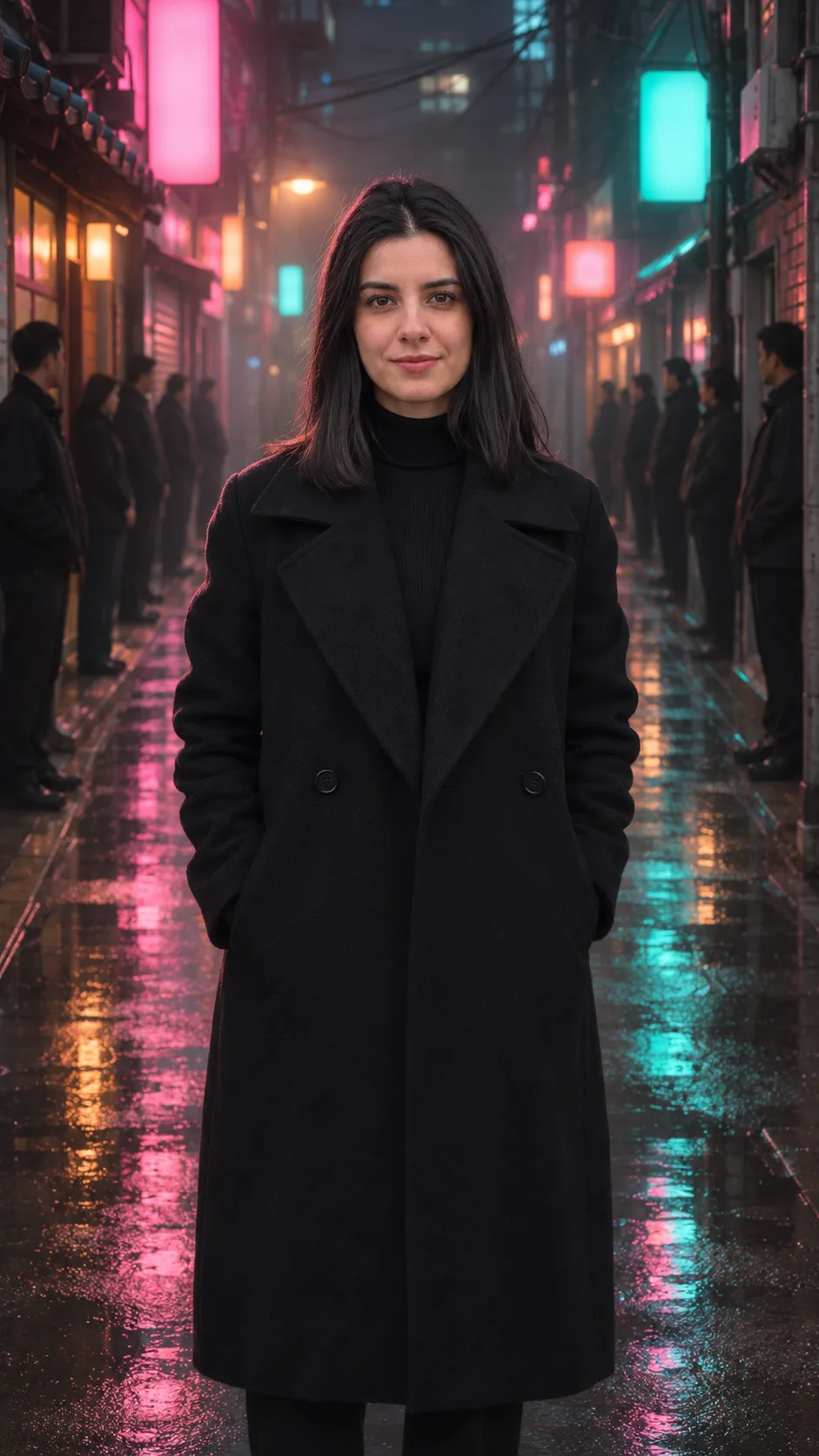
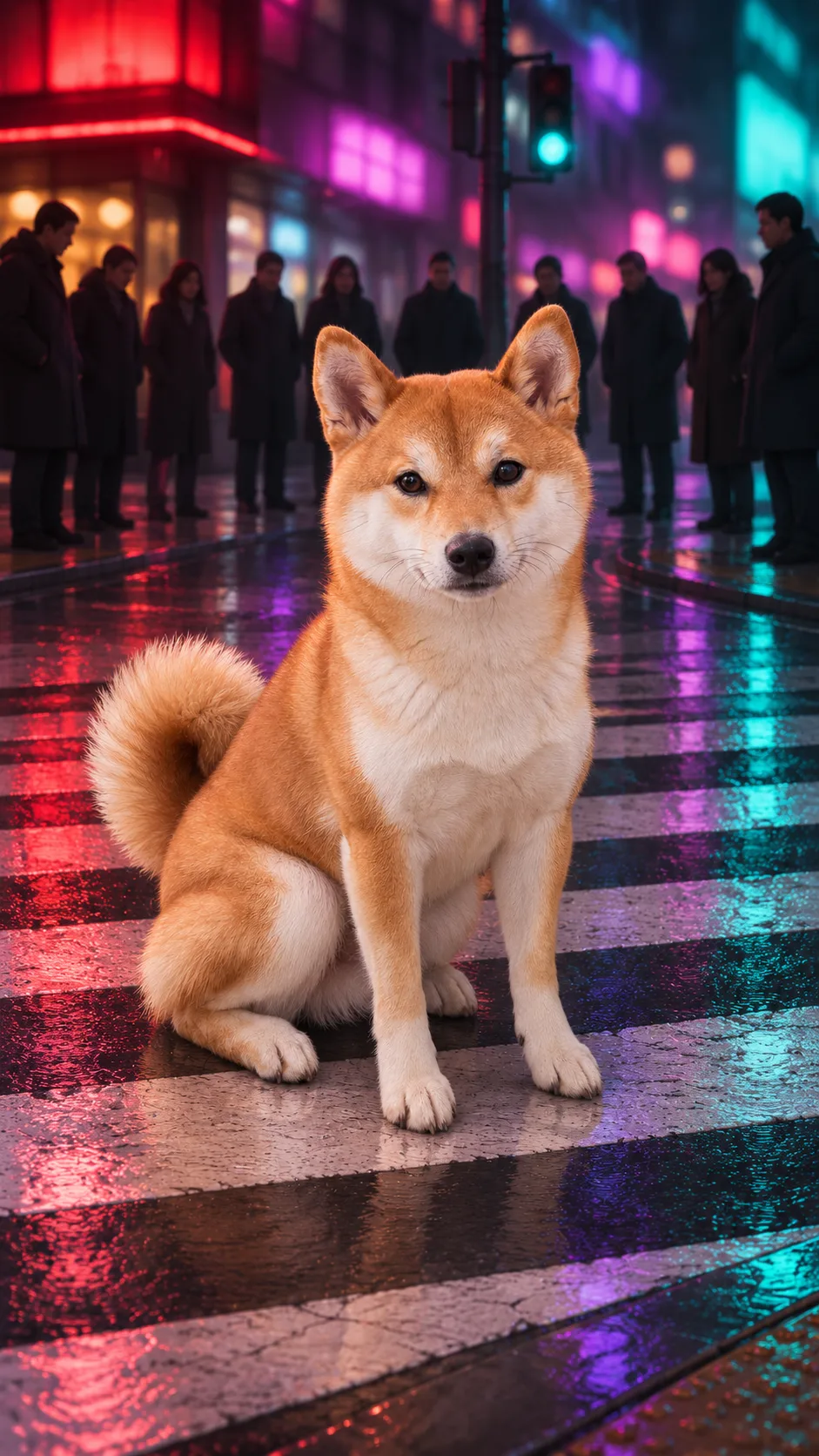
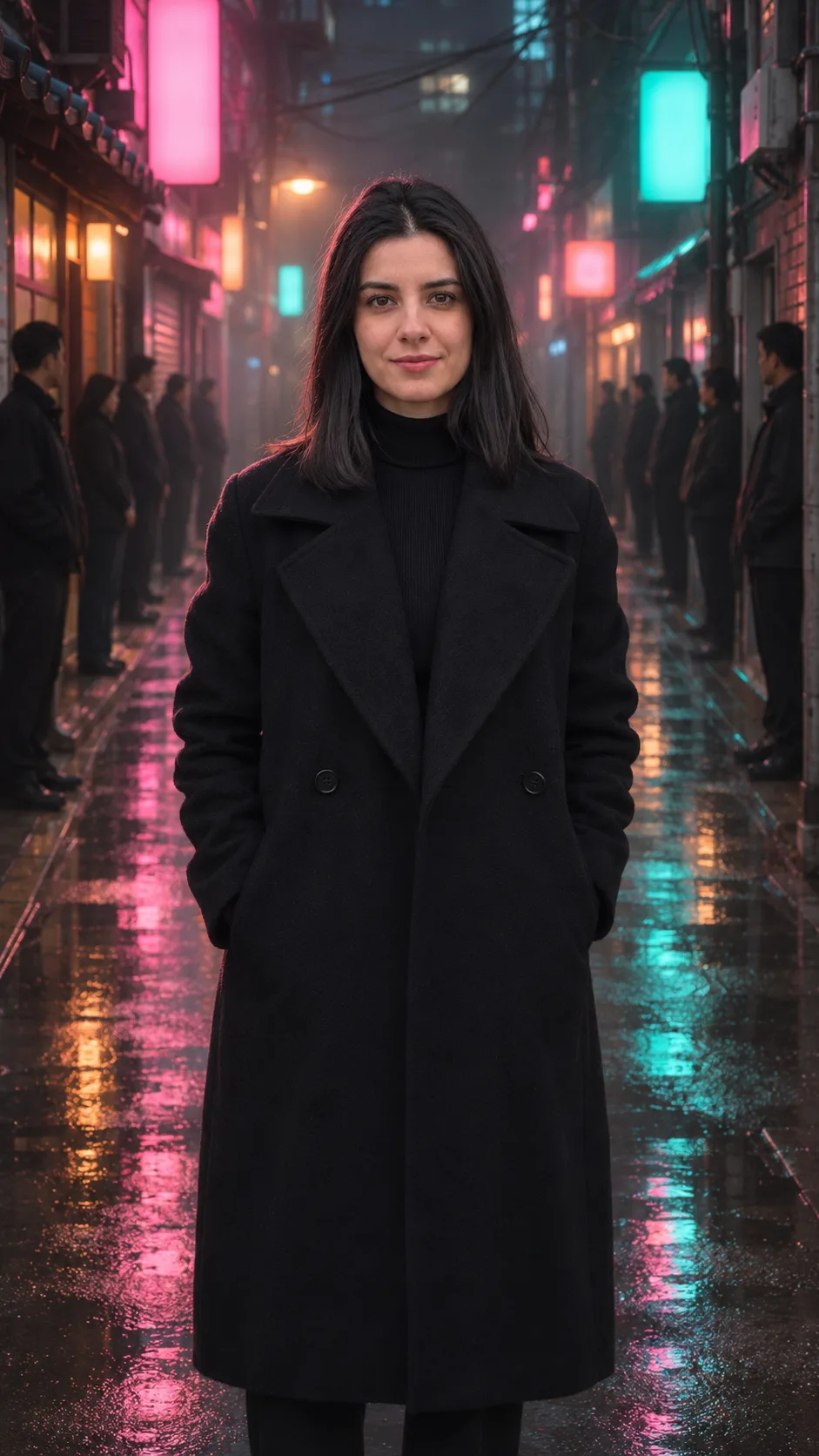
A woman in a black coat in a wet neon alley and a shiba on a crosswalk, each with the crowd bowing.
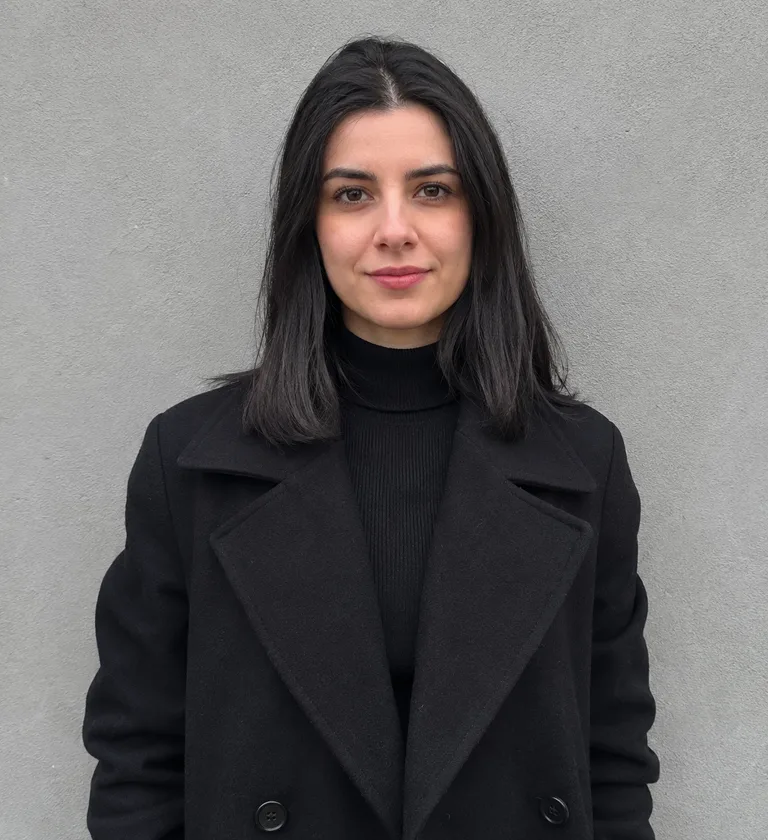
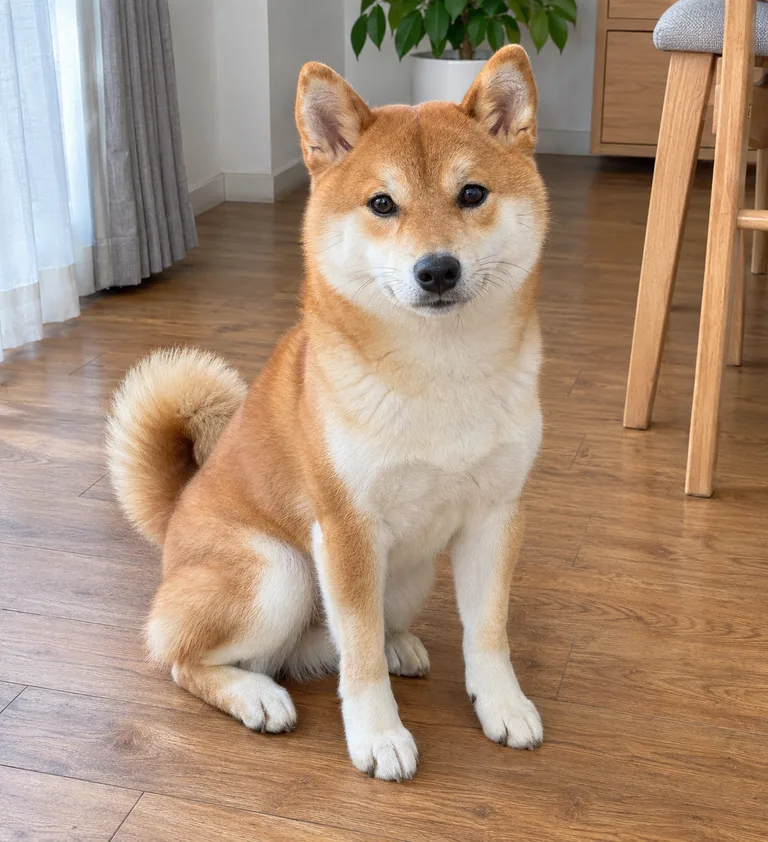
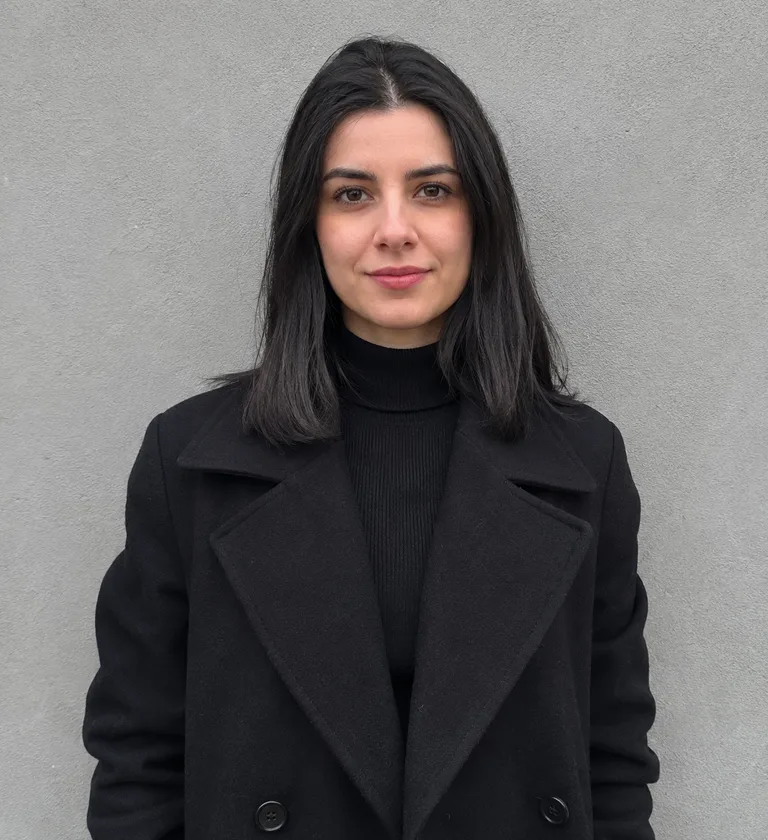
The woman, the shiba and every person on the street are originals made with AI, not customers or real people. Neon alley starts from a waist-up photo of the woman in her black coat against a grey wall; My dog rules starts from a photo of a shiba sitting on a wooden floor at home. Each photo was turned with AI into an image on the night street, and that image became a vertical 9:16 clip of about 9 seconds made with Seedance 2.0 Fast. You hear original music, not the trend's sound. The signs are blocks of light with no letters.
Neon alley: 0–3 s, full body, hands in her pockets, both rows of men standing; 3–4.5 s, from the far end of the alley toward the camera, they bend at the waist one by one; 4.5–9 s, the whole alley stays bowed, she doesn't move, and the camera pushes in to her chest. My dog rules: 0–1 s, the shiba sits on the crosswalk, people standing behind; 1–2.5 s, everyone bows; 2–5.5 s, a wink or two, not a step taken; 6–8.4 s, the camera ends right on its face.
The alley, still is an image only: the same photo of the woman moved into the alley with image-to-image AI (GPT Image 2.5 Flare), the same thing you can do on Image. Use this scene →
PhotoStillVideo
Neon alley
A black-haired woman in a long black coat, hands in her pockets, stands still in the middle of a wet alley lit pink and teal; the men in dark jackets on both sides bend at the waist one after another, and the camera moves in on her faint smile.
A red-and-cream shiba sits on a wet crosswalk at night under red, violet and teal light; behind it a row of people in dark coats bows, it winks without leaving its spot, and the camera ends right on its face.
The same woman in the long black coat, standing still in the middle of the wet alley, the signs just blurs of pink and teal light; two rows of men in dark jackets stand upright on both sides, facing her.
Still made in Image; this scene has no clip. Use this photo
One photo, and the street bows: the king jin ai trend
A chest-up photo facing the camera, pick a scene, press Generate video.
1
The photo
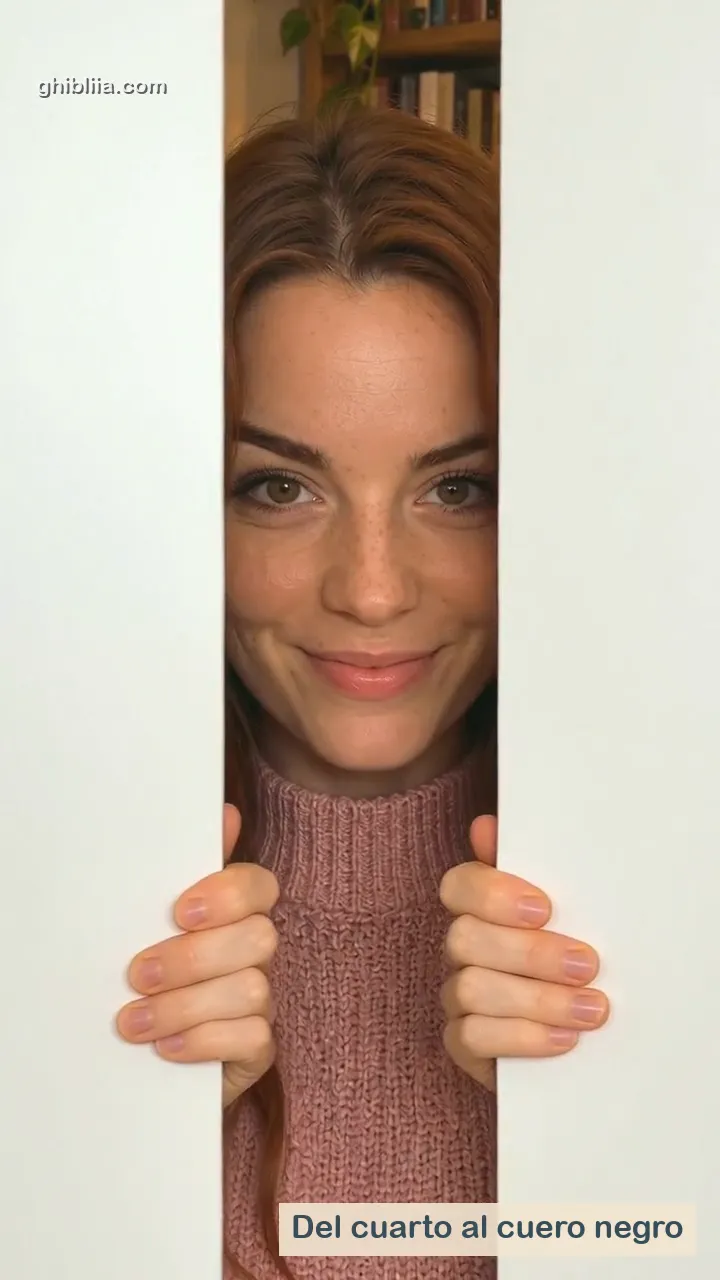
Chest up or waist up, looking into the lens, sharp and well lit: the clip ends on a close-up of your face. Hair and clothes carry over from the photo, so a dark jacket or suit sells the boss look. Any background works; the clip brings the street, the neon and the crowd.
One adult or one pet in the frame
No sunglasses, no hand over your face
No beauty filter
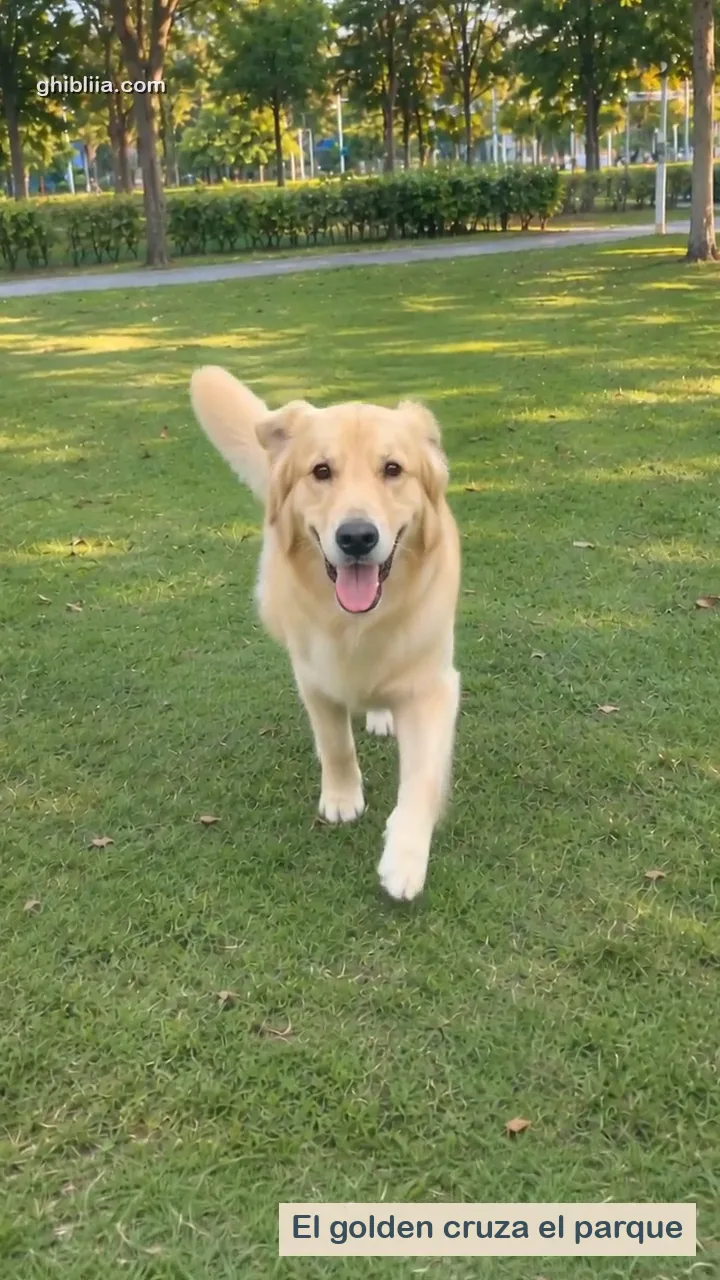
For a dog or cat: one animal, face and body in view, eyes open, daylight
2
The scene
Above the photo box, Neon alley puts you in a wet alley between two bowing rows; My dog rules sits your pet on a crosswalk while the crowd behind it bows. No CapCut template needed.
3
Create and download
Press Generate video. The model, length and credits show on the button before you run it. When it's done, press Download for a vertical MP4.
What is the king jin ai trend and where did it start?
A CapCut AI photo template; the hashtag dates from November 11, 2026, and the template's author is not confirmed.
01
The hashtag and the tutorial
The idea: from one photo, you appear at night on a neon Korean street, standing still and staring calmly into the camera, while the crowd around you bends at the waist and bows deeply as the camera pushes in on your face.
November 11, 2026: the #kingjinaitrend hashtag is created. November 13: @tramthoigian_01 posts "Trend AI King Jin", the earliest result on record, and two hours later @xdwshfzqi0k posts a CapCut tutorial with two results, a woman and a man; by November 15 it had 3.5 million views, 202,000 likes and 23,400 shares. Nobody names who made the template. Figures from makeviral.ai.
02
Powerful incoming, King Jin Yang and other names
By November 15, #kingjinaitrend held 650 videos and 10.8 million views. Most early posts come from Myanmar, Vietnam and Indonesia, where tutorials call it "trend King Jin" or the King Jin Yang mafia drama; others say King Jin powerful incoming or powerful entrance. On November 14 an Indonesian YouTube tutorial showed how to make it without CapCut.
You'll also see it as king jin ai, king jin trend, #kingjin or "everyone bows to me". Want a different scene with your photo? Write it in Video.
Unconfirmed: commenters name Weak Hero Class 2; the scene here is new and AI-made.
What the comments say
Under the most-watched tutorial, commenters say the bow comes from the Korean drama Weak Hero Class 2. makeviral.ai says it could not confirm that. For now it's a rumour.
A new scene from your photo
Nobody filmed this: the street, the crowd and the bow are made by AI from one still photo. No footage from the show, no actors, no names on the signs.
Keep the platform's AI label on, and use your own photo, an adult's who said yes, or your pet. Don't use it to make a real person look like a gang boss.
The clip has original music; add the trend's hardstyle sound in TikTok.
The trend's sound
The top tutorial and the CapCut results use "KIAT JUD DAY HARDTEKK (TikTok Version)" by hardangel. It isn't in your clip: when you post on TikTok, search the sound by name and pick it for your video.
Your own track
Rather have something of your own? Describe a dark, bass-heavy beat in Music and use it underneath. More ideas in all video effects.
You hold still on a neon street at night. One by one, the people around you fold at the waist and stay down, and the camera closes in on your face.
Do I need the CapCut template?
No. It started as a CapCut template, but here you upload a photo, pick a scene and press one button in your browser.
Can the street bow to my cat?
Yes. Pick My dog rules and upload a photo of one animal with its face and body in view; it sits on the crosswalk and the crowd bows. For other clips of your pet, try Pet Photo to Video.
Which photo works best?
One adult, chest up or waist up, facing the camera in good light. The clip closes on your face, so skip sunglasses and filters.
How much does it cost?
A 10-second 480p clip with Seedance 2 Mini, the default here, costs 40 credits (4 credits per second). Other lengths run from 16 credits (4 s at the lowest resolution) to 135 credits (15 s at the highest). Credit packs start at $9.90 for 250 credits (about 6 clips) and go up to $49.90 for 2200 credits (about 55 clips). Packs are one-time payments with no subscription, credits do not expire, and a Seedance 2 Mini run that fails returns its credits. The Generate button shows the cost before you confirm.